The Best Smartwatches for Kids — and When a Phone Makes More Sense

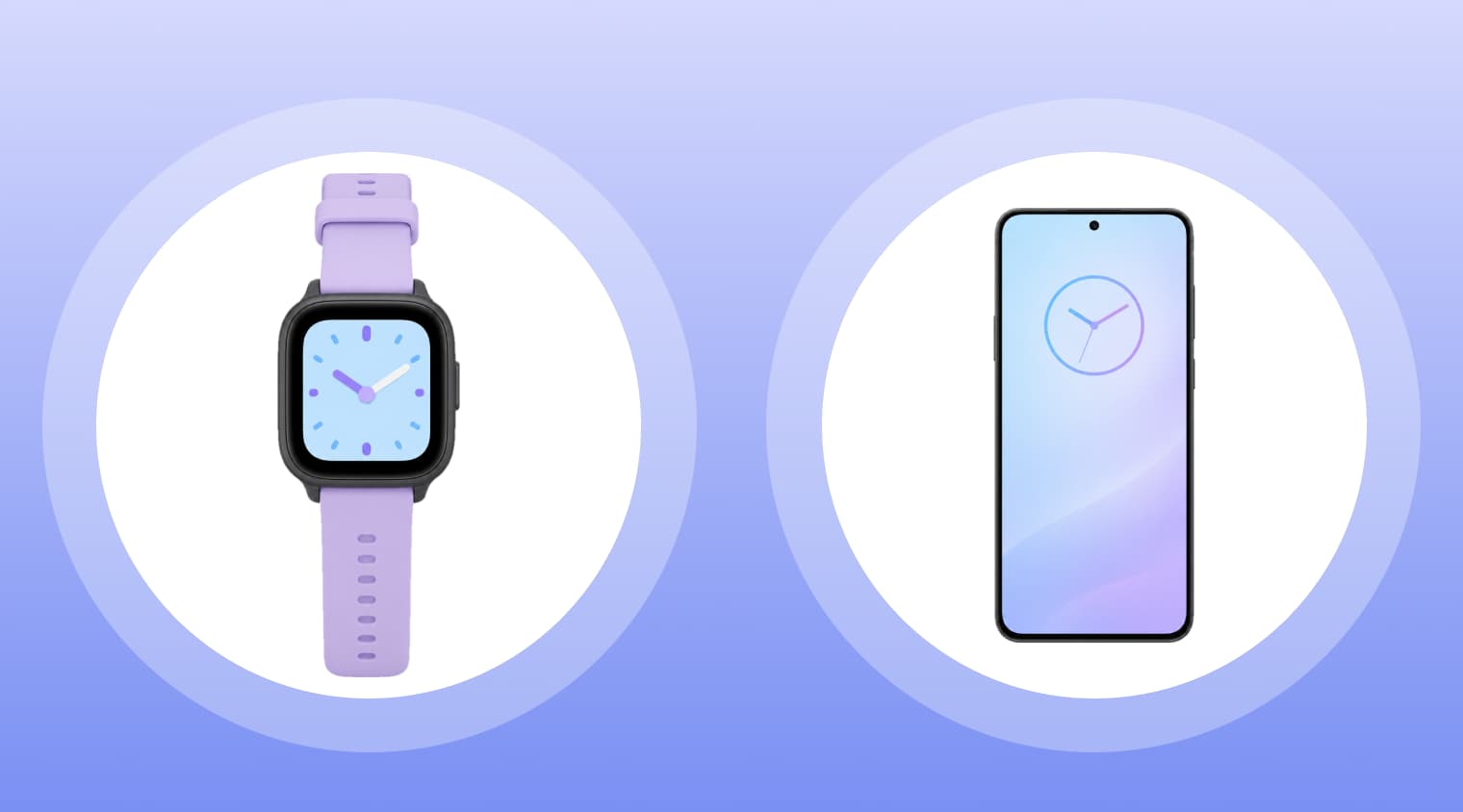
A 9-year-old walking home from the bus stop alone for the first time needs one thing above all: a reliable way to reach their parents. That’s exactly what a kids’ smartwatch is designed for. Most models let children call a limited list of parent-approved contacts while allowing parents to check their location through a companion app. The best options also keep distractions to a minimum by leaving out web browsers, social media, and app stores.
In this guide, we’ve compared five of the best smartwatches for kids in 2026, looking at their features, battery life, monthly costs, and ease of use. We’ll also explore when a smartwatch makes more sense than a smartphone—and when a phone with parental controls like Kids360 may be the better fit for your child.
Key Takeaways
- Every watch in this guide needs a monthly plan before it can make calls or offer live GPS tracking away from Wi-Fi.
- Battery life on a kids smartwatch runs from about 14 hours to two days, so nightly charging becomes part of the routine.
- For kids aged 7 to 10, a basic watch with fewer features and parent-approved contacts is usually enough.
- The Apple Watch For Your Kids setup requires a parent’s iPhone, while Galaxy Watch for Kids requires a compatible Samsung Galaxy phone.
- Older kids who are ready for a smartphone can get location sharing and screen time limits through Kids360 instead.
Table of Contents
Best Smartwatches for Kids in 2026: Top 5 Picks
These five kids’ smartwatches are the ones parents compare most often. The price listed is the starting price, before the monthly plan, and over two years, that plan can cost more than the watch. Many parents add the two together before they buy.
| Watch | Price | Monthly Plan | Battery Life | Key Features | Best For |
|---|---|---|---|---|---|
| Gabb Watch 3e | $149.99 | $12.99 to $17.99, plus $30 activation | 14 to 18 hours | GPS, safe contacts, calls and texts | Younger kids |
| TickTalk 6 | $159.99 | From $9.99, no activation fee | About 20 hours with heavy use | GPS, video calls, camera, messaging | Video calling |
| Garmin Bounce 2 | $299.99 | $9.99 a month or $99.99 a year | Up to 2 days | GPS tracking, activity tracking, messaging | Active kids |
| Apple Watch SE 3 | From $299 (GPS + Cellular) | Carrier plan | Up to 18 hours | GPS, health tracking, Apple ecosystem | iPhone families |
| Samsung Galaxy Watch7 LTE | $349.99 at launch | Carrier plan | About 2 days | GPS, health tracking, Wear OS apps | Samsung families |
The Gabb and TickTalk GPS watches were designed for children from the start. The Apple and Samsung models are adult smartwatches with a kids mode added on top, which means more features and a higher price. Unlike fitness trackers, all five devices can make calls. Battery life varies more than most parents expect, from 14 hours on the Gabb to about two days on the Samsung.
Here’s a closer look at what each model offers, and which kids it’s best suited for.
Gabb Watch 3e: Best for Younger Kids
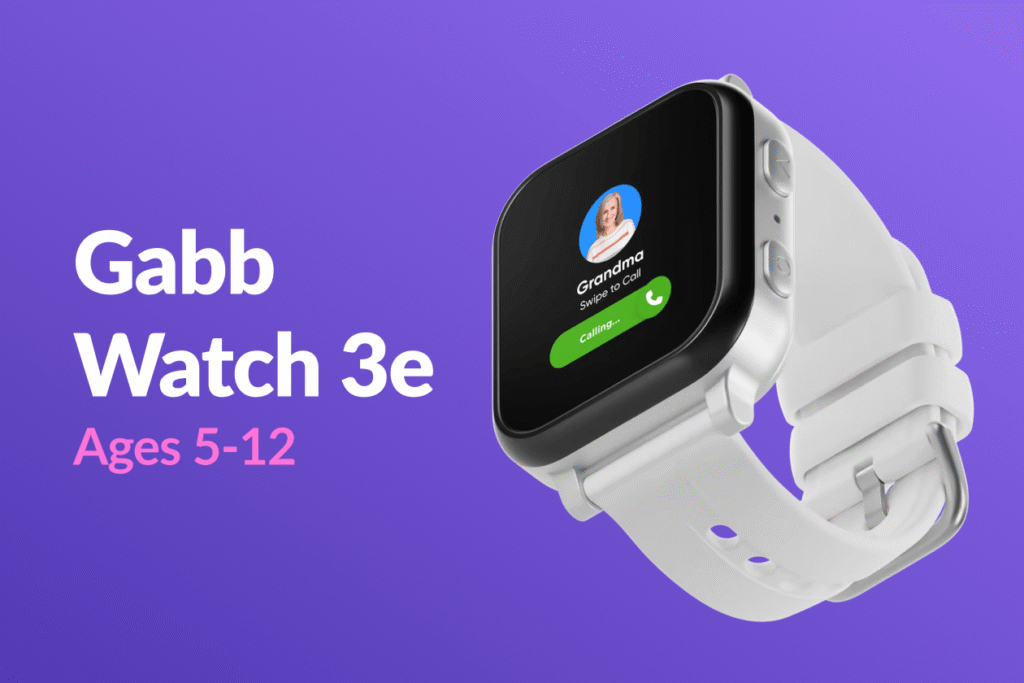
Gabb designed this watch to be deliberately plain, which makes it an ideal first watch for a 7- or 8-year-old. Its features are limited on purpose. Kids can call or text up to 100 contacts that a parent has approved, and that’s the full list of people who can reach them. There’s no browser and no social media.
SafeWise found that the SOS button places a call in about four seconds. Like most SOS buttons on kids’ watches, it’s built for an emergency, and it calls a parent contact rather than 911. The watch also has Safe Zone alerts, a flashlight, an alarm clock, and a school mode for class time.
Two things are worth keeping in mind before parents buy. Gabb rates its battery life at 14 to 18 hours, so a watch that misses the charger one night will likely be dead by the next afternoon. And according to one review, the GPS map refreshes about every 15 minutes, which affects accuracy. A kid who has just left the park may still show up there on the parent’s map.
TickTalk 6: Best for Calling and Video Communication
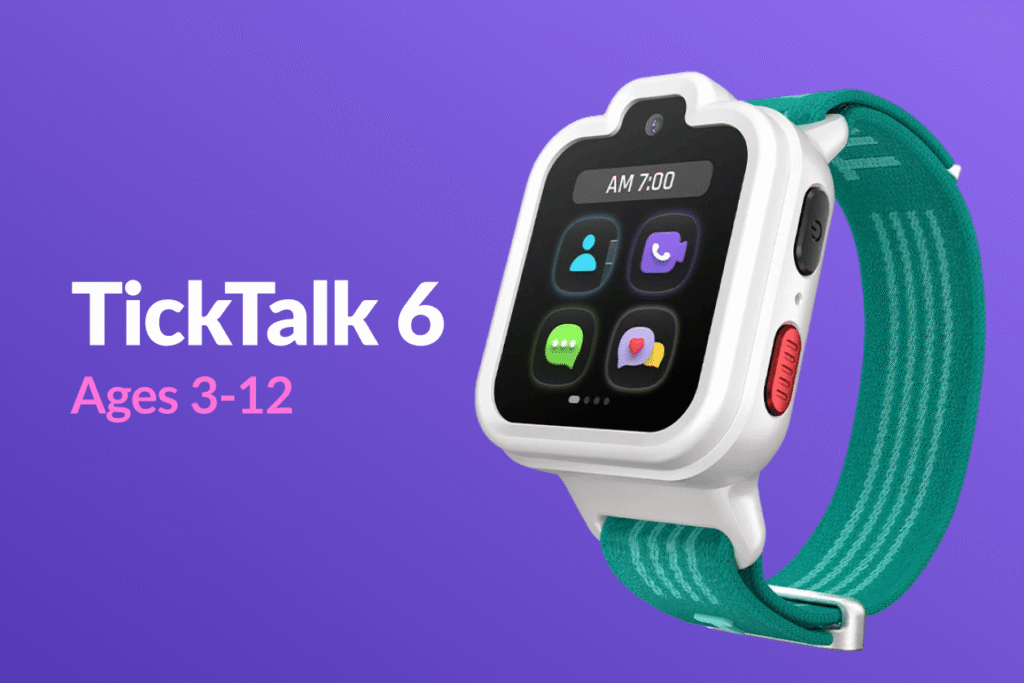
Grandparents tend to love this one. TickTalk 6 has a 5MP camera for FaceTalk video calls as well as regular voice calls, so a 7-year-old can show Grandma their lost tooth instead of just describing it. Kids can also communicate by text with approved friends and family, join group chats, and share pictures in messages. Games, social media, an app store, and open browsing are all blocked, and there’s an activity tracker and reminders, plus 911 calling for an emergency.
Plans start at $9.99 a month with no activation fee or contract, so the price of the plan is lower than Gabb’s. The trade-off is battery life. TickTalk says heavy use, meaning video calls, location checks, and music, gives around 20 hours. It also isn’t designed for swimming, so kids shouldn’t wear it in the pool.
Garmin Bounce 2: Best for Active Kids
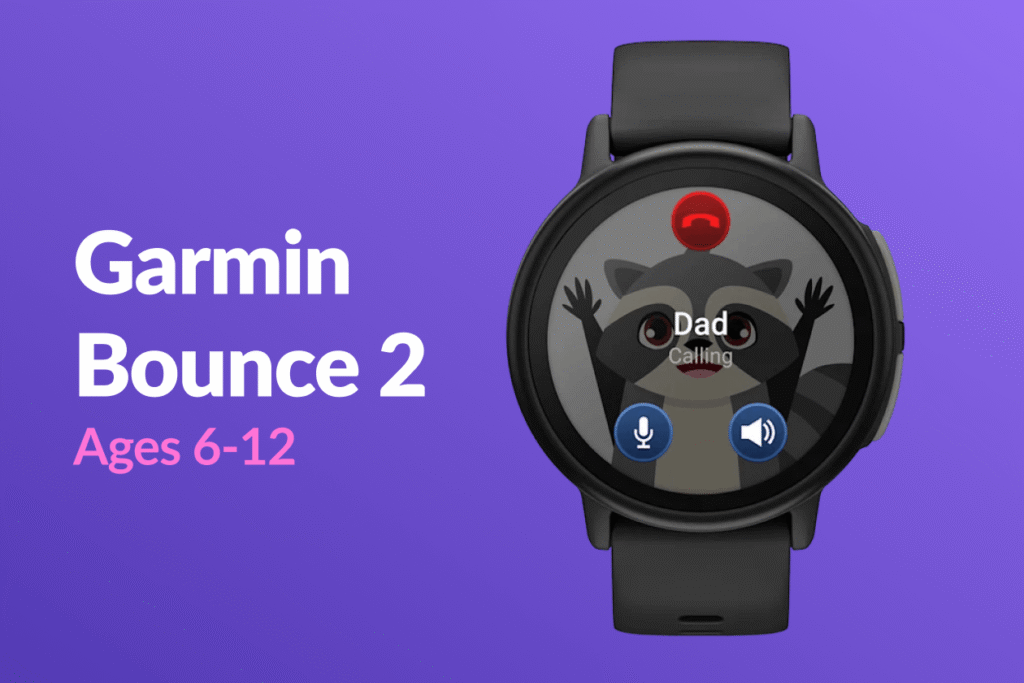
The Bounce 2 is designed for a kid who swims, plays soccer twice a week, and can’t sit still in between. It’s durable and water-friendly, with real-time GPS tracking in the Garmin Jr. app, fitness and activity tracking, games, and chores. Kids get reminded about chores right on their wrist, which beats a sticky note on the fridge. They can also play games and listen to music on it, and it comes in a few colors, including Light Purple.
Garmin handles LTE connectivity itself for $9.99 a month, so families don’t have to call their carrier. The downsides are the $299.99 price and the fact that messages only go to people using the Garmin app. Garmin quotes up to two days of battery life, but TechRadar’s tester got just over a day in real use and found GPS accuracy mixed.
Apple Watch SE 3: Best for iPhone Families
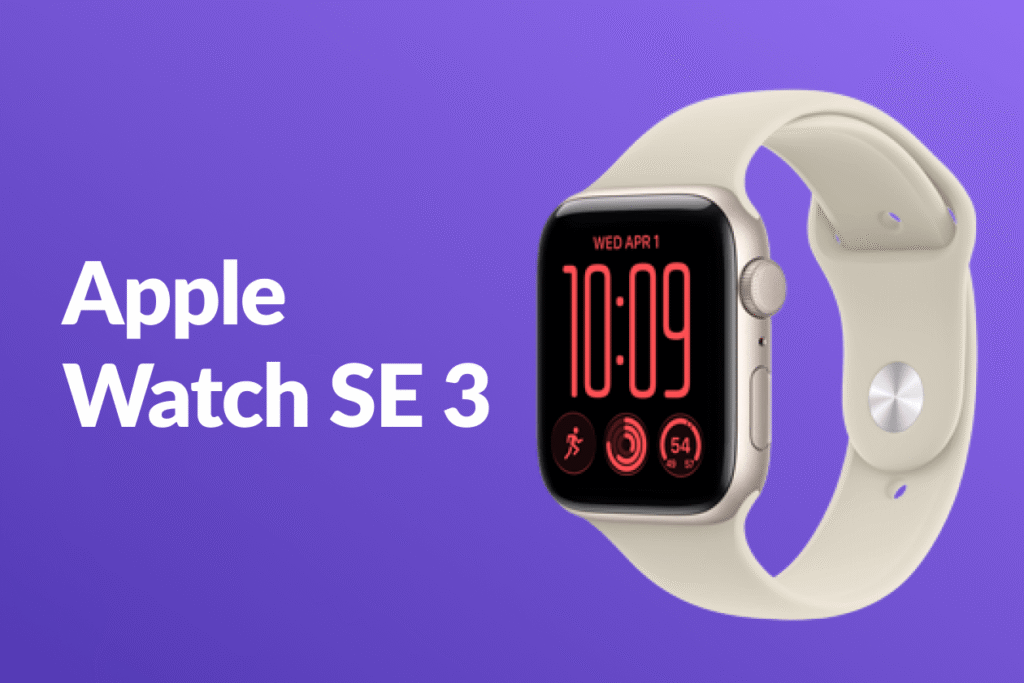
Apple Watch SE 3 can work well for kids, but it is best suited to families already using an iPhone. Parents can set up the watch through Apple’s Apple Watch For Your Kids feature, manage settings and approved contacts from their iPhone, and track their child’s location. The child doesn’t need their own iPhone, but the watch must be the GPS + Cellular model with an active carrier plan. During school hours, Schooltime restricts apps and notifications and turns on Do Not Disturb, helping kids stay focused in class.
The SE 3 brings a lot that kids’ watches don’t, including Emergency SOS, Crash Detection, Fall Detection, detailed health and fitness tracking, and 5G connectivity. Parents who buy one should know the price is higher than a kids-only watch, and there are more features to manage. Fifteen minutes on the charger gives roughly 8 hours of use, which helps on rushed mornings. Full battery life is up to 18 hours, though, so it needs charging every night, and an 8-year-old has a lot more to explore here than on a Gabb.
Samsung Galaxy Watch7 LTE: Best for Samsung Families
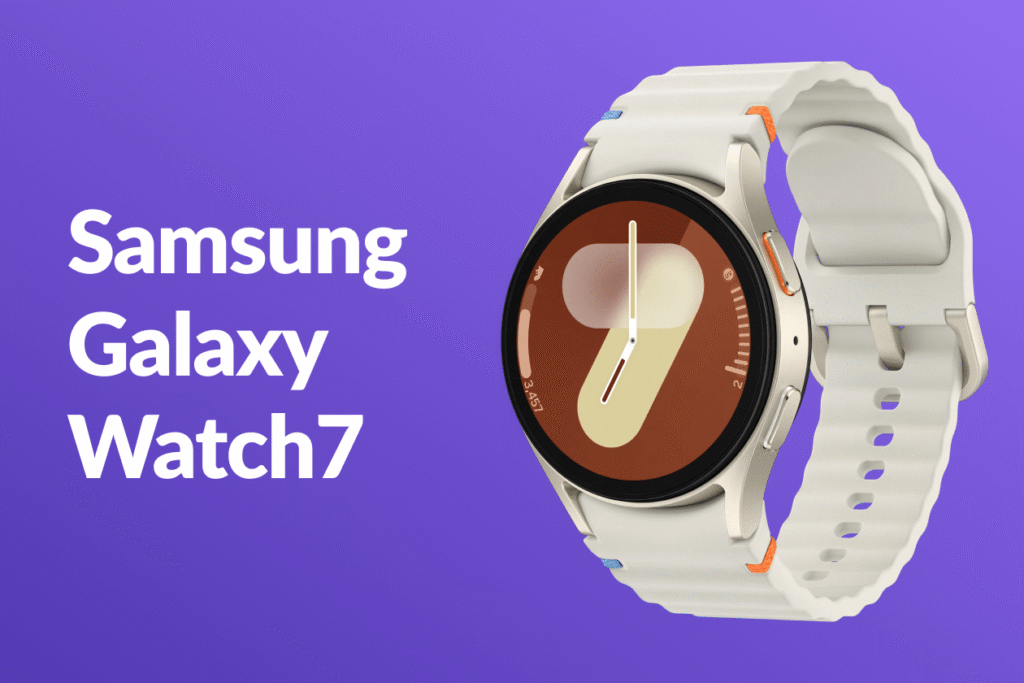
Samsung’s kids setup has two catches, and they should come first. The watch has to be paired with a Samsung Galaxy smartphone running One UI 5.1 or above, and it’s subject to carrier support, since it’s only offered in the U.S. through AT&T, T-Mobile, and Verizon.
Once set up, parents can use Google Family Link to manage approved contacts, track their child’s location, approve apps, and schedule Schooltime to limit distractions during class. Samsung Health adds activity and health tracking, although the Watch7 was originally designed as an adult smartwatch rather than a dedicated kids’ watch. Battery life is another consideration: Android Central reported up to two days with the always-on display turned off, though actual results depend on usage. At its $349.99 launch price for the 40mm LTE version, plus the cost of a carrier plan, it’s the most expensive watch in this comparison.
Do Kids Smartwatches Work Without a Monthly Fee?
Not if your child needs standalone calling or live GPS tracking. GPS itself doesn’t require a subscription, but sending location updates over cellular networks and making calls without a nearby phone does. All five watches in this comparison need an active cellular plan for these features, although the billing arrangements differ. Here’s what parents can expect to pay:
- Gabb Watch 3e: $12.99, $14.99, or $17.99 a month, plus $30 to activate.
- TickTalk 6: from $9.99 a month, no contract.
- Garmin Bounce 2: $9.99 a month or $99.99 a year.
- Apple Watch SE 3 and Galaxy Watch7 LTE: require a compatible carrier plan with cellular service for the watch. The price depends on the carrier and plan.
Basic fitness trackers have no monthly fee. These devices count steps and wake kids up with an alarm, but they can’t place a call or share where a kid is. An AirTag tucked inside a backpack is a cheaper way to see where a kid is, though it wasn’t designed for tracking children.
At What Age Should a Child Get a Smartwatch?
There’s no perfect age for a first smartwatch. What matters more is whether a child can take care of the device, follow basic rules, and use it responsibly. One age-by-age guide makes a similar point: readiness has more to do with routines and responsibility than with a birthday.
Smartphones are already common among school-age kids. More than half of American children have a smartphone by age 11, according to Children and Screens. In a SafeWise survey, 45% of parents said ages 12 to 14 are an appropriate time for a child to get a phone. That doesn’t mean every child needs one that early, though. A smartwatch can offer a middle ground: a way to stay in touch and share a location without giving a child unrestricted internet access.
As a general guide, here’s what different age groups may be ready for:
- Ages 7 to 9: A simple GPS watch with approved contacts, calling, and no open internet access. At this age, parents will likely need to handle most of the setup and charging reminders.
- Ages 10 to 12: A more capable watch with messaging or video calling may make sense, especially for kids who walk to school, attend activities, or spend time away from parents. Some may also be ready for a first smartphone with parental controls.
- Ages 13 to 14: Many kids are ready for a smartphone with clear screen-time limits and parental controls. Others may prefer to keep using a smartwatch, particularly if they mainly need calls, messages, and location sharing.
The best indicator of readiness is how a child handles everyday responsibilities. Can they remember to wear and charge the watch? Do they understand when to call a parent and how to use location sharing? Can they follow simple rules about screen time and approved contacts? A child who can manage these basics may be ready for a smartwatch, even at a younger age. If not, waiting a little longer may make more sense.
Smartwatch vs. Phone with a Parental Control App: Which Is Better for Your Child?
Watches and smartphones aren’t really competing products. A watch covers calls and GPS for younger kids, while a smartphone with Kids360 covers a lot more for kids who are ready for it.
Smartwatch vs. Smartphone Comparison
| Feature | Kids Smartwatch | Smartphone with Kids360 |
|---|---|---|
| Calls and messages | Usually limited to parent-approved contacts | Regular calls and messaging apps |
| Location tracking | GPS tracking through the watch’s companion app | Location sharing through the child’s phone and Kids360 |
| Internet access | Usually limited on dedicated kids’ watches; varies on Apple and Samsung models | Full internet access, with options to restrict unsuitable content |
| Apps and games | None or a small selection on most kids’ watches | Access to a much wider range of apps and games; parents can set limits and block apps |
| Photos and videos | Rare, except on TickTalk 6 | Built-in camera and broader photo and video features |
| Battery life | Varies by model, from less than a day to around two days | Usually needs daily charging |
| Monthly cost | Watch-specific cellular plan, usually around $10–$20 per month | Regular phone plan |
| Room to grow | More limited features; some children outgrow them as they want more independence | More flexible as children get older, with parental controls that can be adjusted over time |
The biggest difference is how much freedom each device gives a child. A smartwatch keeps things relatively simple: calls, messages, and location sharing, with fewer distractions on dedicated kids’ models. A smartphone opens the door to much more, from educational apps and games to social media and web browsing. That’s useful as children get older, but it also means parents need to establish boundaries early.
When a Smartwatch Is the Better Choice
A smartwatch makes more sense when a child needs basic communication and location tracking but isn’t ready for a smartphone. For example, a 7-year-old who visits friends, walks home from school, or attends after-school activities may only need a way to call a parent and share their location.
A watch is also a practical option when schools don’t allow smartphones, or when parents want to delay access to YouTube, social media, and mobile games. It’s easier to keep distractions to a minimum when there are fewer apps to begin with. And for some children, wearing their own watch feels like a first step toward independence.
When a Smartphone with Kids360 Makes More Sense
As children get older, their needs change. They may want messaging apps, educational tools, games, and more ways to stay connected with friends. At that point, a smartphone can make more sense than a watch, provided parents are ready to set some boundaries around its use.
Some parents put off buying their child a smartphone because they’re worried about excessive screen time, social media, or exposure to inappropriate content. But these concerns don’t necessarily mean a child has to go without a phone. With the right parental controls, parents can decide which apps their child can use, how much time they can spend on them, and when the phone should be put away. That’s where Kids360 comes in.
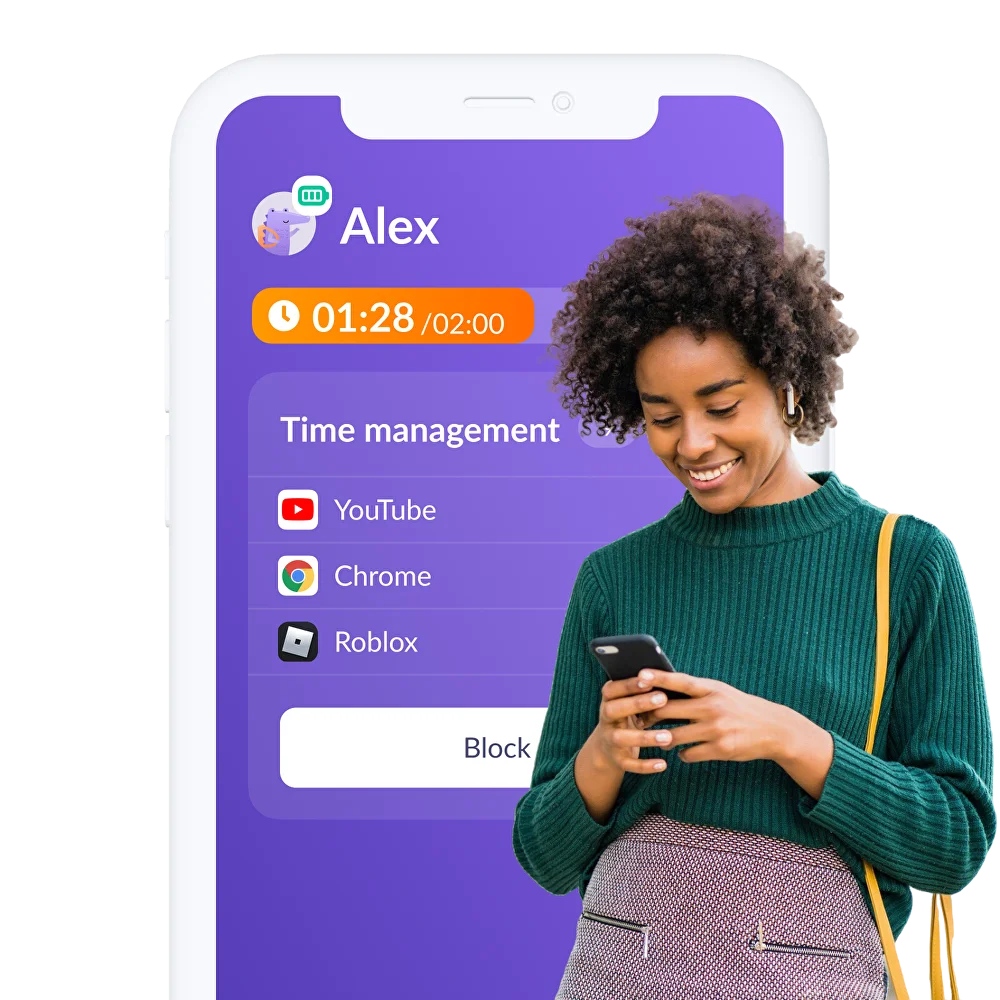
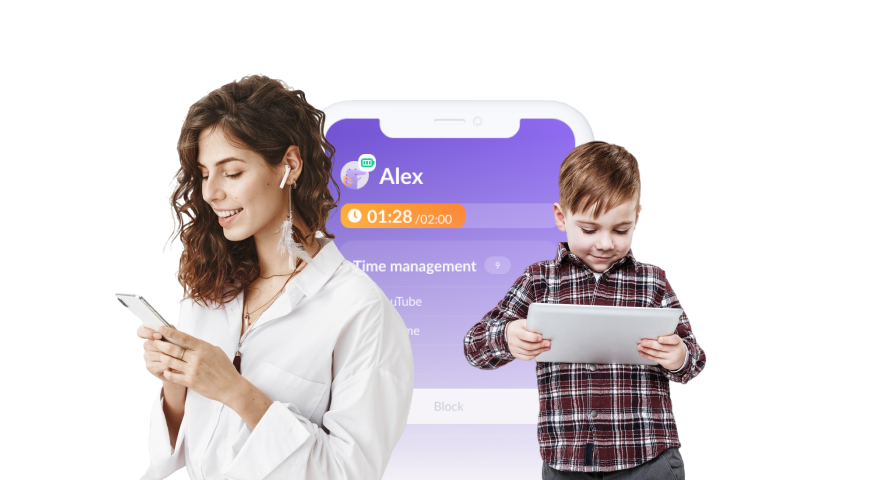
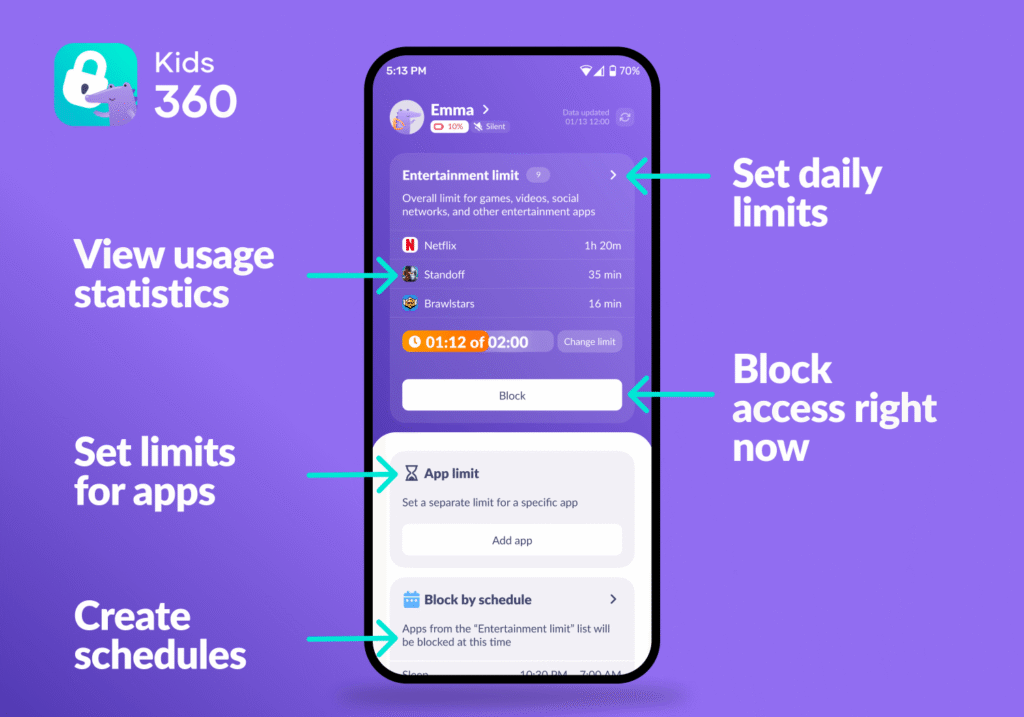
Parents install Kids360 on their own phone and the companion app, Alli360, on their child’s smartphone. They then connect the two devices using a short code. The app brings location tracking and a range of parental controls into one place.

Here’s what parents can do with it:
- Check their child’s location and see whether they’ve arrived at school or reached their usual pickup spot
- Set daily screen-time limits for games, videos, and social media
- Create schedules that restrict access to distracting apps during school hours or after bedtime
- Block individual apps or entire categories to limit access to unsuitable content
- Filter adult websites
- Send a loud signal to help locate a phone, even when it’s set to silent
- Set tasks and rewards: children can earn extra screen time by completing chores, such as emptying the dishwasher
Kids360 focuses on screen time, app usage, and location, with limits visible to children so they know how much time they have left. This makes it easier for parents to set expectations openly rather than constantly arguing about when to put the phone away.
If your child is ready for a smartphone, download Kids360 right now for free and set up the parental controls before handing over the device.
Is a Smartwatch Worth It for Your Child?
For many children between 7 and 10, a smartwatch can be a worthwhile first step toward independence. It gives them a simple way to call their parents, share their location, and send an SOS alert without giving them unrestricted access to the internet. Before buying one, though, consider the ongoing costs: most models require a monthly cellular plan, and many need to be charged every day.
As children get older and need more than a watch can offer, a smartphone may be the more practical choice. Parental controls such as Kids360 can help parents manage screen time, set app limits, track their child’s location, and encourage healthy habits through tasks and rewards. Download Kids360 to set up the first rules together.
Sources & References
- Gabb Watch 3e, Gabb
- Gabb Watch 3e product details, Gabb
- Gabb Watch 3e review, SafeWise
- Gabb Watch 3e, Product Review Crew
- TickTalk 6 FAQ, TickTalk
- TickTalk 6 announcement, TickTalk
- Garmin Bounce 2 specifications, The5kRunner
- Garmin Bounce 2 review, TechRadar
- Garmin Bounce 2, PlayBetter
- Garmin Bounce 2, REI
- Garmin Bounce 2, Light Purple, Best Buy Canada
- Apple Watch SE 3 technical specifications, Apple Support
- Apple Watch For Your Kids, TELUS
- Apple Watch SE 3 review, Tom’s Guide
- Meet Samsung’s kid-friendly smartwatch experience, Google
- Samsung Galaxy Watch 7, Android Authority
- Samsung Galaxy Watch 7, Android Central
- Timing a child’s first smartphone, Children and Screens
- What age should kids get a phone?, SafeWise
- When is your child ready for a kids smartwatch?, Spacetalk
- What age should you give a kid their first phone?, Anchorage Daily News