





Parental Control for Samsung That Kids Enjoy

Limits, safe internet, and phone time earned through useful tasks

Try for Free
4,6
In AppStore
4,7
In Google Play
100K+
Reviews
1M+
parents put their trust in us
2,5x
reduction in screen time
4 674
tasks completed today

Featured on:

What Kids360 can do on Android

bg
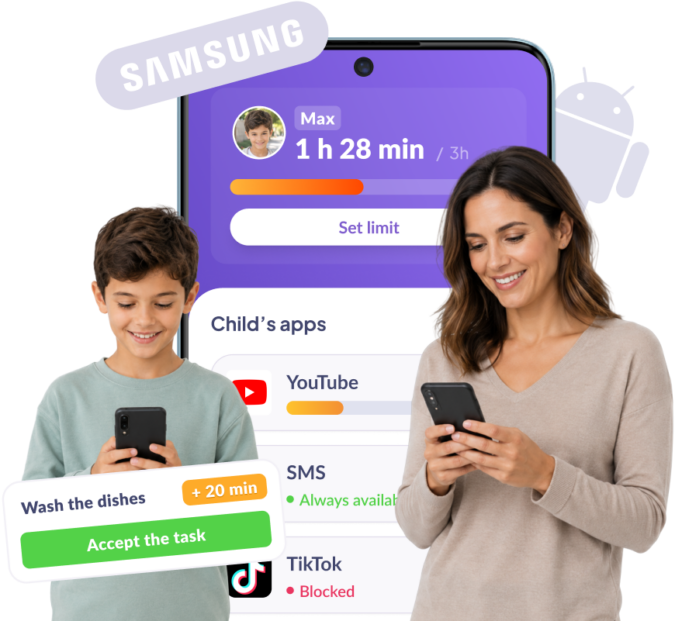
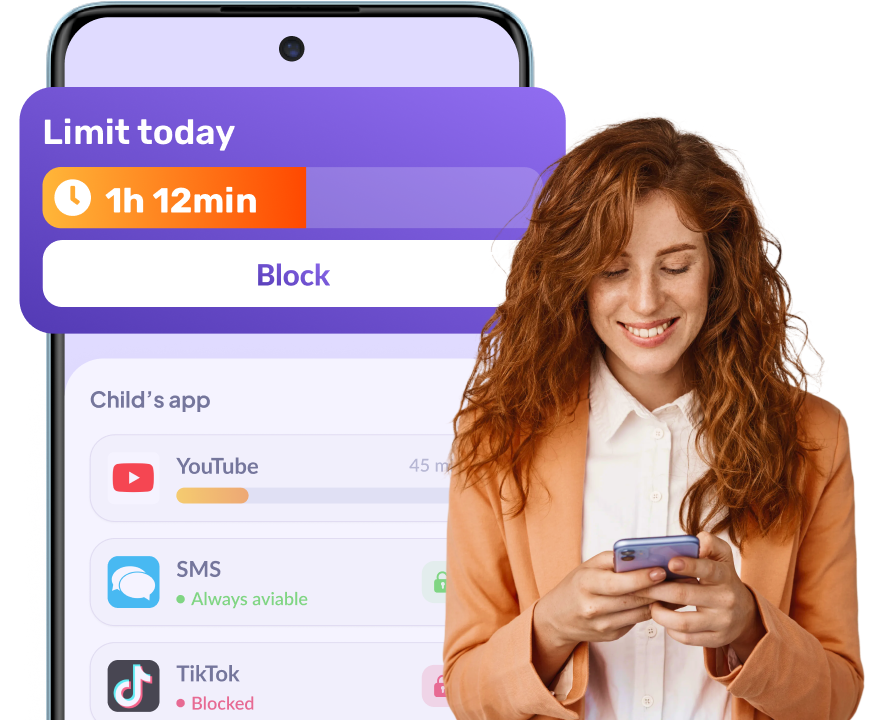
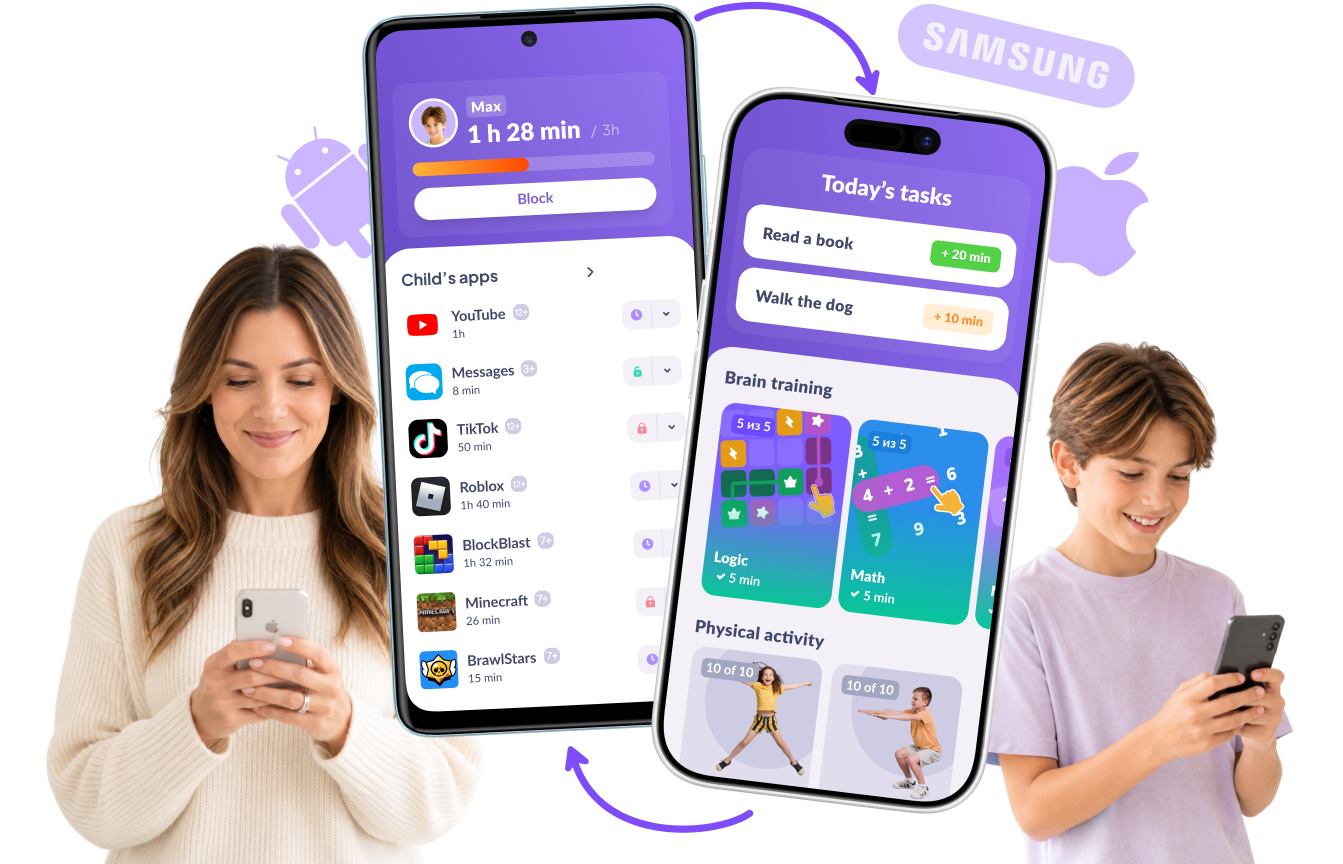
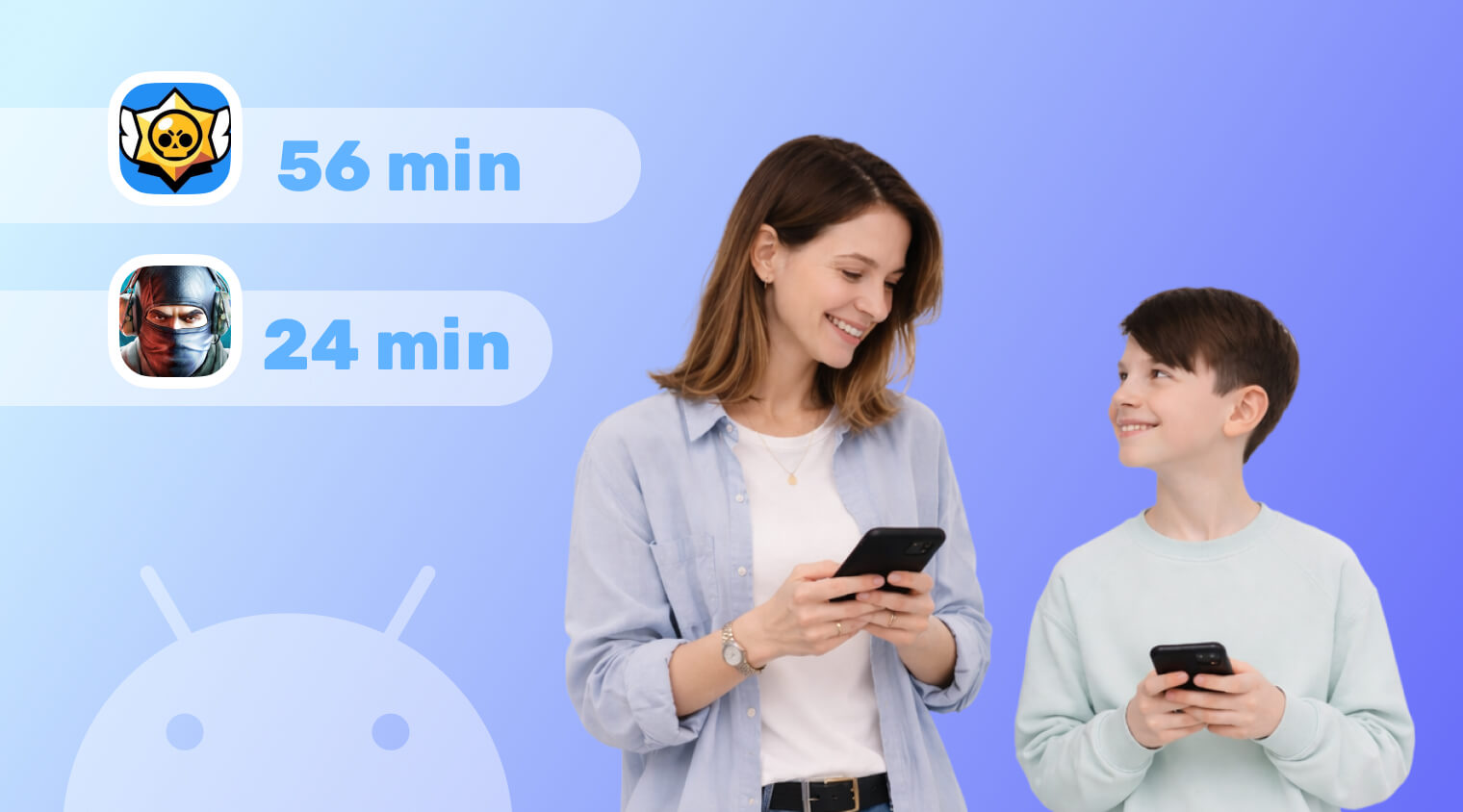
Set time limits on apps and devices

Block apps and devices with one tap, or set automatic time restrictions

Learn more
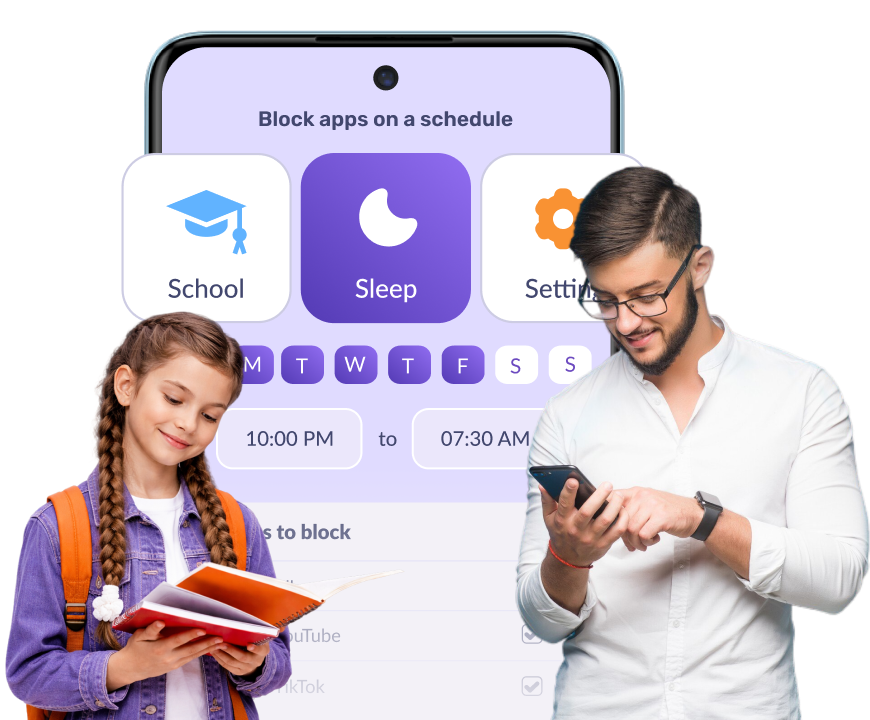
Set blocks for sleep and study time

Set a schedule for when devices can be used throughout the day

Learn more
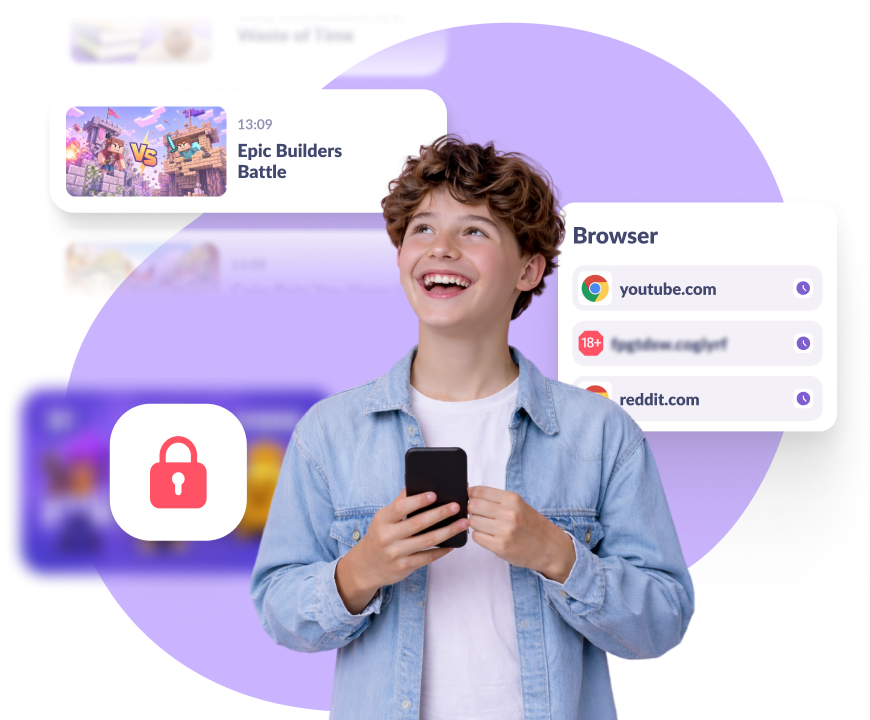
See what your child searches and watches

View their search and browsing history; block unwanted apps

Learn more
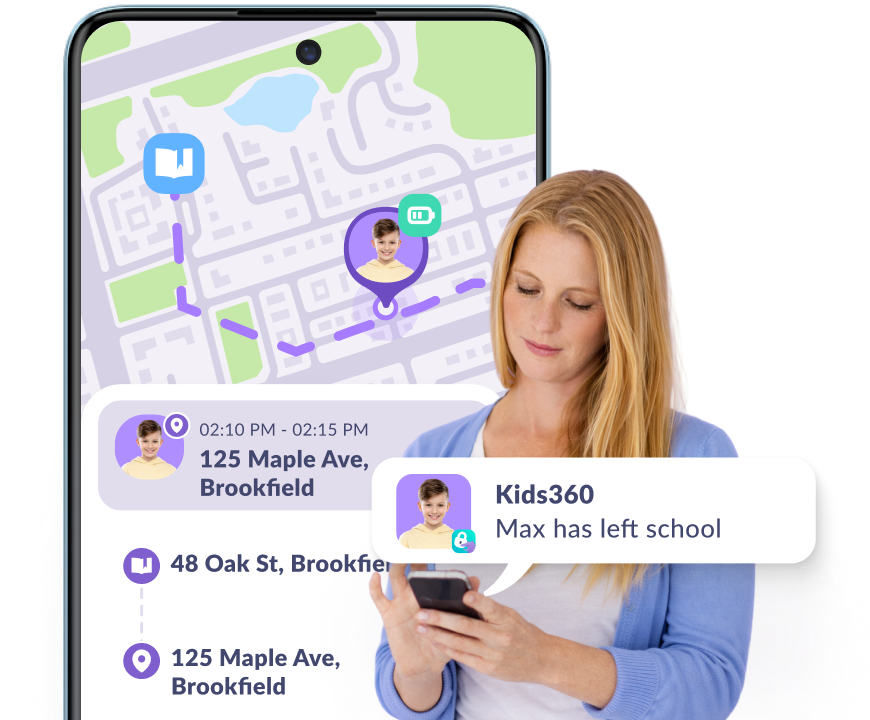
Always know where your child is

View your child’s exact location and moving history on the map

Learn more

Children Enjoy Kids360

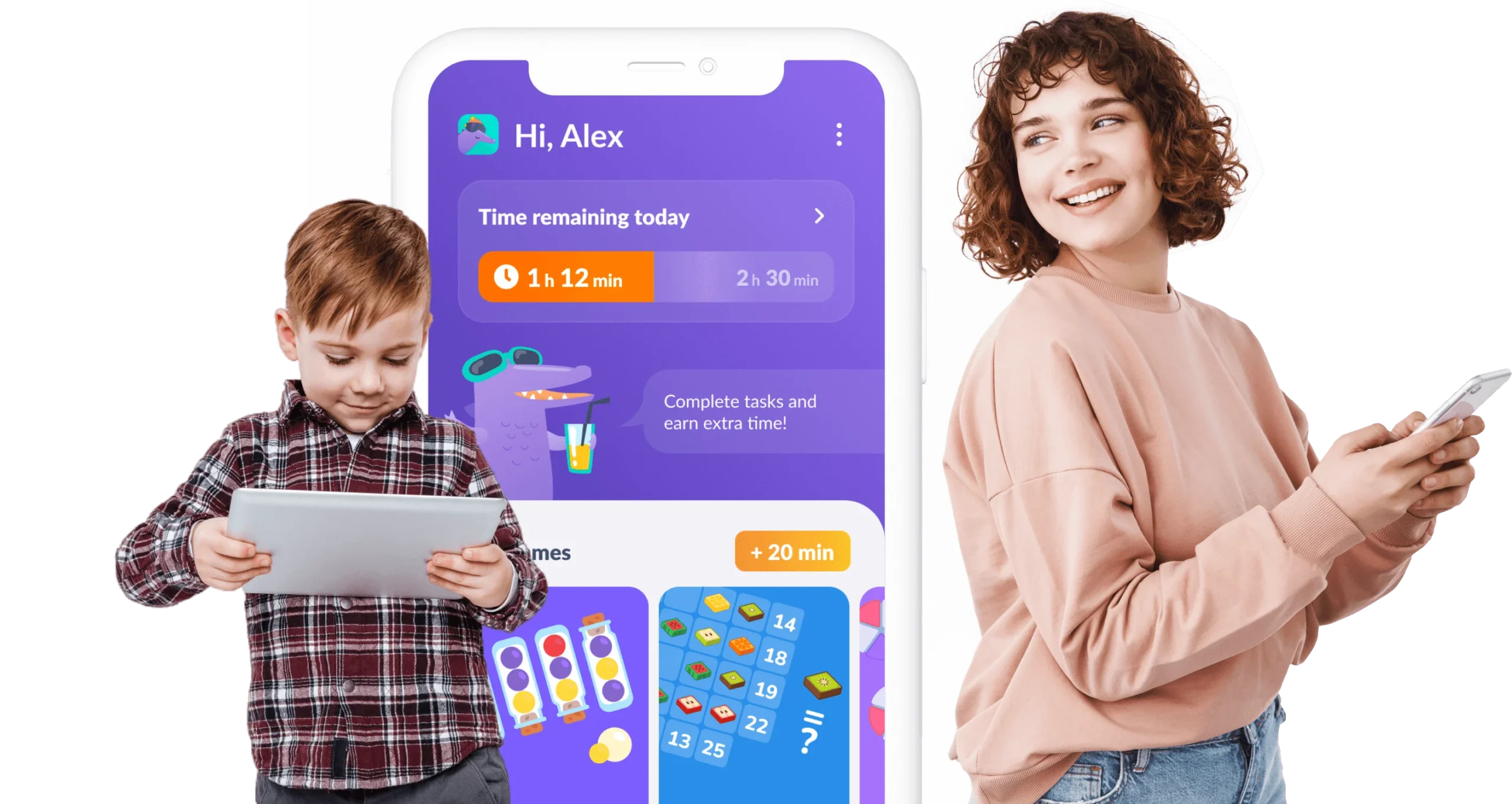
Your child doesn’t beg for screen time — they earn it by completing simple, useful tasks every day

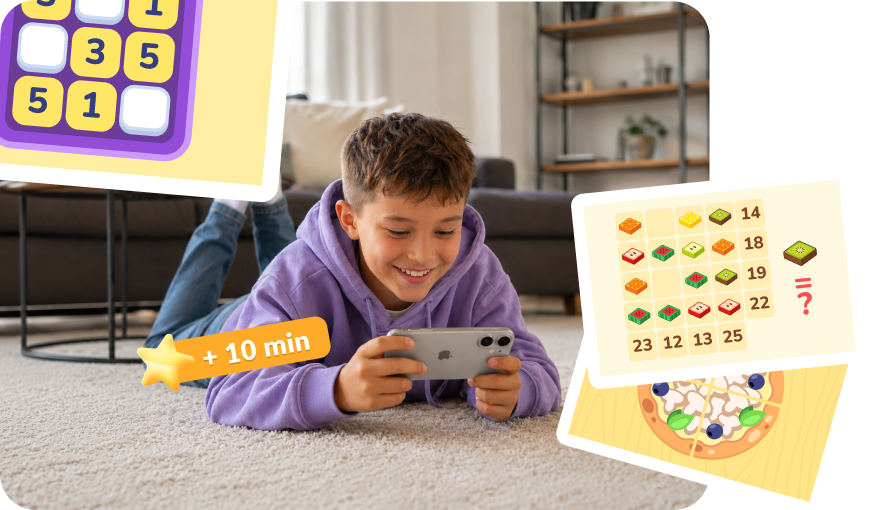
Logic, focus & thinking tasks

Your child earns phone time by completing our learning exercises

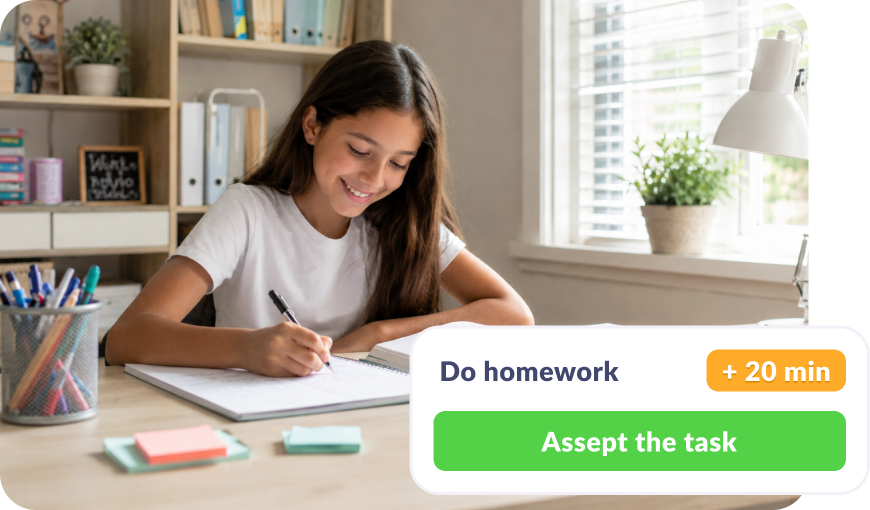
Tasks from parents

Set a task — homework, chores around the house. Done, and extra time is earned

Try now

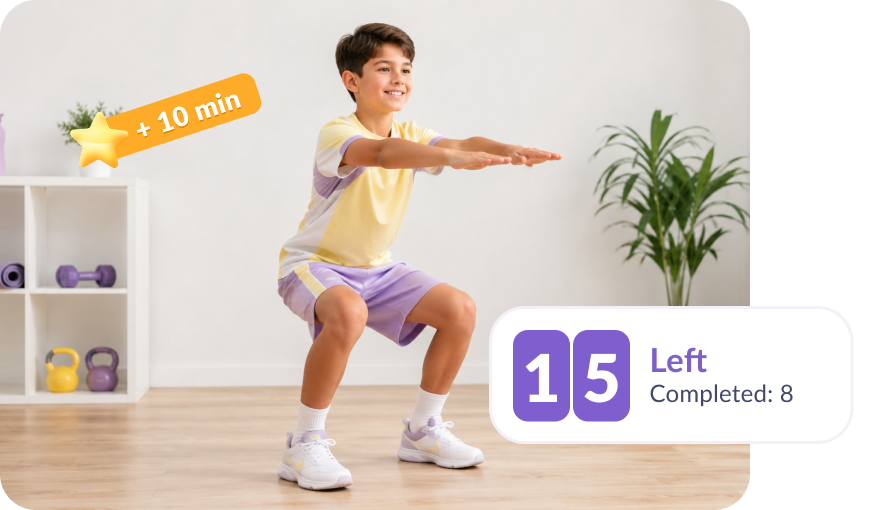
Exercise and activity

Did a workout or hit a step goal and earned time

Samsung Kids or Kids360

Feature Kids360 Samsung Kids
Control from the parent's phone
Yes
No, set up on the child's device only
Control of the whole phone, not just kids mode
Yes
No, works only inside Samsung Kids
Any iPhone-Android combination
Yes
No, Samsung devices only
Child's location
Yes, with location history
No
Search and watch history
Yes
No
Extra screen time for tasks: logic games, workouts, chores
Yes
No
Loud ring on a silenced phone
Yes
No
All your children on one screen
Yes, all children on one dashboard
No, each child's phone is set up separately
Daily limit for each app
Yes
No
Downtime for school and bedtime
Yes
No
Block specific apps
Yes
Partly, you pick which apps appear in kids mode
Screen time report, total and app by app
Yes
Partly, only inside kids mode

Kids360 works with Samsung, iPhone and Android — in any combination

All features work even if you have different phones

Connect Your Child’s Device in 5 Minutes

Easy setup and user-friendly interface.

Access any app function with just 1 tap!

Download the Kids360 app on your phone

1

Install the Alli360 app on your child’s phone

2

Surround your child with care

3
Download Kids360

More than 1 million parents are already using Kids360

Join Now

Mei

Great app for parents! I set limits on YouTube and gaming, and my son is now spending more time on schoolwork. It’s been a big help, highly recommend it!

15/09/2024

from Google Play

Matthew

Super handy! I can easily monitor what my daughter watches online and limit her social media time. It’s a game-changer for our family!

09/06/2024

from Google Play

Sarah

Finally found a solution to stop my kids from using their devices late at night. The app turns off games automatically, and no more bedtime arguments. A real lifesaver!

20/01/2024

from App Store

Ashley

Amazing app! We’ve been using it for a few months, and it’s really helped with screen time and kids motivation, thank you!

01/11/2023

from Google Play

Jessica

Fantastic app! My 5-year-old’s tablet time is now under control. Setting limits was easy. No more fights over cartoons!

20/08/2024

from Huawei AppGallery

Related Articles

Screen Time
How to Check Your Child’s Screen Time on Android with Kids360
iOS Parenting
How to Set Up Parental Controls on iPhone from Android

Frequently Asked Questions

How do I monitor my kids’ Samsung phones?

Kids360 gives you a clear view of how your child uses their Samsung phone. You can see which apps they opened and for how long, what they searched for, what they watched on YouTube, where they are, and how much battery their phone has left. If you have more than one child, you can manage all of them from a single app.

Is Samsung Kids enough?

Samsung Kids works well for younger children, typically up to around age seven. It runs as a separate child-friendly mode with its own home screen, so its restrictions only apply while your child is using that environment. It doesn’t include features like real-time location tracking or per-app screen time limits, and most older children quickly outgrow it.

If your child already uses a regular Samsung phone, a dedicated parental control app like Kids360 provides supervision without requiring a separate kids mode.

Can my child turn Kids360 off?

No, Alli360, the pairing app installed on your child’s phone, is protected from being disabled or uninstalled on their Galaxy, so the rules and screen time limits you set stay active.

Does Kids360 work on a Galaxy Tab?

Yes. Add your child’s phone and tablet to the same profile, and the screen time limits apply to both devices, even on the free plan.


Download the app that kids can enjoy today!

Learn more about Kids360 parental control!