








Screen Time
A Simple Way to Check Screen Time on iPhone with Kids360

Screen time limits, safe internet, and phone time earned through useful tasks
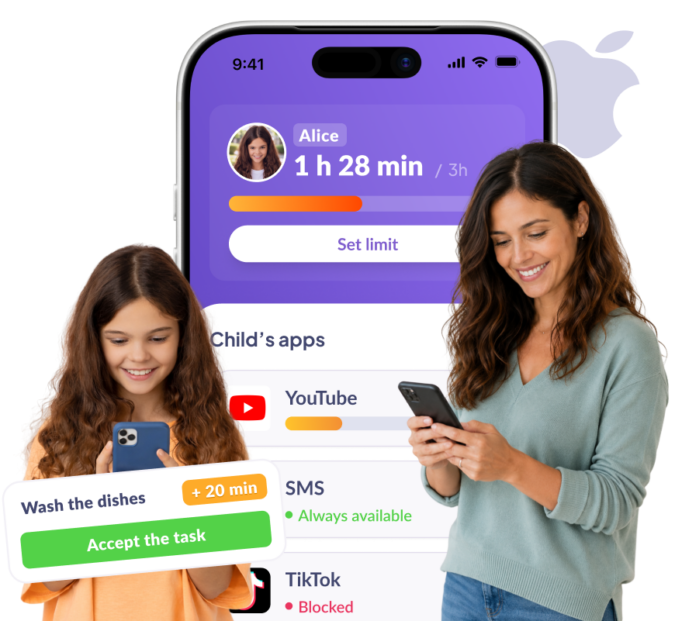







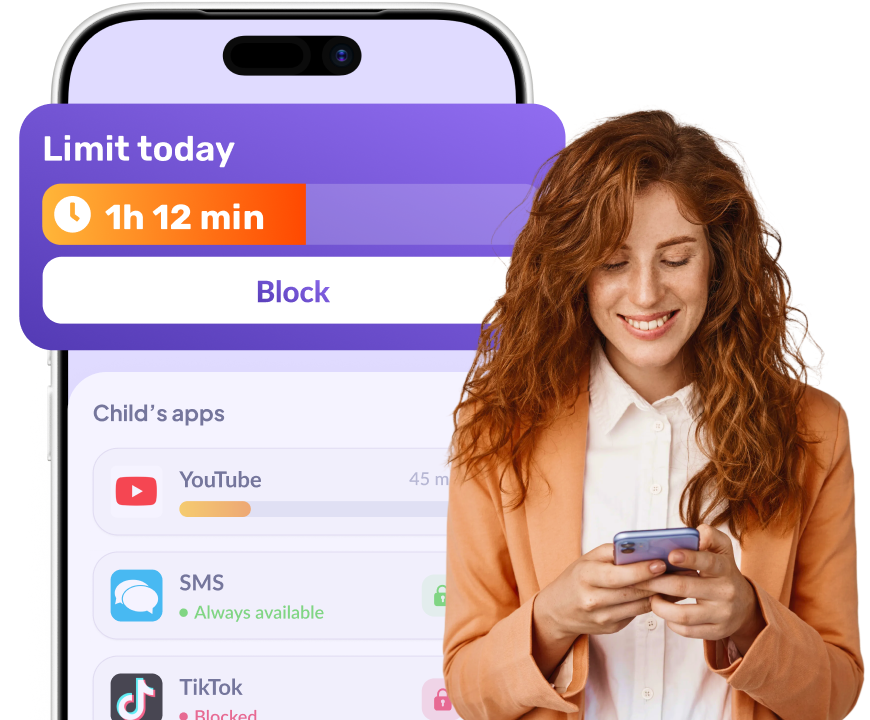
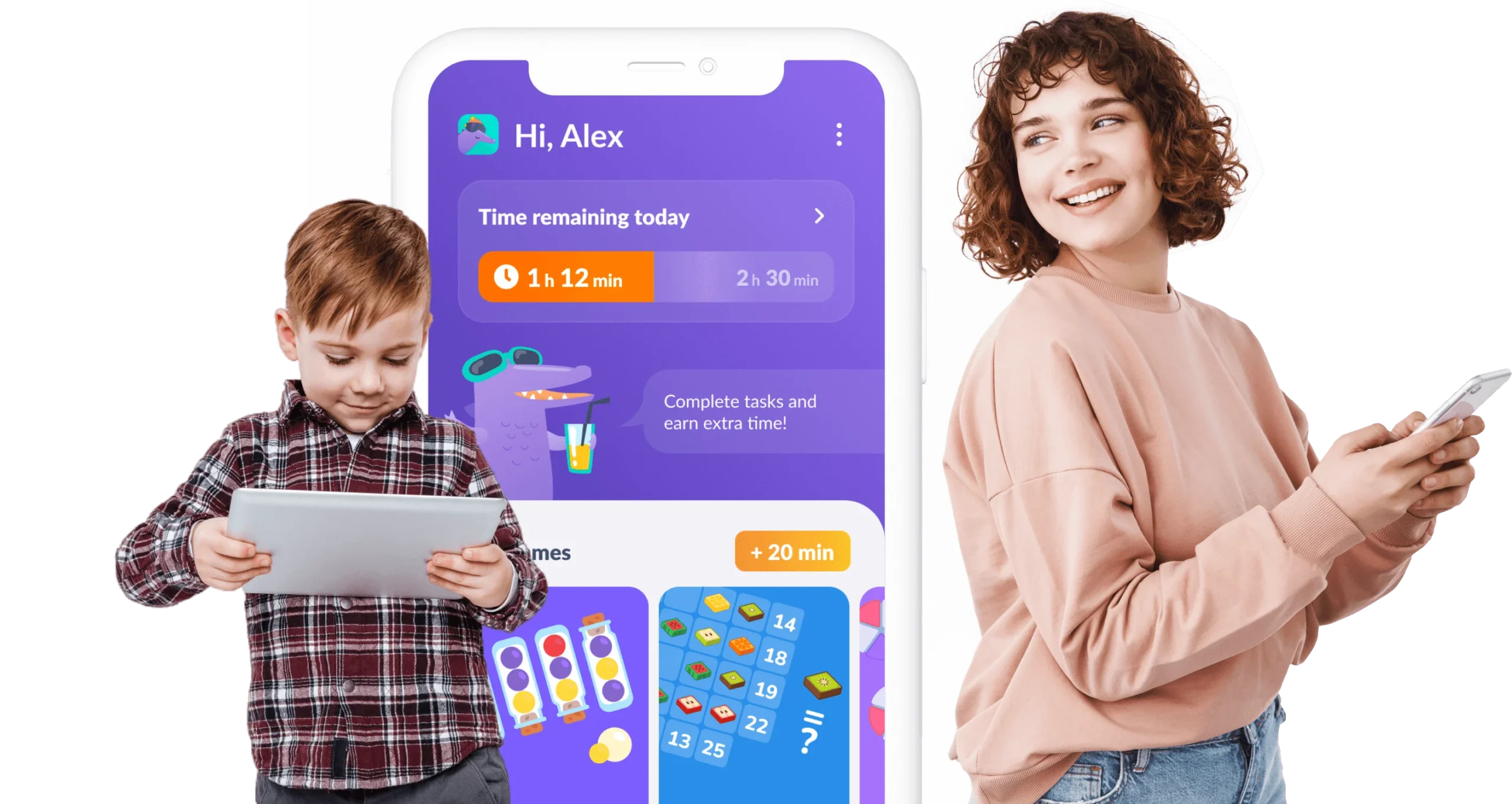
Your child doesn’t need to ask for screen time — they earn it by completing simple, useful tasks every day
Kids earn phone time by completing our engaging learning exercises
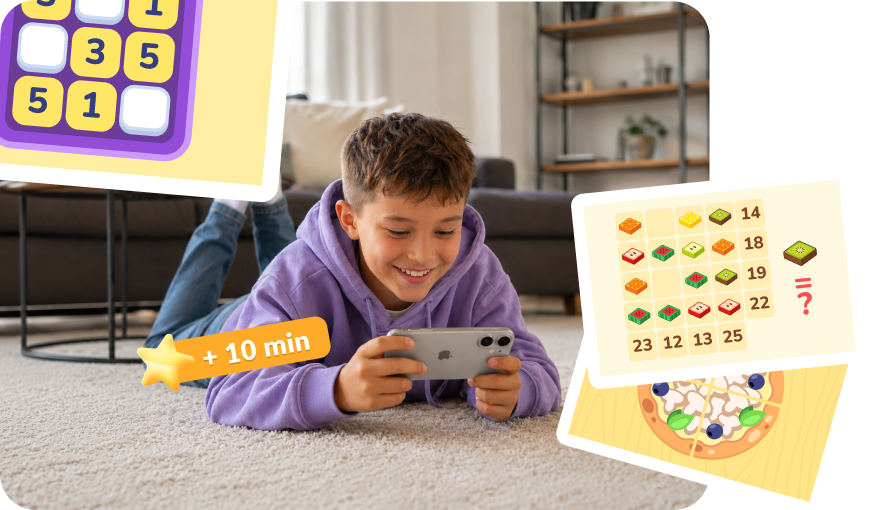
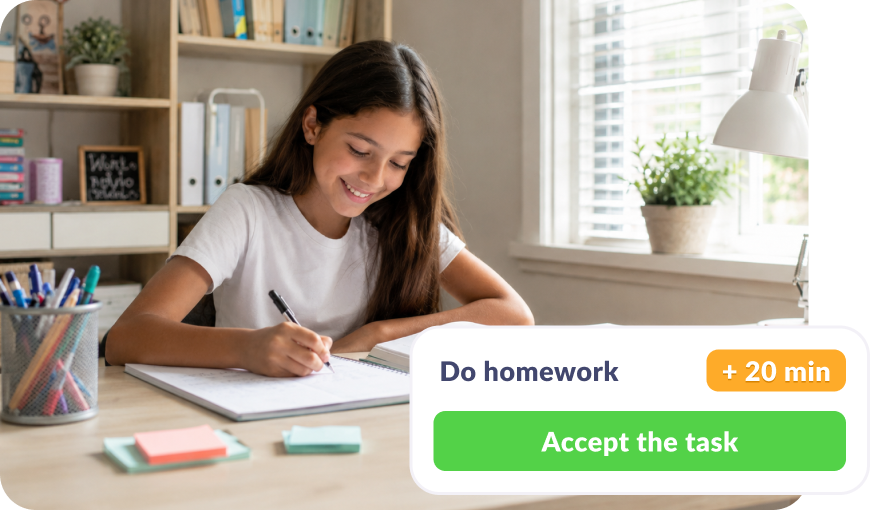
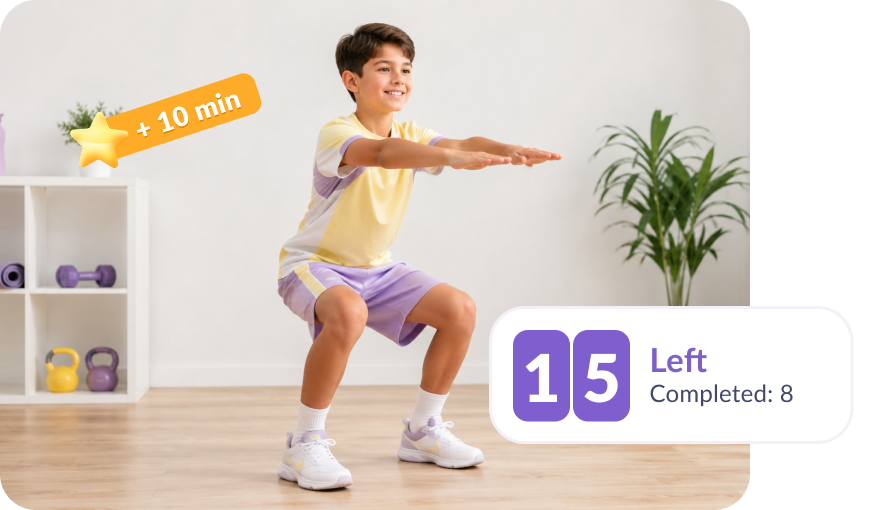
Child gets rewarded for healthy habits, from daily steps to completed workouts
All features work even if you and your child have different devices
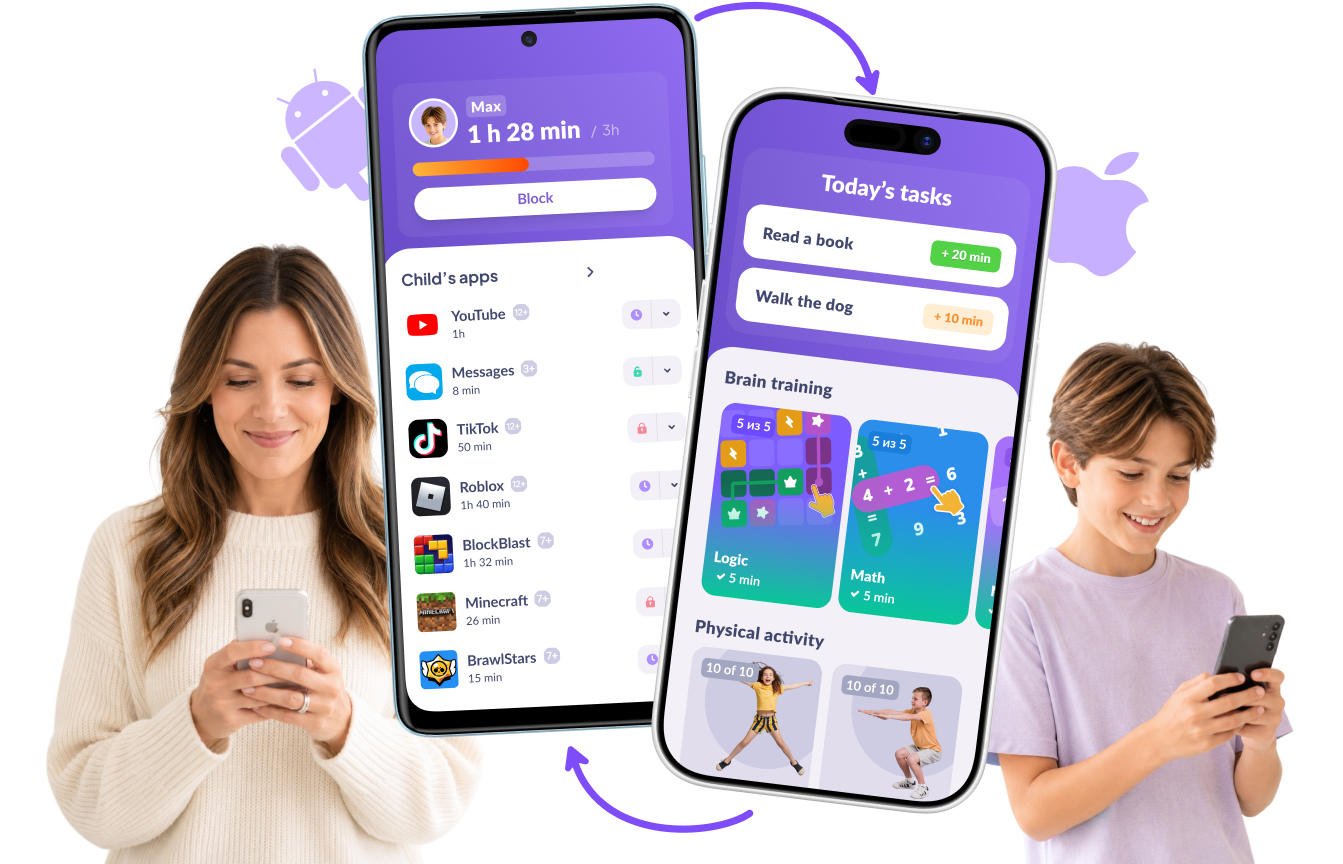

Download the Kids360 app on your phone


Install the Alli360 app on your child’s phone
Surround your child with care




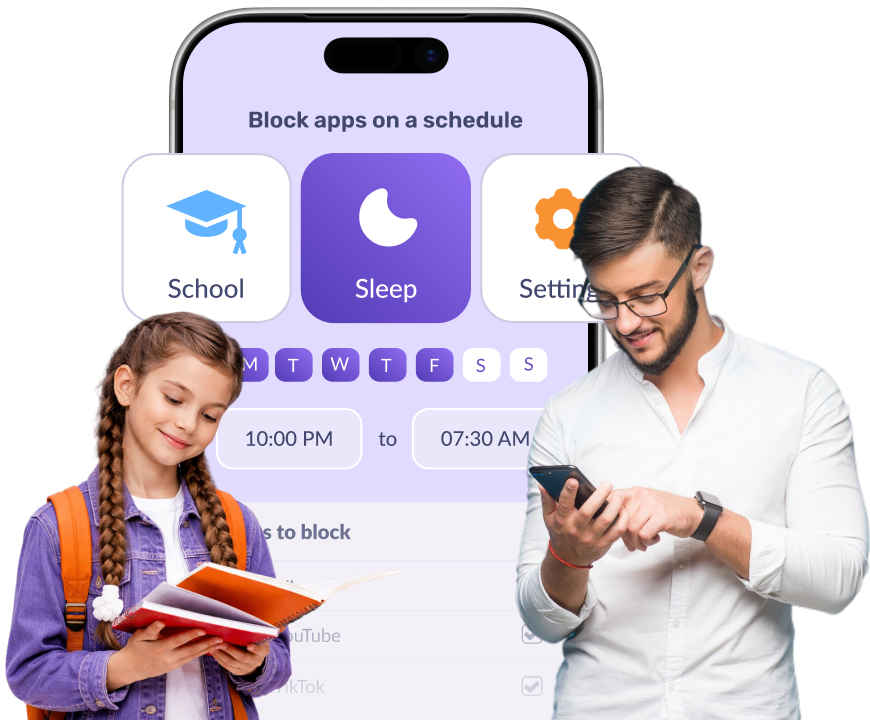
With Kids360, you can block any app on your child’s iPhone in one tap instantly, or schedule app blocking during school hours and bedtime.
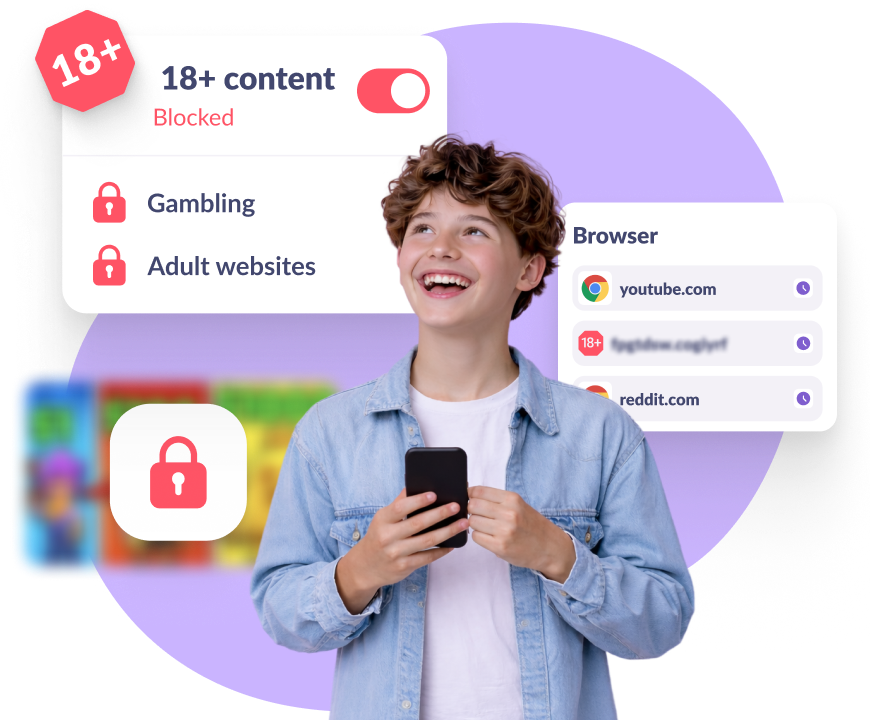
Kids360 filters adult and unsafe websites intended for 18+ audiences across Safari and other browsers, so your child cannot access explicit content.
Set a daily time limit for any app on your child’s phone in Kids360: TikTok, YouTube, games. When time’s up, the app closes on its own.
Kids360 blocks new app installs, so your child can’t download anything without your approval.
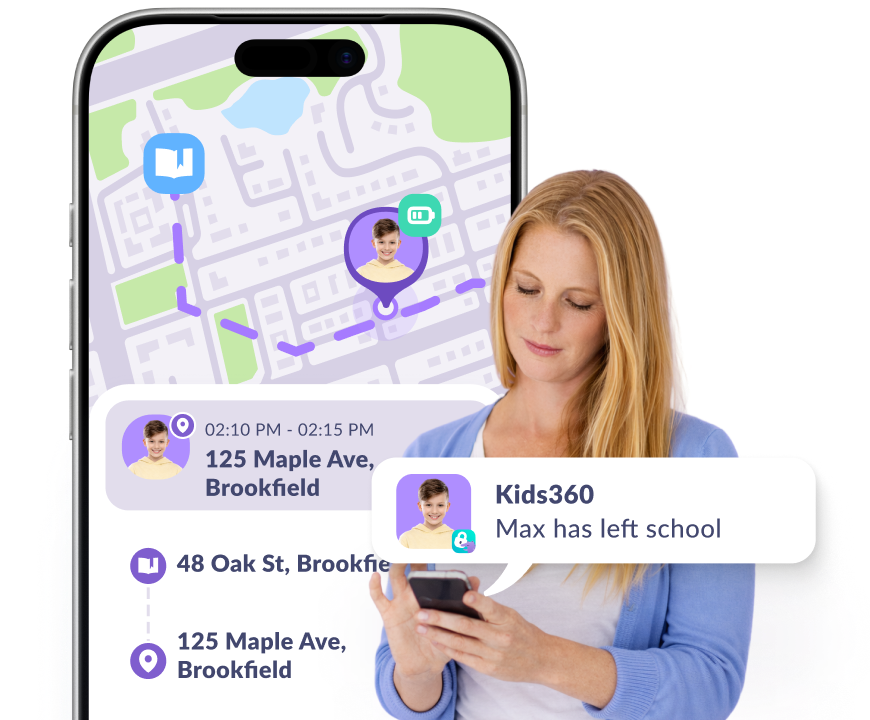
Install Kids360 on your phone and Alli360 on your child’s iPhone to set time limits, block apps, filter content, and see their location in 5 minutes.
Kids360 works across platforms. Simply install it on your iPhone and Alli360 on your child’s Android phone to see their location and activity in one app.
Kids360 works across platforms. Download it on Android and connect to Alli360 on your child’s iPhone for real-time location and screen time tracking.