






Screen Time
How to Check Your Child’s Screen Time on Android with Kids360

Limits, safe internet, and phone time earned through useful tasks
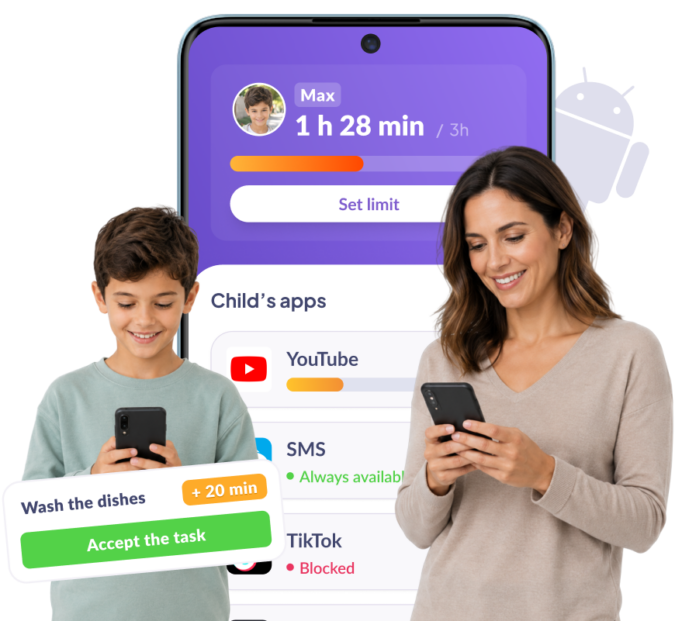







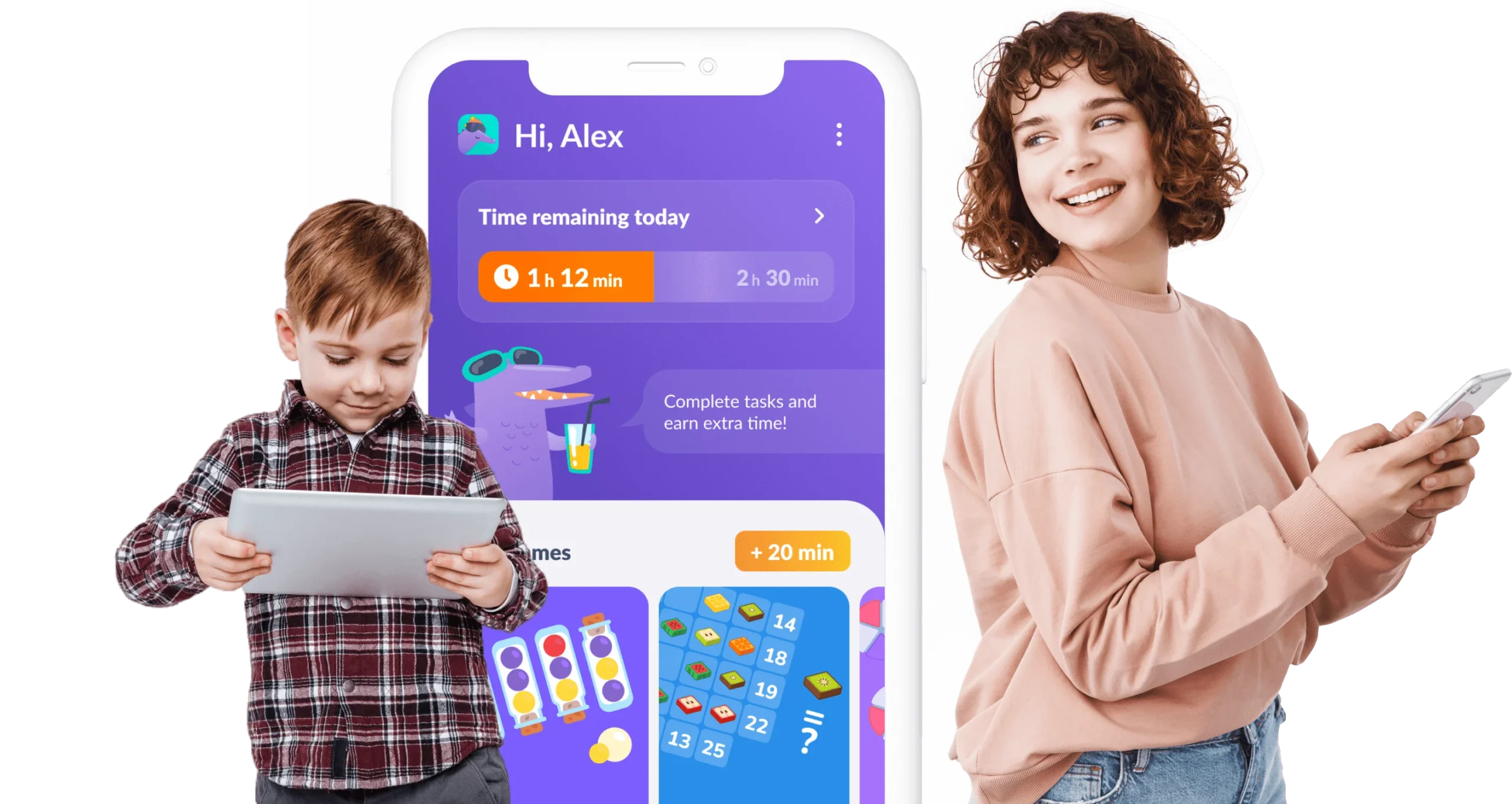
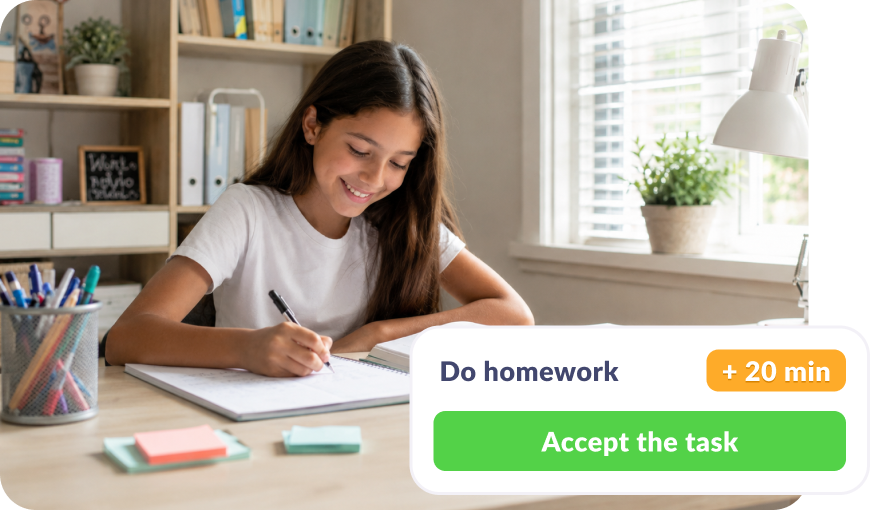
Your child doesn’t beg for screen time — they earn it by completing simple, useful tasks every day
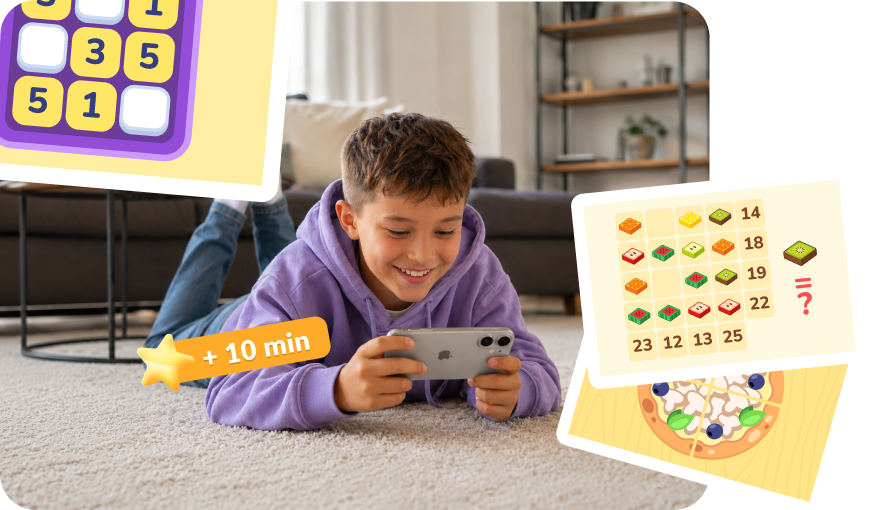
Kids earn phone time by completing our engaging learning exercises
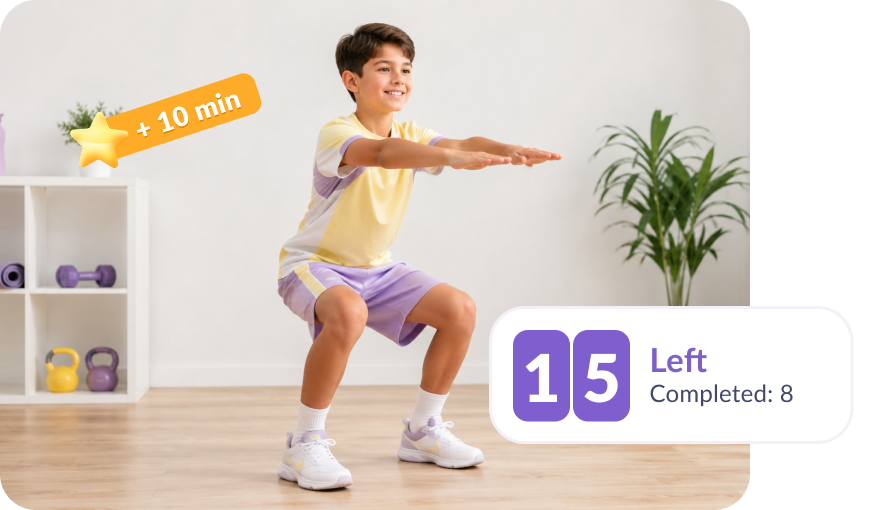
Child gets rewarded for healthy habits, from daily steps to completed workouts
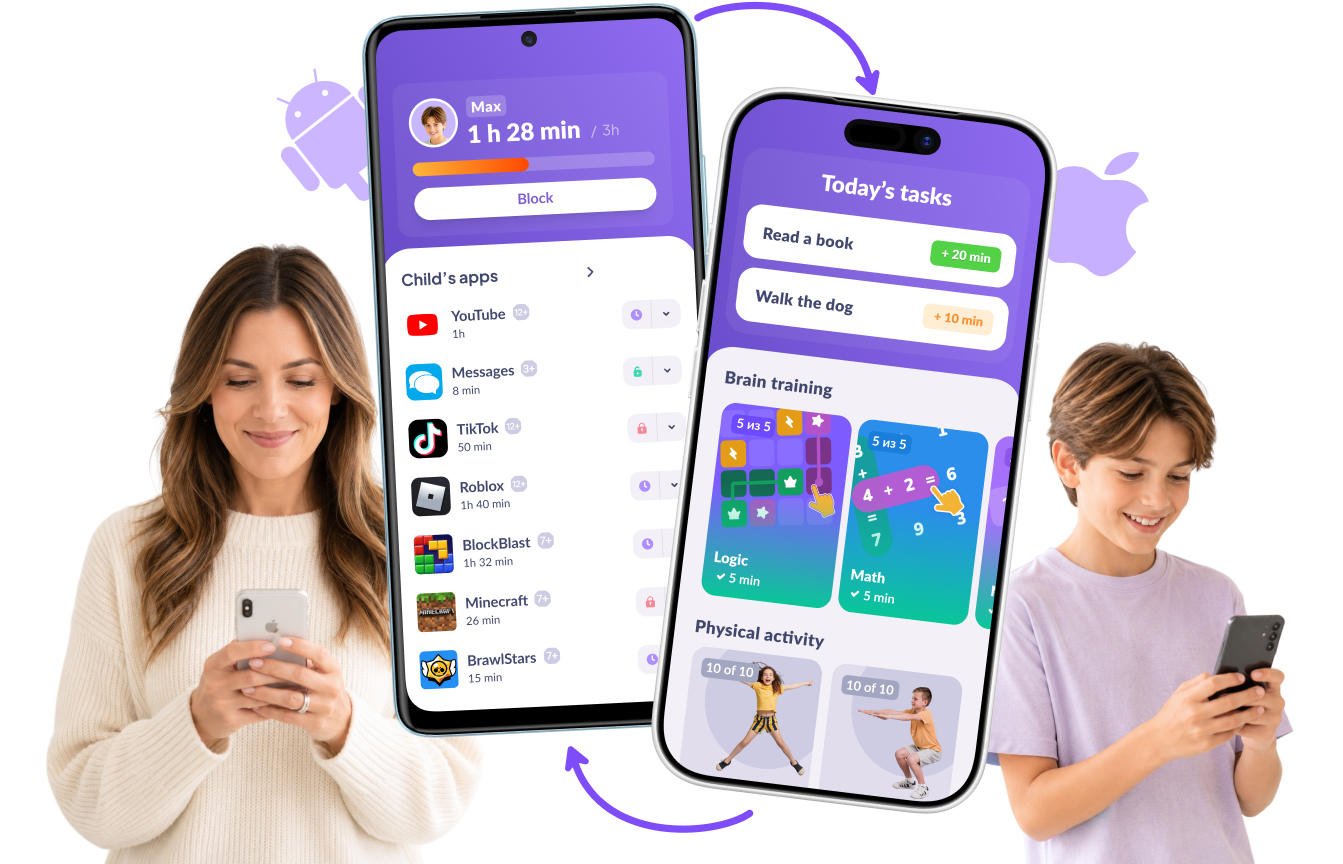
All features work even if you have different phones

Download the Kids360 app on your phone


Install the Alli360 app on your child’s phone
Surround your child with care




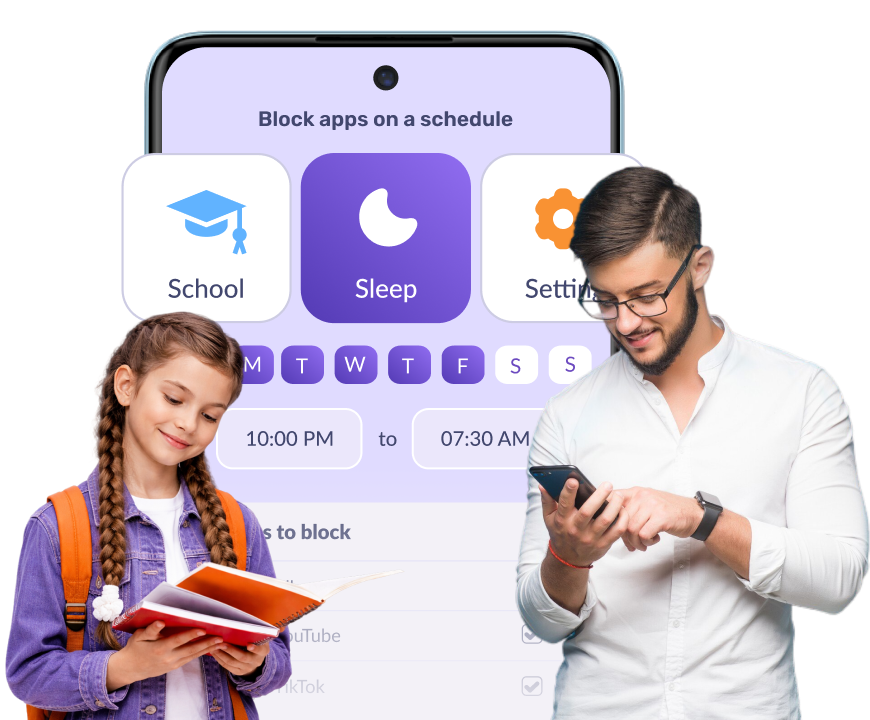
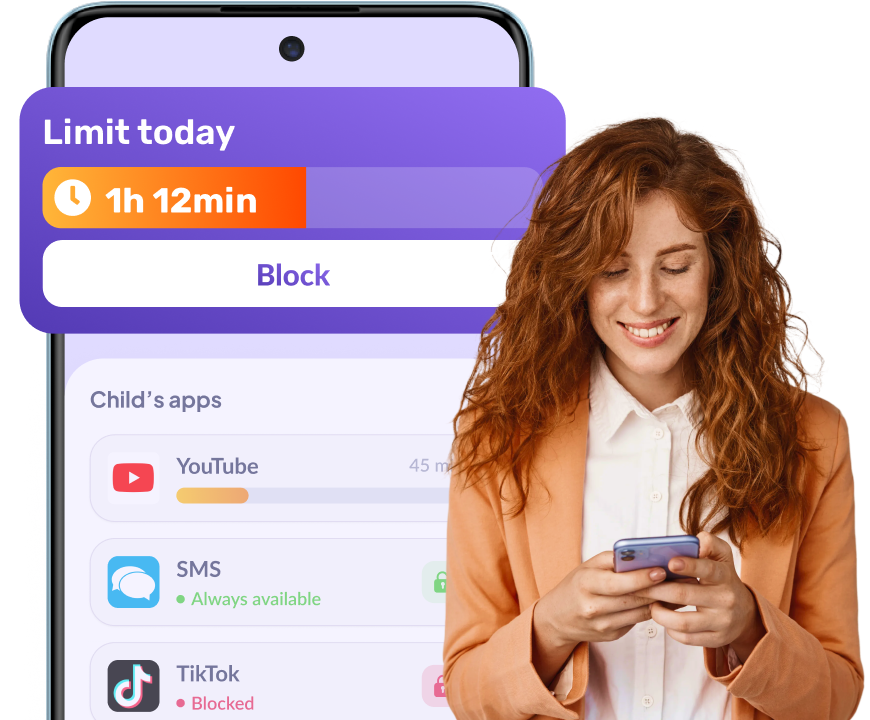
That depends on what you need. Family Link is free and fine if all you want is a rough daily screen time limit. Kids360 goes further on Android, offering a separate screen time limit for every app, YouTube watch history, browser search history, real-time location tracking, and screen time your child can earn by finishing tasks. It’s used by over 10M families and has a 4.7 rating on Google Play. Try it free and see whether it fits your family’s digital boundaries.
Yes, there’s deletion protection. And most importantly, kids have no reason to delete it: they earn screen time through tasks, so they don’t fight the app.
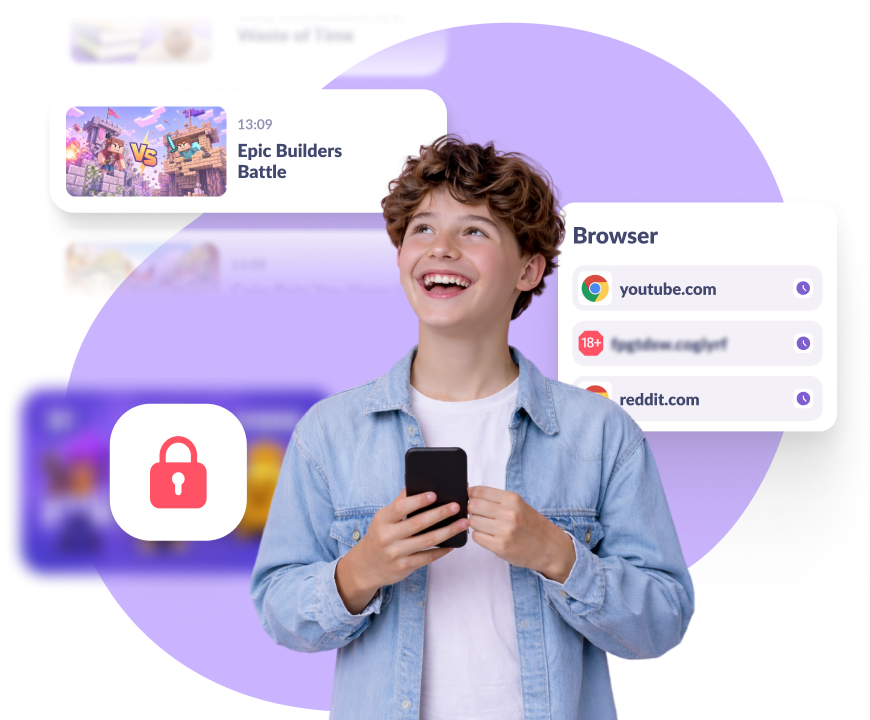
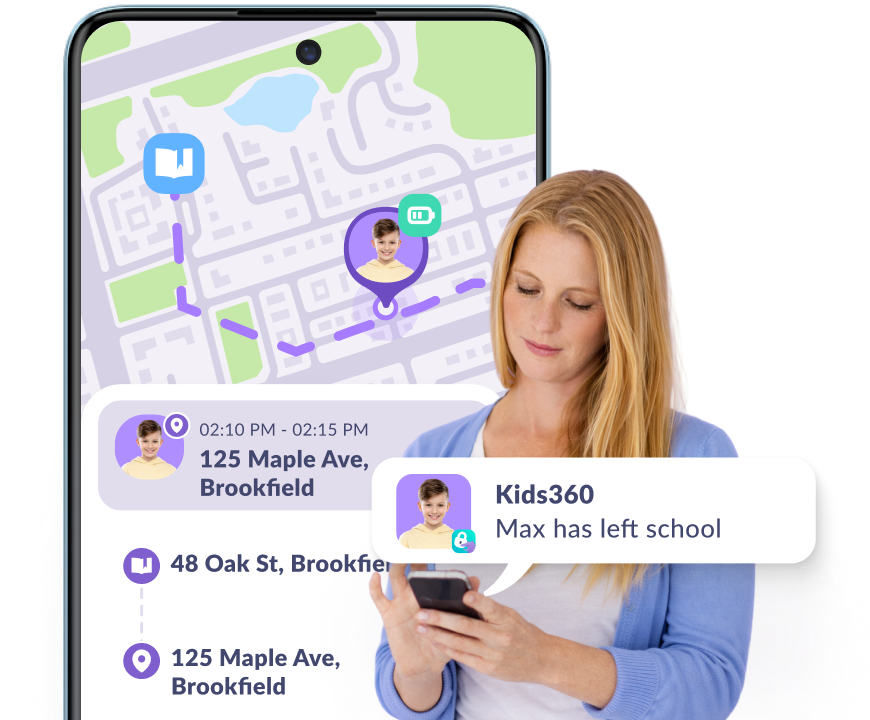
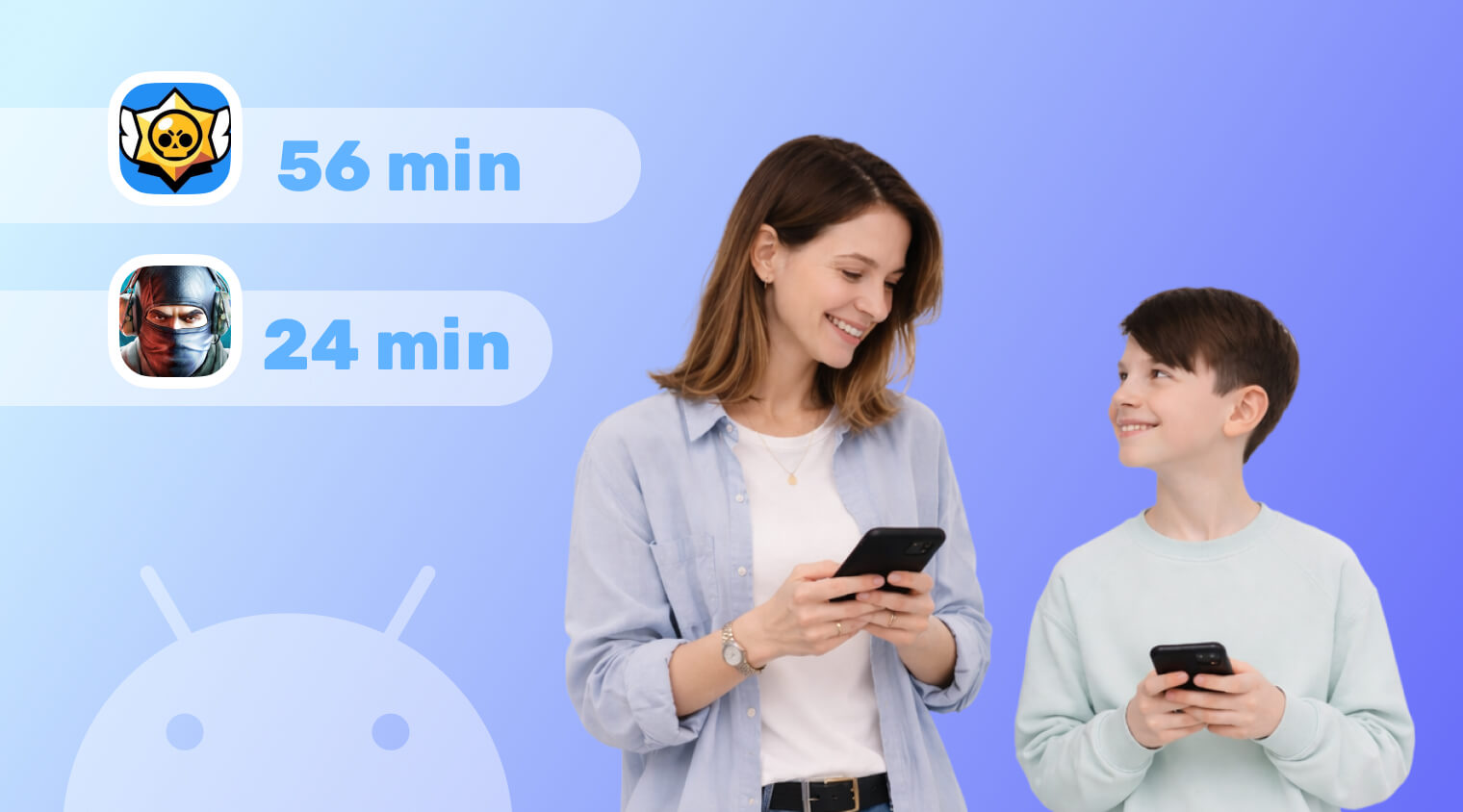
Kids360 makes it easy to monitor your child’s Android device. It shows you which apps they use and for how long, what they searched for, what they watched on YouTube, where they are, and how much battery is left on their phone. The data updates throughout the day, so you don’t have to keep asking your child where they are or what they’re doing.