
You can install only one MDM profile on a device. The error message Profile Installation Failed may appear if there is already a profile on your child’s device installed or if there is no internet connection.
Follow the steps below to fix the error:
Check the internet connection on your child’s phone
Open Settings on your child’s iPhone or iPad
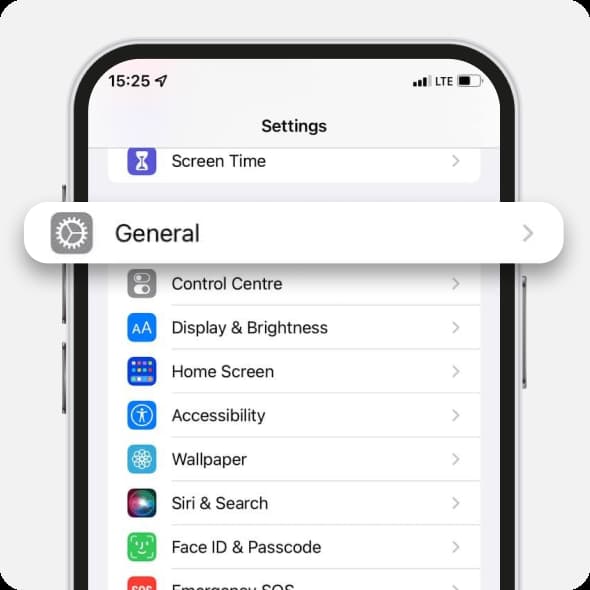
Choose General
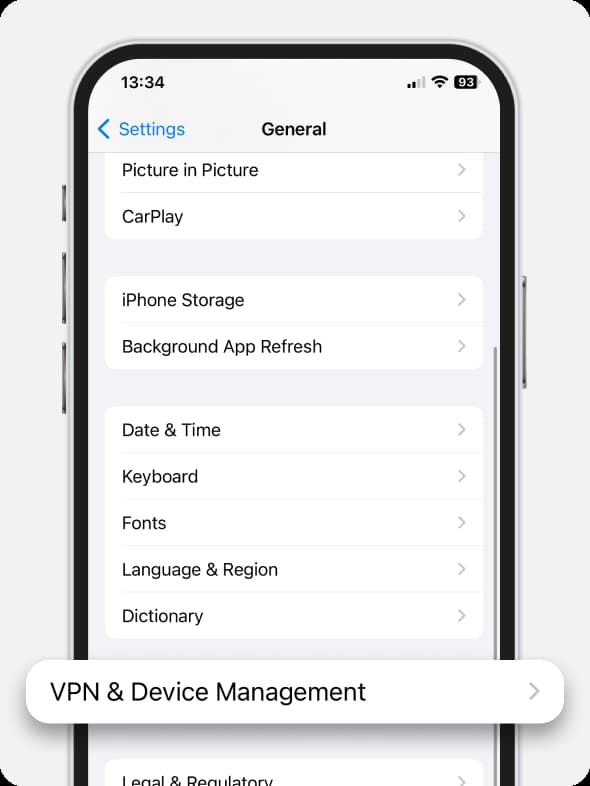
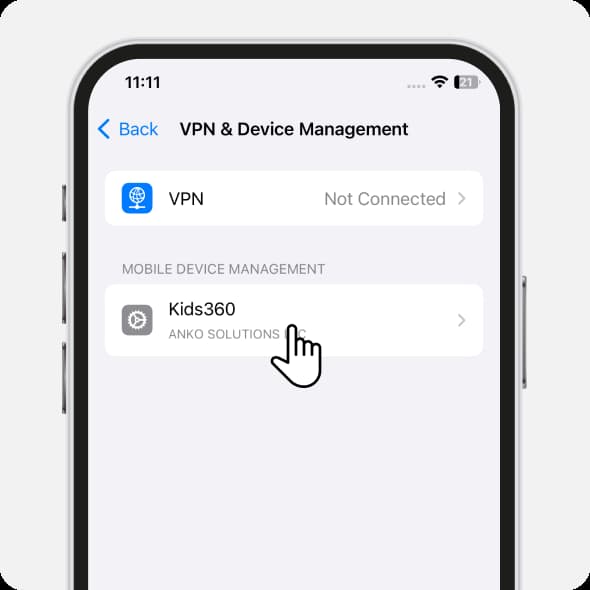
Open VPN & Device Management
Check the Mobile Device Management tab. Remove all the profiles except Kids360
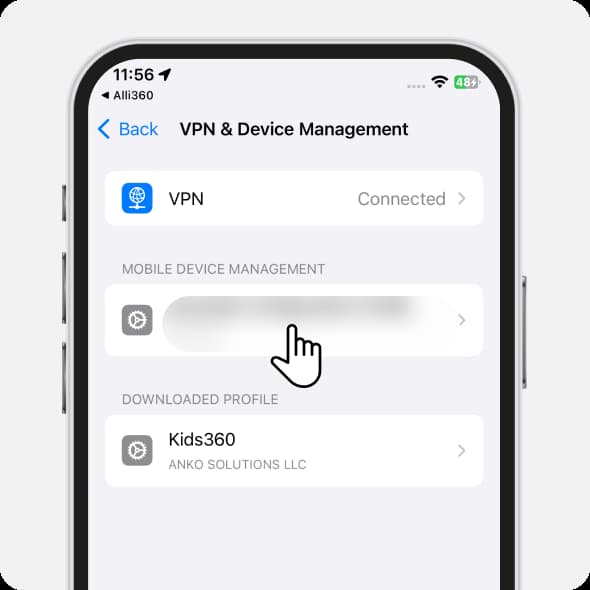
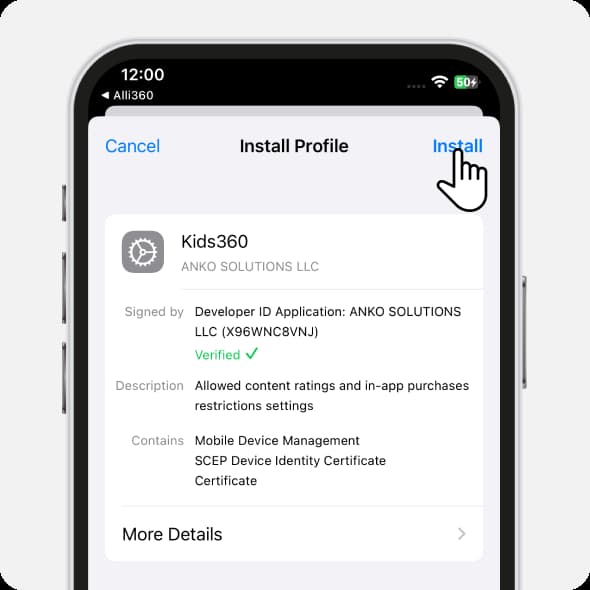
Tap the Kids360 profile
Tap Install in the right upper corner
The error message Profile Installation Failed will be resolved.
Was it helpful?
Chat is unavailable right now. Please try again later.




