
You can cancel the subscription on your phone, just follow our tips below:
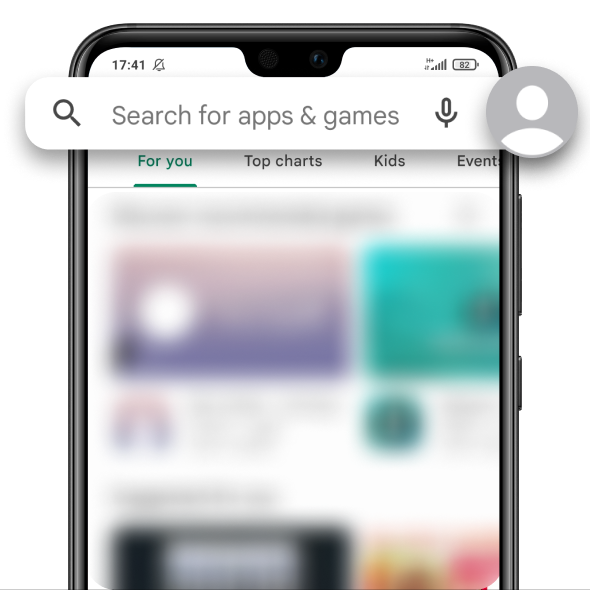
Open Play Store or Google Play on your phone

Tap your profile icon in the upper right corner
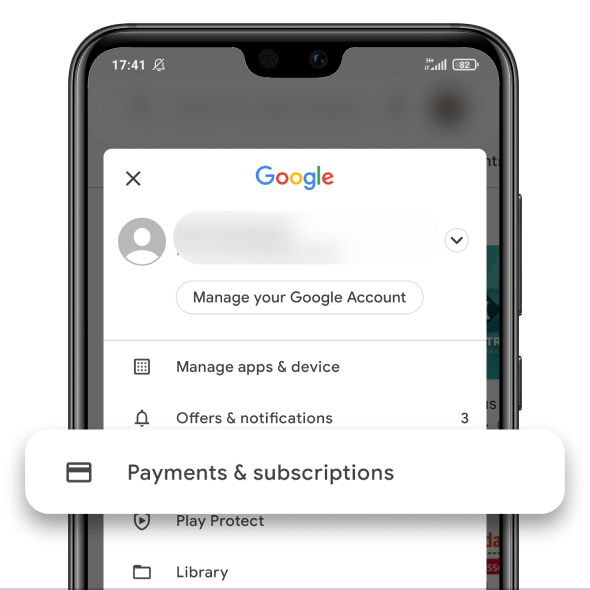
Choose Payments & Subscriptions
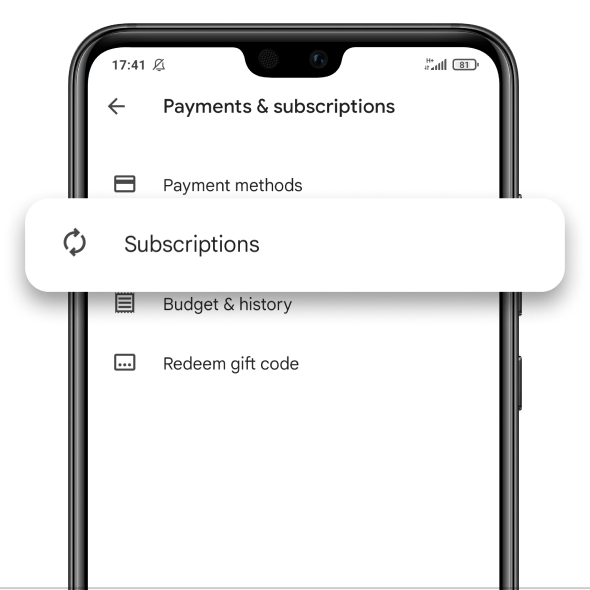
Tap Subscriptions
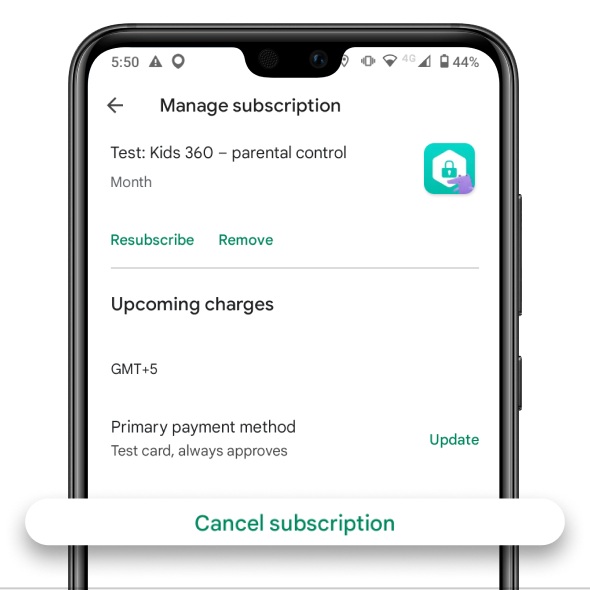
Choose the Kids 360 subscription
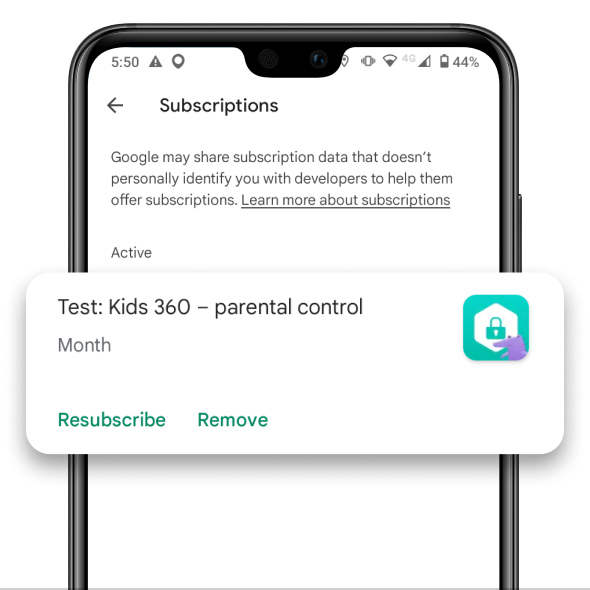
Tap Cancel Subscription
Follow the tips from Google and the subscription will be cancelled
Was it helpful?
Chat is unavailable right now. Please try again later.




