Eye Strain From Screen Time in Kids: Signs, Fast Relief and Prevention
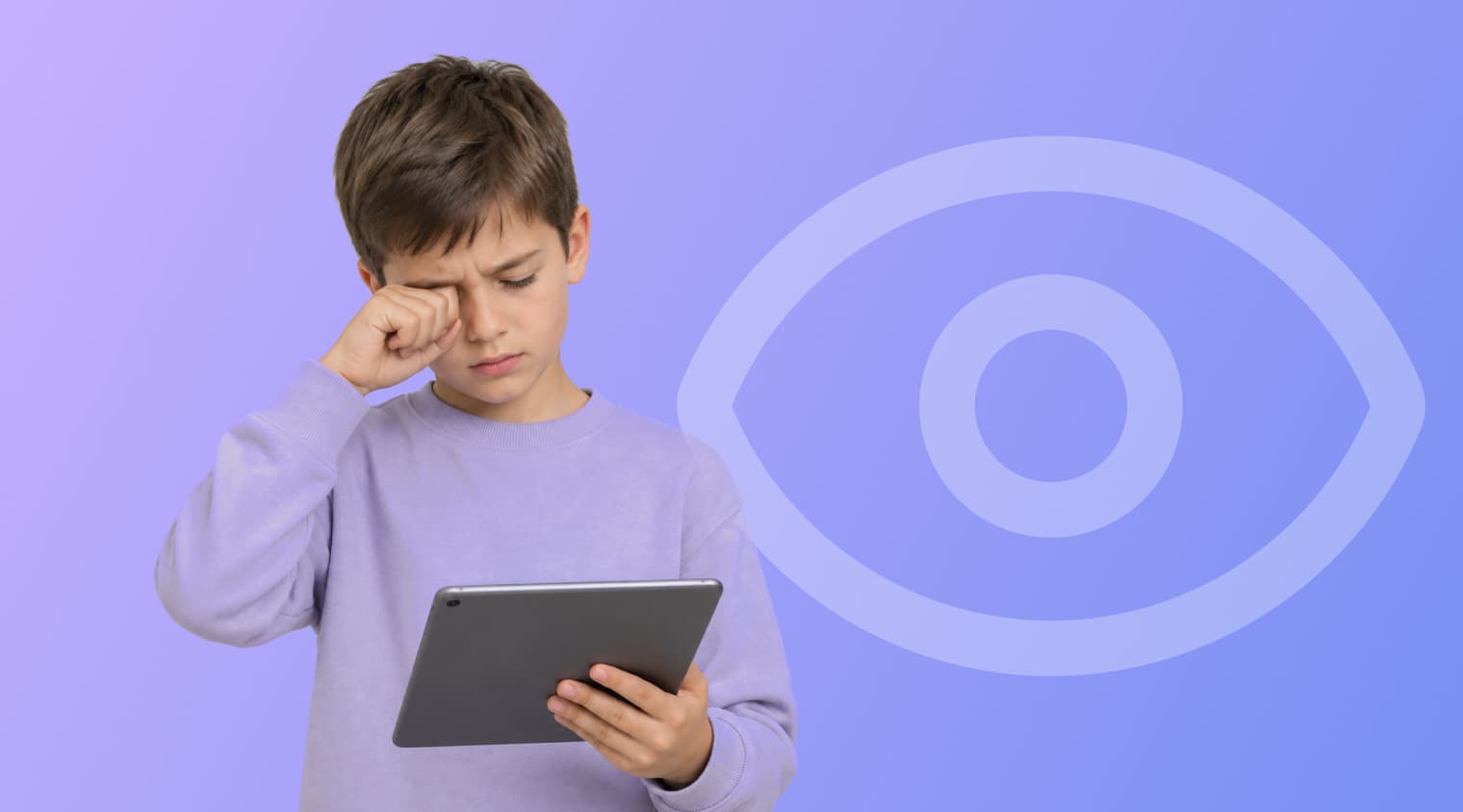
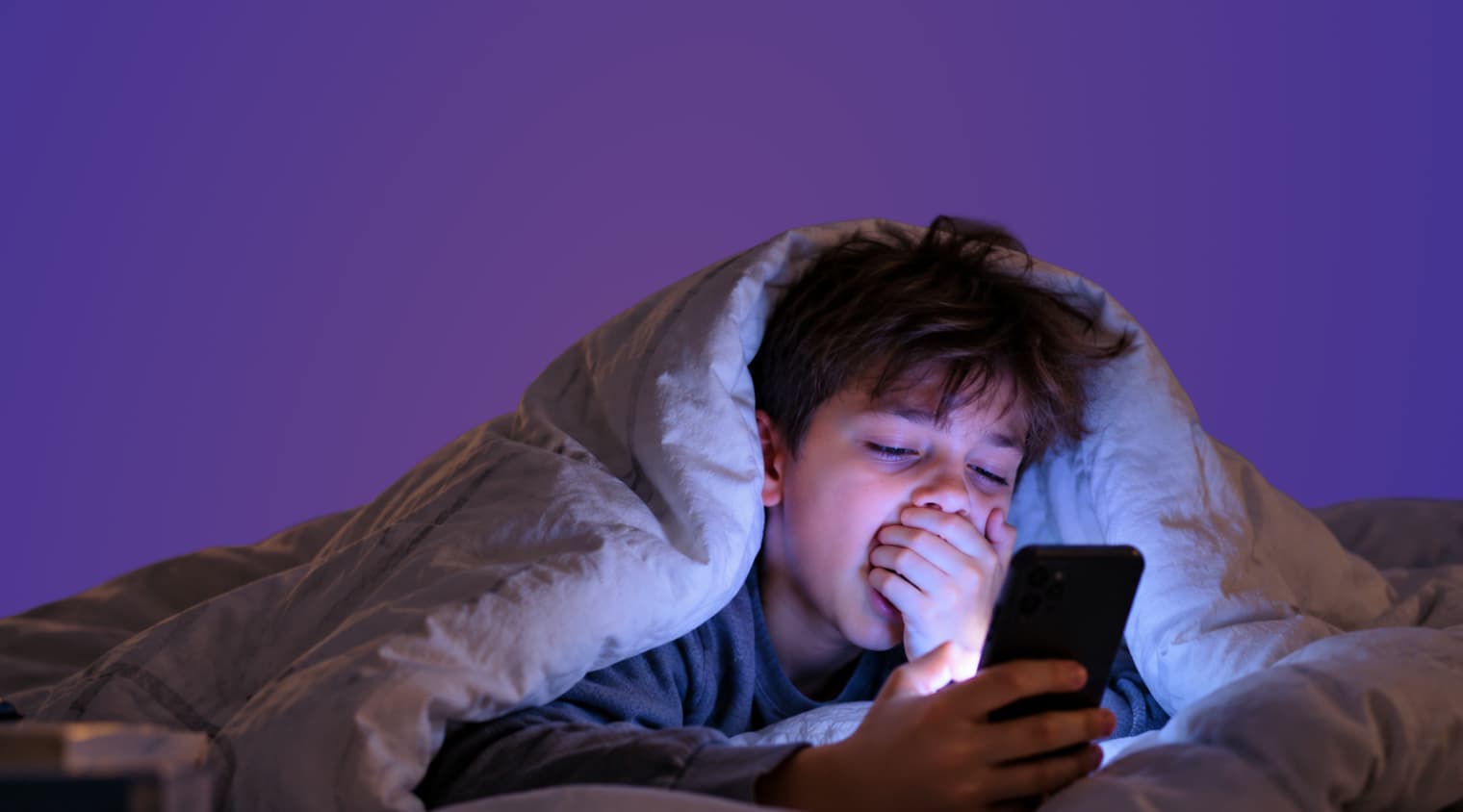
It is the third hour of a rainy Saturday. A nine-year-old is deep in a tablet game, rubbing one eye with the back of a hand, and by dinner there is a headache and a complaint that the TV looks “fuzzy.”
That is what eye strain from screen time usually looks like in children: tired, dry or itchy eyes, blurry vision and headaches after a long stretch of close focus. The American Academy of Ophthalmology (AAO) says these symptoms are temporary and do not damage the eyes. Most of the fix is simple: more breaks, a better screen setup and an eye exam when the signs keep coming back.
Key Takeaways
- Eye strain from screen time is a group of temporary symptoms, such as dry or itchy eyes, blurry vision and headaches, and the AAO says it causes no permanent damage.
- People blink about 15 times a minute, and the AAO notes that the rate can be cut in half when staring at screens, which is a main reason eyes feel dry and tired.
- Regular breaks work best: the American Optometric Association (AOA) recommends looking at something 20 feet away for 20 seconds every 20 minutes.
- The AAO does not recommend blue light glasses for screen use, and a 2023 Cochrane review found they may not reduce short-term eye strain.
- Kids360 has a free eye-protection reminder that tells a child to take a break after more than an hour at the screen, along with free daily limits and screen time statistics for parents.
Table of Contents
What Is Eye Strain From Screen Time?
Eye strain from screen time is not a disease. The AAO describes digital eye strain as “a name for the kinds of symptoms that people experience when they spend too long looking at a screen.” Doctors also call it computer vision syndrome.
The same tiredness happens with any long close-up task. The AAO notes that screen eye strain “is no different from the symptoms you may have when reading, writing, or doing ‘close work’ like sewing for long stretches of time.” A child who reads under a blanket for two hours can end up with the same tired eyes as a child who games for two hours.
What makes screens different is how long children look at them without a pause. A book has natural stopping points. A game level, a video autoplay queue or a group chat often does not, so the eyes stay focused at the same short distance for much longer.
What Does Eye Strain Feel Like in Children?
Eye strain usually feels like tired, dry, itchy or watery eyes, blurry vision and sometimes a headache. The AAO lists “dry eyes, itchy eyes, blurry vision and headaches” as typical symptoms of digital eye strain.
Younger children rarely say “my eyes are strained.” Parents are more likely to notice behavior:
- rubbing the eyes or blinking hard during or after screen time
- holding a tablet or phone closer and closer to the face
- tilting the head to one side to look at the screen
- complaining of a headache or tiredness after a long session
- getting cranky and wanting to stop, then wanting to start again a few minutes later
The AOA lists frequent eye rubbing or blinking, tilting the head, holding reading materials close to the face and complaints of discomfort and fatigue as signs that a school-age child may have a vision problem. These signs overlap with ordinary eye strain, so when they keep appearing, an eye exam is the way to tell the two apart (see the section on eye doctors below).
Can Eye Strain Cause Headaches in Kids?
Yes. Headaches are one of the symptoms the AAO lists for digital eye strain. Posture can make them worse: the AAO notes that “poor posture can contribute to muscle tightness and headaches associated with eye strain.” A child hunched over a phone on the sofa is straining both the eyes and the neck.
Why Do Screens Tire a Child’s Eyes?
Screens tire the eyes mainly because children blink less and focus at one short distance for a long time. According to the AAO, “Normally, we blink around 15 times per minute—but this ‘blink rate’ can be cut in half when staring at screens or doing other near work activities (like reading).” Less blinking means the surface of the eye dries out, which feels like grit, burning or itching.
Other factors add up:
- Brightness. The AAO explains that “if your screen glows brighter than your surroundings, your eyes have to work harder to see.” A bright tablet in a dark bedroom is a common example.
- Glare. Glossy screens reflect windows and lamps. The AAO advises avoiding screens outside or in brightly lit areas “where the glare on the screen can create strain.”
- Distance. A phone held close to the face keeps the eyes focused at a very short distance, which is more work for them.
- Uncorrected vision. The AOA notes that “uncorrected vision problems can increase the severity of computer vision syndrome (CVS) or digital eyestrain symptoms.” A child who needs glasses and does not have them will feel screen strain sooner.
How Can Parents Relieve Eye Strain Fast?
The fastest relief is to stop the screen and let the eyes rest on something far away. The AAO recommends making it a habit “to look up from your device and look at an object in the distance for a bit,” and the AOA notes that many symptoms “will decline after stopping computer work or use of the digital device.”
When a child’s eyes already feel tired:
- Put the device down and look out of a window or across the room for a minute or two.
- Blink slowly a few times on purpose. Children usually find this easier as a game: who can do ten slow blinks.
- Dim the screen or switch on a lamp so the screen is not the brightest thing in the room.
- If the eyes feel dry, the AAO suggests using artificial tears “to refresh your eyes when they feel dry.” For a child, ask the pediatrician or eye doctor which drops are suitable before buying any.
- Move to an activity without a screen, ideally outside or one that involves moving around.
How Long Does Eye Strain From Screen Time Last?
It usually eases soon after the child stops using the screen and rests the eyes. The sources used here do not give a fixed number of hours. The AOA’s warning matters more: if the cause is not addressed, “the symptoms will continue to recur and perhaps worsen with future digital screen use.” Strain that shows up after every session, or that does not fade after rest, is a reason to book an eye exam.
How Can Kids Prevent Eye Strain During Screen Time?
Prevention comes down to regular breaks, a comfortable distance and a screen that is not too bright. The AAO’s pediatric advice for children’s screen time includes these steps:
- Distance. Keep a computer at about arm’s length, “at a slight downward angle from your child’s face.” For laptops and desktops, the AAO suggests sitting about 25 inches away and looking slightly down at the screen.
- Brightness to match the room. Adjust brightness “to match the level of light around you,” and turn on a lamp in the evening instead of using a glowing tablet in the dark.
- Less glare. Turn the screen away from windows. The AAO also mentions a matte screen filter to cut glare.
- Posture. A table and a chair work better than a bed or a sofa for homework on a laptop.
- Breaks with real distance. The AAO encourages children “to go outside or play with a pet, sibling or non-electronic toys when taking breaks.” For e-books, a bookmark every few chapters can act as a reminder to look up, the same way the AAO suggests a paperclip in a paper book.
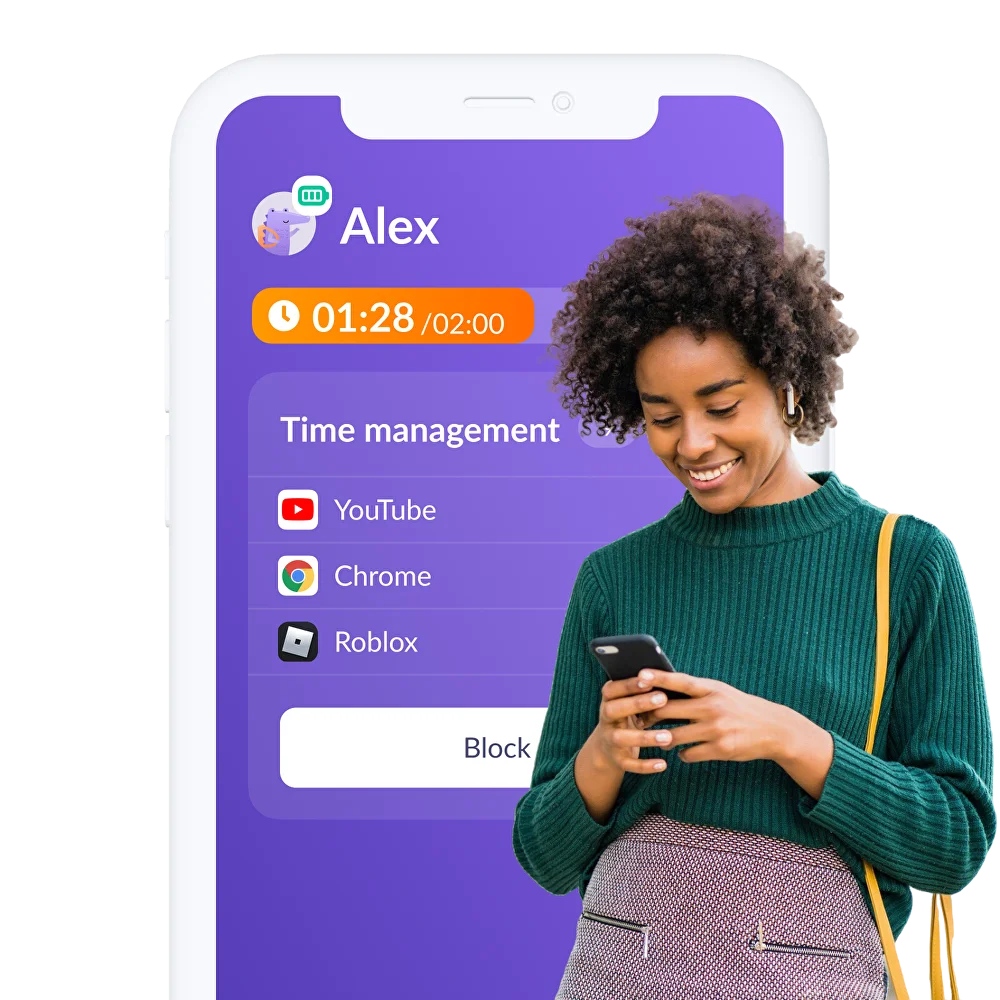
Parents who use Kids360 can turn on its free eye-protection reminder. When a child has been looking at the screen for more than an hour, the child’s phone shows a reminder to take a break, so the parent does not have to be the one interrupting the game every time. It works with the child on iPhone or Android.
Does the 20-20-20 Rule Work for Kids?
The 20-20-20 rule is a simple break routine, and it works for children as long as someone or something reminds them. The AOA recommends that people “take a 20-second break to view something 20 feet away every 20 minutes.” Twenty feet is roughly the length of a living room or the view out of a window.
Children rarely track time while playing, so the rule needs a cue: the end of a level, the end of an episode, a kitchen timer, or an app reminder. Shorter, more frequent breaks are easier to stick to than one long pause after an hour.
Does Dark Mode Reduce Eye Strain?
Dark mode is a matter of comfort rather than an eye-strain cure. The AAO’s advice focuses on brightness and contrast: the screen should not glow brighter than the room around it. In the evening, the AAO suggests night mode, which “lowers screen brightness” and uses warmer colors, mainly to protect sleep.
Do Blue Light Glasses Help With Eye Strain?
Blue light glasses are unlikely to help with eye strain from screen time. The AAO states that “digital eye discomfort is not caused by blue light” and that the Academy “does not recommend blue light glasses or any special eye wear for computer use.” A Cochrane review published in 2023 came to a similar conclusion: blue-light filtering lenses “may not reduce short-term eyestrain associated with computer work.” The trials in that review involved adults, not children.
Blue light does matter for sleep. The AAO warns that “screen use too close to bed time can harm sleep quality” and suggests avoiding screens 1 to 2 hours before bed. Instead of buying special glasses, the AAO says to “simply decrease evening screen time and set devices to night mode.” A screen-free hour before bed protects sleep and gives tired eyes a rest at the same time. More ideas for evening routines are in our guide to screen time rules for kids.
Can Too Much Screen Time Damage a Child’s Eyes?
Eye strain itself does not cause lasting damage. The AAO says these symptoms “are temporary and no permanent damage is being done to the eyes,” and that “there is no scientific evidence that the light coming from computer screens is damaging to the eyes.”
Long hours of close-up activity are a different question. The AAO points to a 2019 study that linked part of the worldwide rise in nearsightedness (myopia) to near work, which includes books as well as screens. The same study found that “spending time outdoors—especially in early childhood—can slow the progression of nearsightedness.” That makes outdoor play one of the most useful screen breaks a child can take.
The AAO does not set a specific daily amount of screen time for children’s eyes. For limits by age, see how much screen time is too much.
When Should a Child See an Eye Doctor?
A child should see an eye doctor when signs of strain keep coming back, do not fade after rest or appear even after short screen sessions. Headaches after reading, frequent eye rubbing, head tilting and holding a device very close can point to a vision problem that glasses would fix.
The AOA recommends that school-age children have an eye examination every year, “or more frequently if specific problems or risk factors exist.” A school vision check does not replace it: the AOA notes that “a vision screening is not a comprehensive exam.” Parents can bring a short note to the appointment: how long the child uses screens on a typical day, which devices, and when the symptoms start.
How Kids360 Helps Build Eye Breaks Into Screen Time
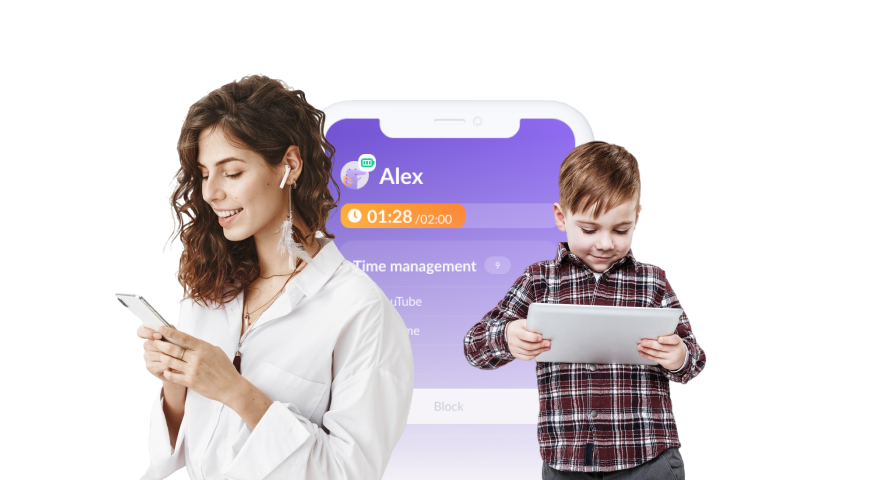
Kids360 helps with the part that is hardest at home: noticing how long a child has been looking at a screen and stopping on time without an argument. The parent app is Kids360, and the child’s phone gets Alli360, which is linked with a code from the parent’s app.
Remind the Child to Rest Their Eyes
The eye-protection reminder is free. After more than an hour at the screen, the child sees a reminder to take a break. It works as a neutral cue for the 20-20-20 habit or a longer pause, and the child hears it from the phone, not from a parent standing in the doorway.
Set a Daily Screen Time Limit
A daily limit is free on both iPhone and Android. When the time is up, the device locks, while essential communication apps stay available. Children see how much time is left in Alli360, so the end of the day’s screen time does not come as a surprise.
See When the Long Sessions Happen
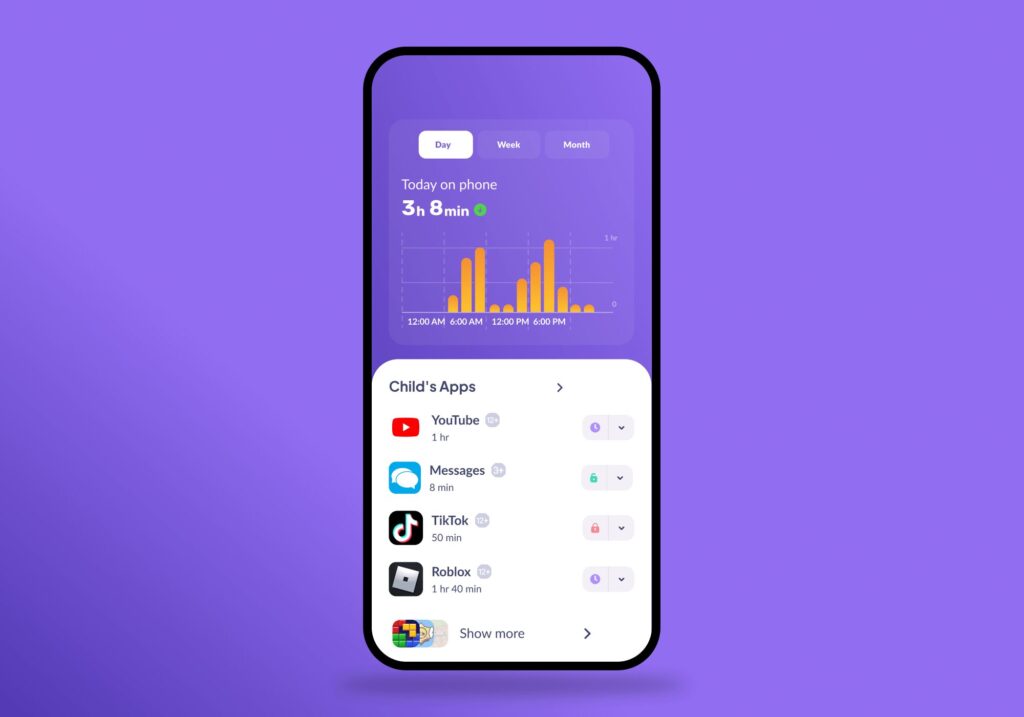
Screen time statistics show how much time the child spends on the device and in which apps (on iPhone, the child’s data is shown by category). If tired eyes and headaches always follow the same game or the same evening hour, that pattern will be visible.
Keep Screens Away From Bedtime
With a subscription, schedules can lock games and video apps during homework or the hour before bed, which supports the AAO’s advice to cut evening screen use.
Kids360 does not check a child’s eyesight or replace an eye exam. It helps a family stick to the breaks and limits that eye doctors recommend.
Download Kids360 for free and turn on the eye-protection reminder before the next long screen session.
Short Breaks Help More Than Special Glasses
Most eye strain from screen time goes away with rest, and most of it can be prevented with habits that cost nothing: frequent breaks, a screen at arm’s length that is no brighter than the room, and time outside. If the same signs keep coming back, the next step is an eye exam rather than another gadget. Start this week with one change, such as a break at the end of every game level, and see whether the evening headaches ease.
Sources & References
- Screen Use for Kids, American Academy of Ophthalmology, 2026
- Digital Devices and Your Eyes, American Academy of Ophthalmology, 2026
- Computers, Digital Devices, and Eye Strain, American Academy of Ophthalmology, 2024
- Computer Vision Syndrome, American Optometric Association
- School-Aged Vision: 6 to 18 Years of Age, American Optometric Association
- Blue-Light Filtering Spectacle Lenses for Visual Performance, Macular Protection, and Improving Sleep Quality, Cochrane, 2023