




Parental Control for YouTube that Kids Enjoy

See what your child watches on YouTube, set time limits, and decide when they can use it
Try it free
4,6
In AppStore
4,7
In Google Play
100K+
Reviews
1 M+
parents put their trust in us
2,5x
less time spent on YouTube
5 minutes
to set up the app

Featured on:

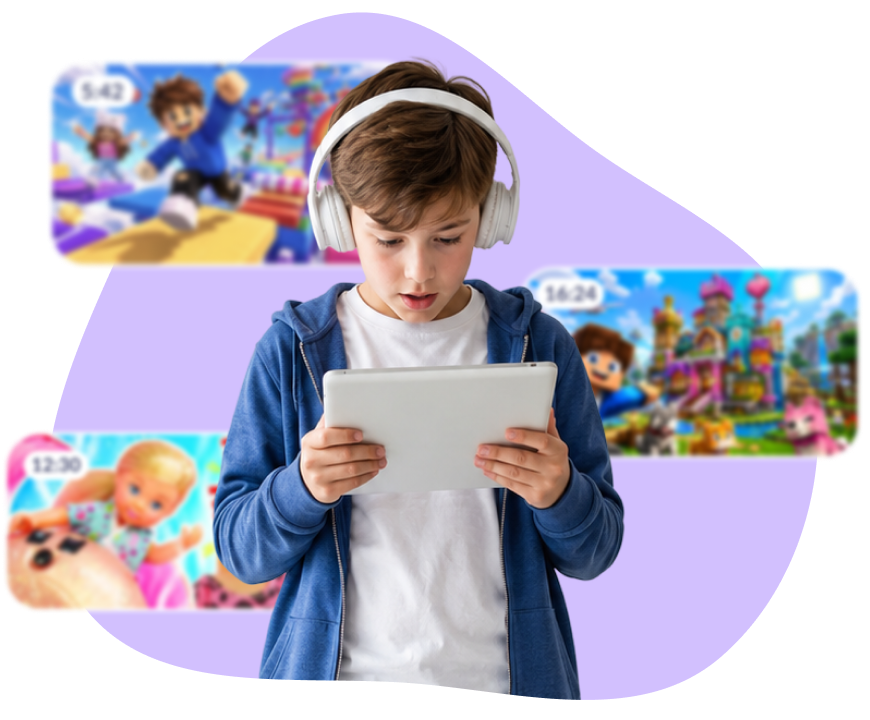
YouTube Problems Every Parent Knows

Kids spend 8–9 hours per day on YouTube

After school, at dinner, before bed — it's always on

Adult content is one tap away

Algorithms choose what your child sees — you don't

"Ten more minutes" was an hour ago

Autoplay has already queued up the next ten videos
How Kids360 Solves Them

bg
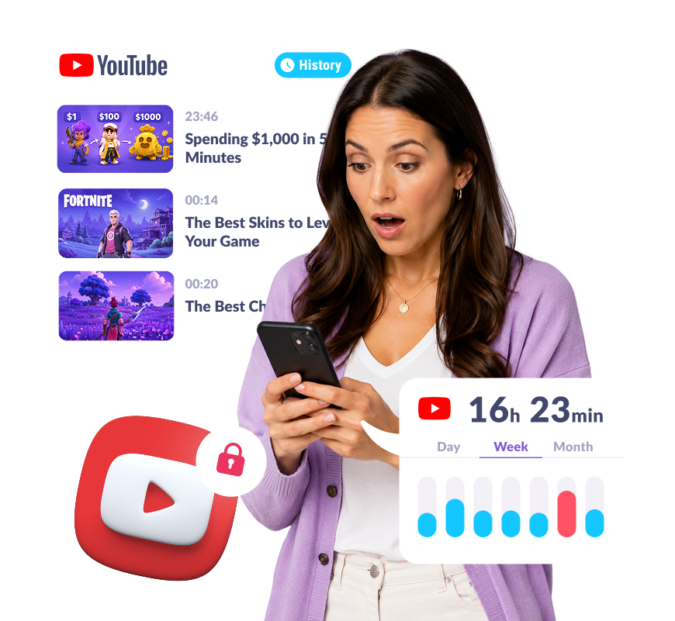
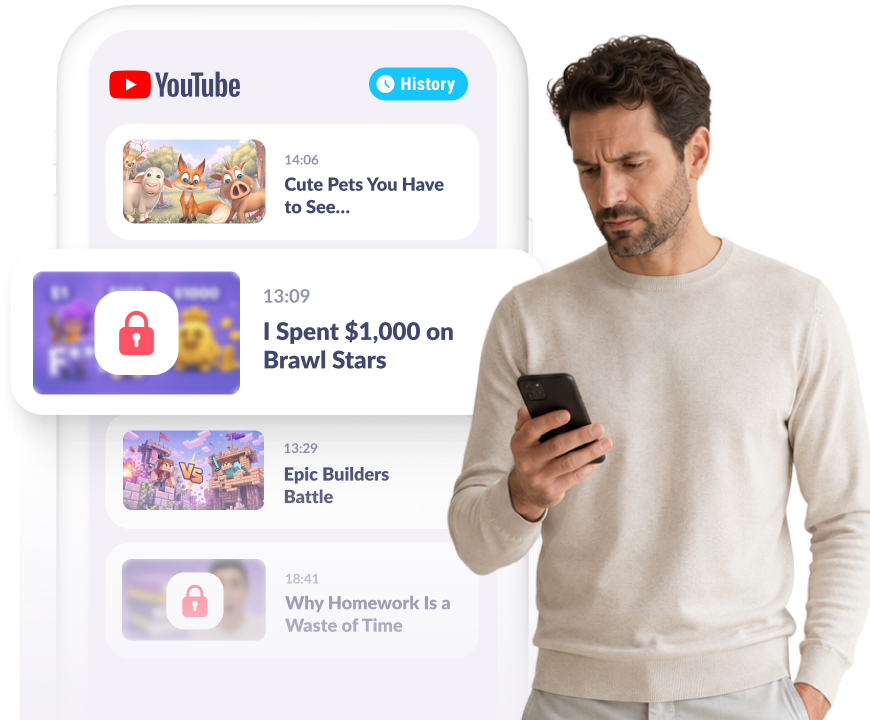
See your child’s YouTube history

No secrets here. Open Kids360 and see what they actually watched

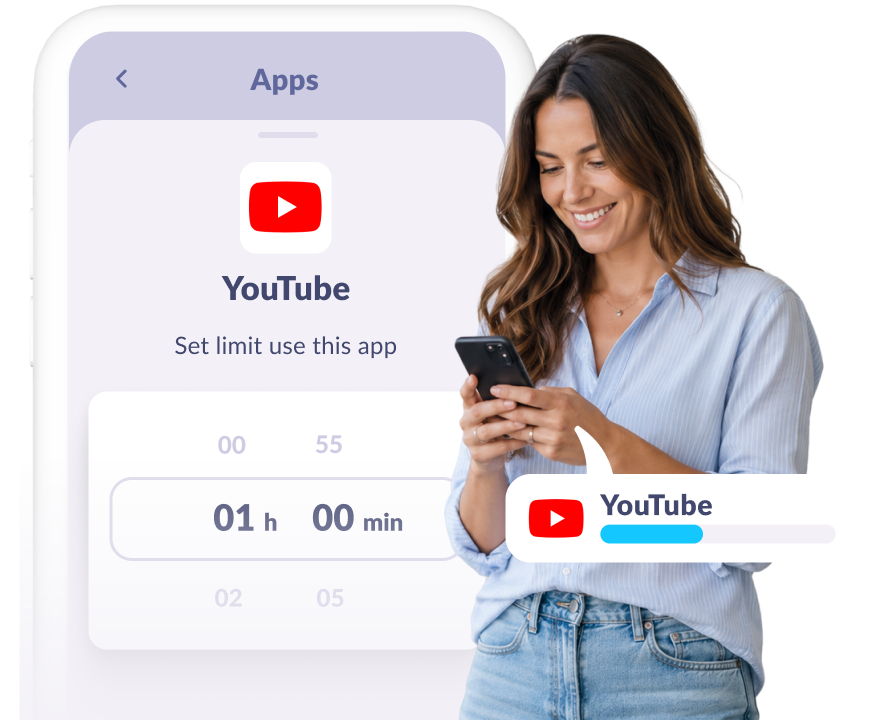
Set a daily time limit for YouTube

No more “five more minutes”, YouTube closes itself when time’s up
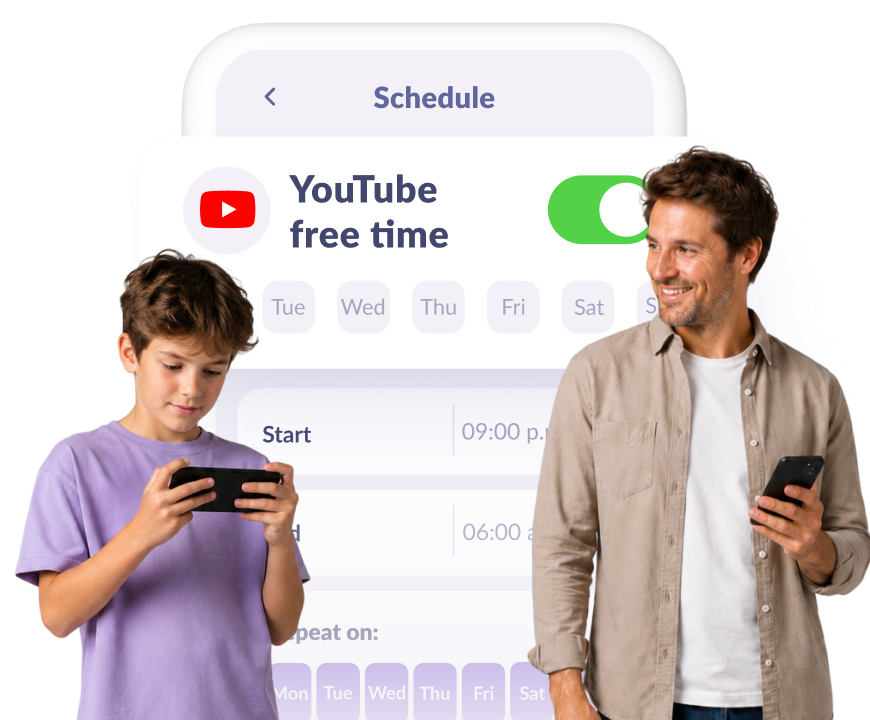
Schedule YouTube-free hours

Homework, dinner, and sleep — set autoblock once, and it repeats every day
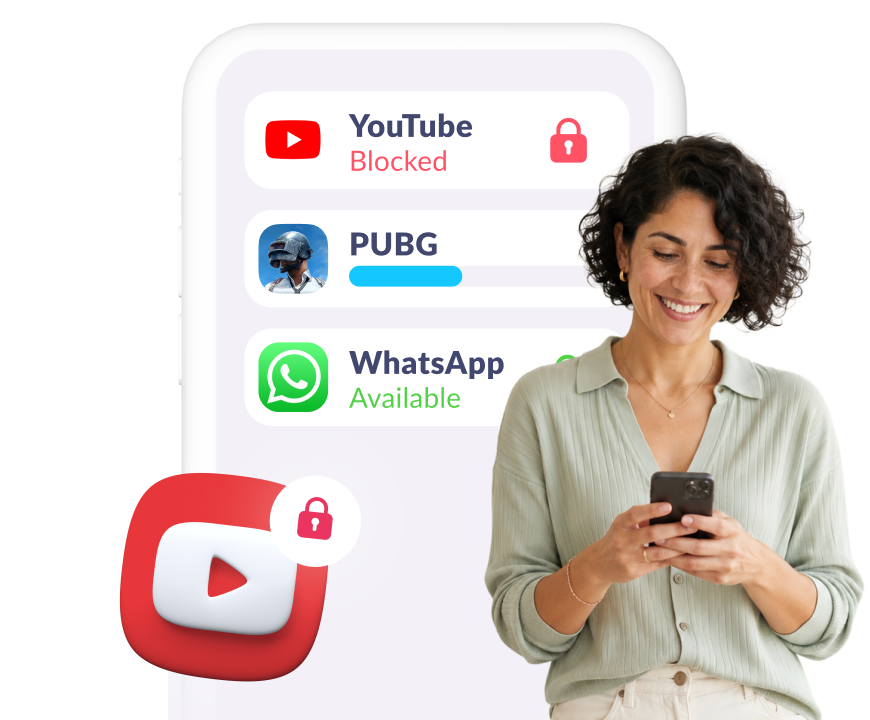
Block YouTube when you need to

Pause YouTube for a while, and turn it back on with a single tap
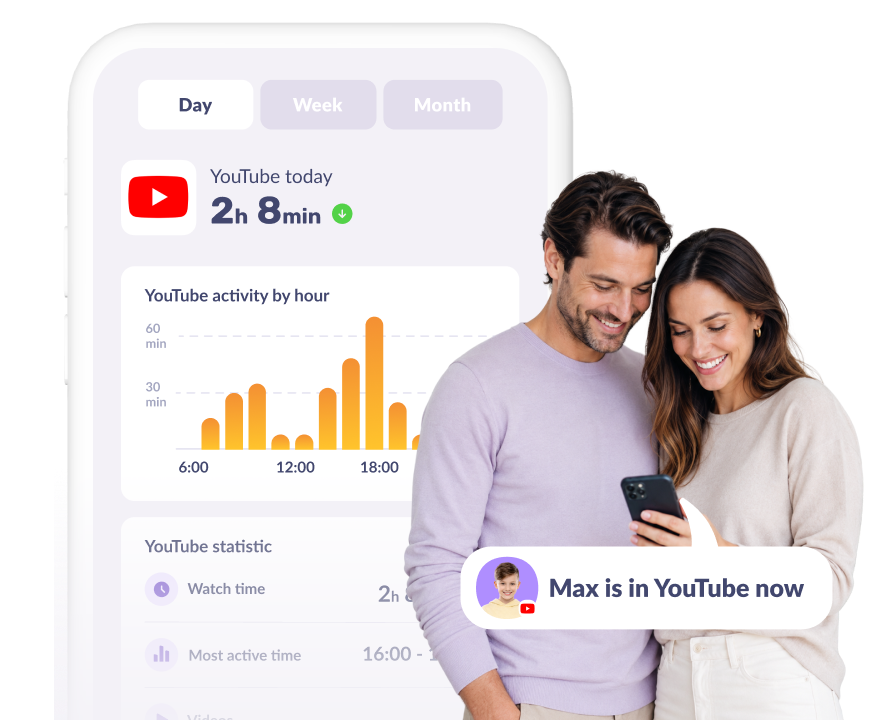
See how long your child is on YouTube

See if your child is online right now, and track their total watch time by hours
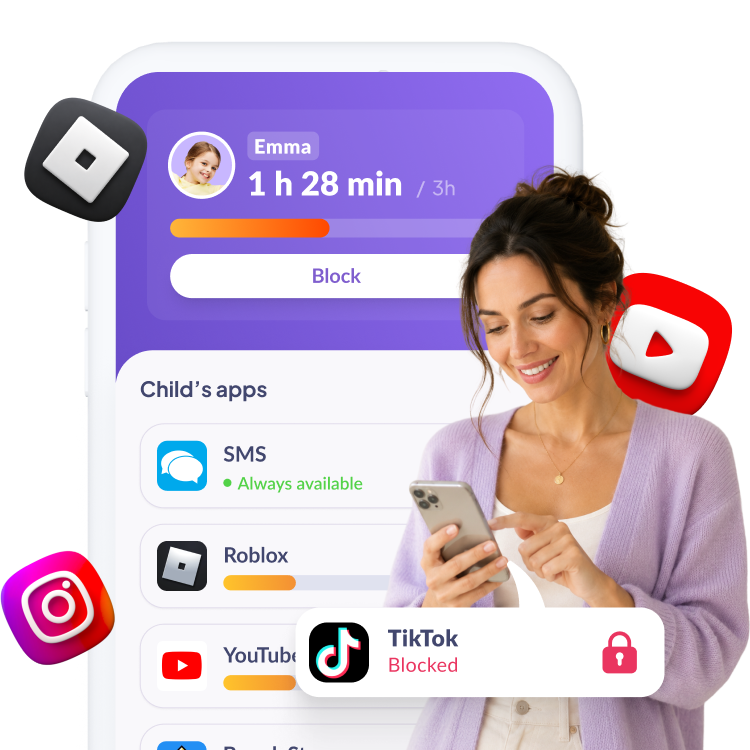
Works for any app, not just YouTube

Set limits, schedules, blocks, and track time for TikTok, Roblox, Instagram, and more

Try now
Why Kids Don’t Fight It

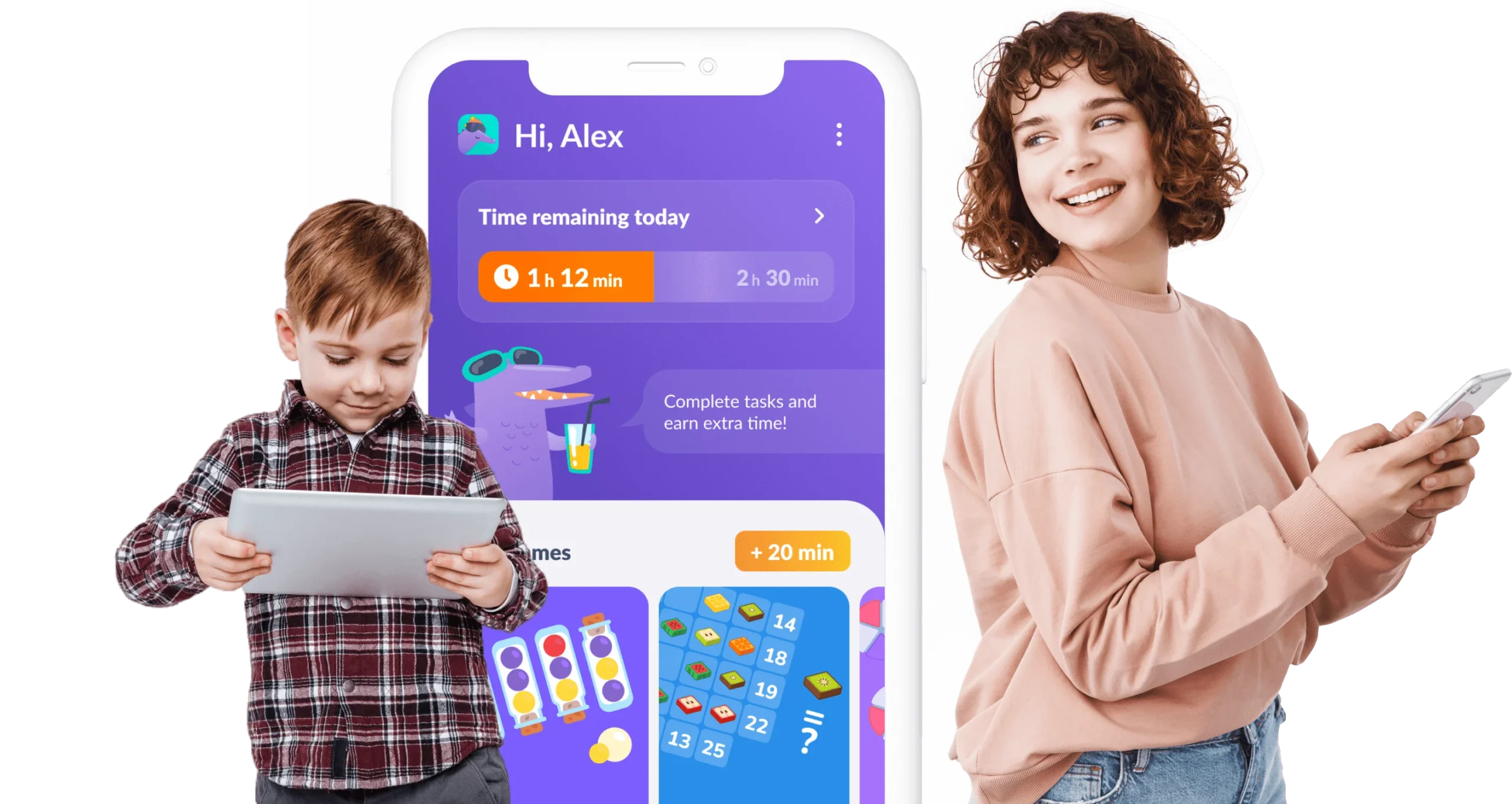
They complete useful tasks to earn time back, so control feels like a deal, not a punishment, and they don’t try to delete the app

Logic, focus & thinking tasks

Kids earn phone time by completing our engaging learning exercises
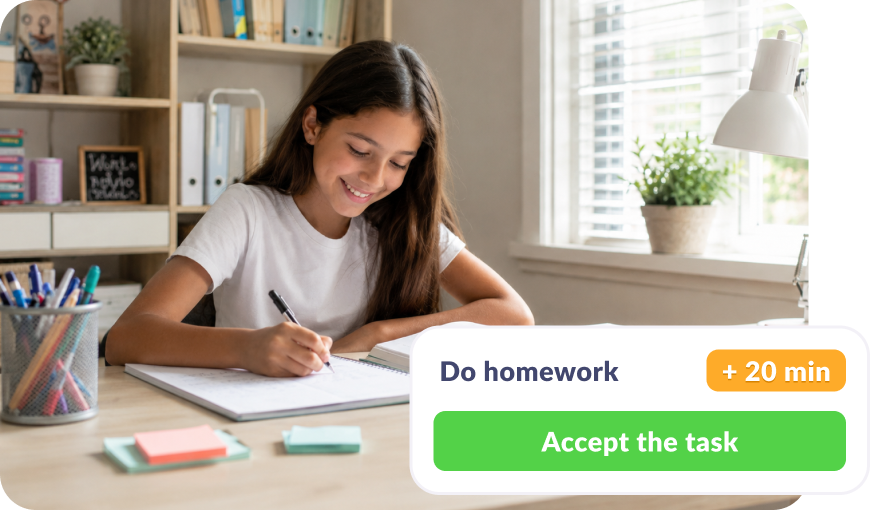
Tasks from parents

Parents set tasks like homework or chores — child earns screen time

Try now

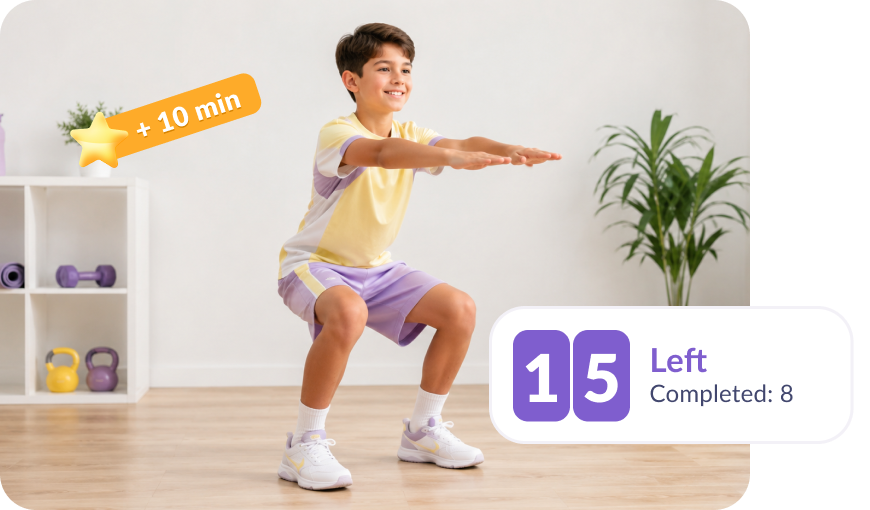
Exercise and activity

Child gets rewarded for healthy habits, from daily steps to completed workouts
Connect Your Child’s Device in 5 Minutes

Easy setup and user-friendly interface. Access any app function with just 1 tap!

Download the Kids360 app on your phone

1

Install the Alli360 app on your child’s phone

2

Surround your child with care

3
Download Kids360

What Makes Kids360 Convenient

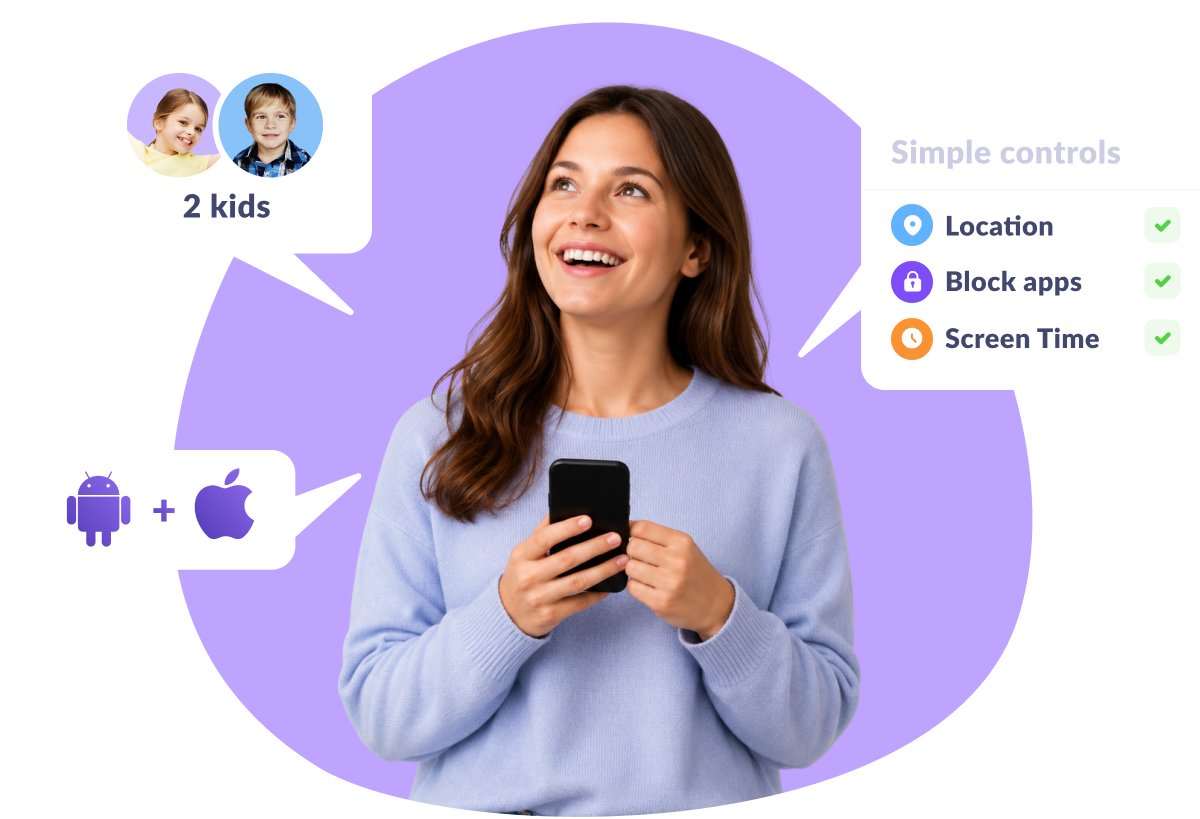
Works on any device

iPhone or Android, phone or tablet; Kids360 is compatible

Add every kid

Add another child or a second parent for free, all in one place

Easy to use

Simple to understand. No complicated technical setup

More than 1 million parents are already using Kids360

Join Now

Mei

Great app for parents! I set limits on YouTube and gaming, and my son is now spending more time on schoolwork. It’s been a big help, highly recommend it!

15/09/2024

from Google Play

Matthew

Super handy! I can easily monitor what my daughter watches online and limit her social media time. It’s a game-changer for our family!

09/06/2024

from Google Play

Sarah

Finally found a solution to stop my kids from using their devices late at night. The app turns off games automatically, and no more bedtime arguments. A real lifesaver!

20/01/2024

from App Store

Ashley

Amazing app! We’ve been using it for a few months, and it’s really helped with screen time and kids motivation, thank you!

01/11/2023

from Google Play

Jessica

Fantastic app! My 5-year-old’s tablet time is now under control. Setting limits was easy. No more fights over cartoons!

20/08/2024

from Huawei AppGallery

Related Articles

Screen Time
A Simple Way to Check Screen Time on iPhone with Kids360

Frequently Asked Questions

How to put parental controls on YouTube?

Install Kids360 and connect your child’s phone in just a few minutes. From your own device, you can review YouTube watch history, set daily screen time limits, create schedules, and block apps instantly — all in one simple app.

How to block videos on YouTube?

Instead of blocking single videos, Kids360 gives you a simpler way to stay in control. Block YouTube entirely with one tap, or limit it to specific hours so your child complies with your digital boundaries.

Can you see your child’s YouTube history?

Yes, Kids360 gives you access to your child’s full YouTube watch history, so you always know what they’ve watched.

Can you schedule YouTube-free hours?

Yes, you can set YouTube-free hours in the Kids360 app. Block the app during school hours, dinner, or bedtime, and YouTube automatically becomes unavailable.

Can you see when your child is on YouTube?

Yes, Kids360 shows you in real time whether your child is on YouTube, plus their total watch time.


Take the worry out of YouTube and your child’s phone use with Kids360

Learn more about Kids360 parental control!