
I see a world map
Check the network connection and turn off VPN on your child’s device
Make sure that there’s no red Set Up the Child’s Phone button in Alli360.
If you can see the button, tap it and follow the app’s tips
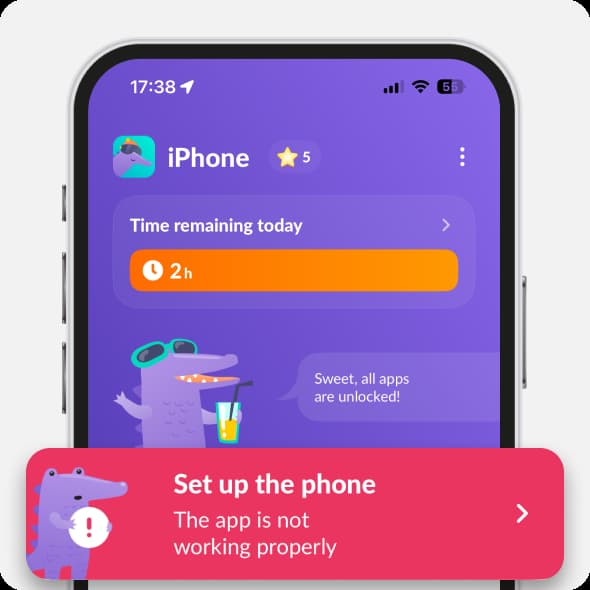
If that didn’t help, restart the parent’s and child’s apps.
After that, open first your child’s app, and then the parent’s one
To restart the app on iPhone:
• Swipe up from bottom of the screen; or press the Home button twice. You’ll see open apps
• Swipe Kids360 from bottom to top
To restart the app on Android:
• Swipe up from bottom of the screen; or tap the icon in the lower left corner at the bottom of the screen. You’ll see open apps
• Swipe Kids360 from bottom to top
Location doesn’t update
Make sure your child’s device is connected to the Internet.
Try changing restriction limits in the parent’s app Kids360 and then open Alli360.
It information has updated, that means there’s Internet on your child’s device.
Restart your child’s phone
Check if there are available updates on app stores
Restart the parent’s app and enter the Map tab.
Location will update in the next 3 minutes.
If the problem still persists, contact us in the chat support.
Was it helpful?
Chat is unavailable right now. Please try again later.




