
Take your child’s phone and follow the steps below:
Open Alli360 on your child’s phone
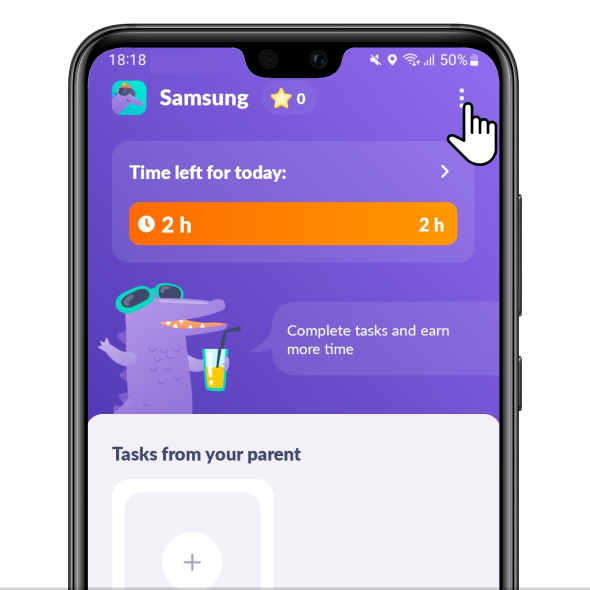
Tap three dots in the upper right corner
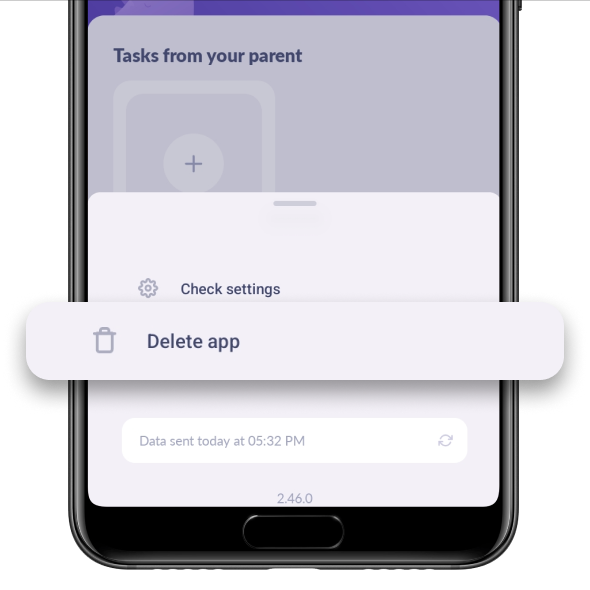
Choose Delete App
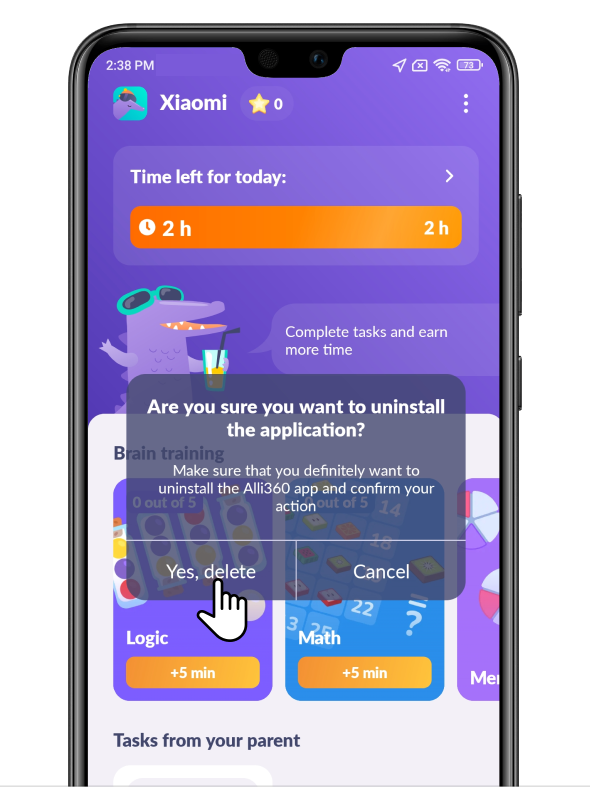
Tap Yes, Delete
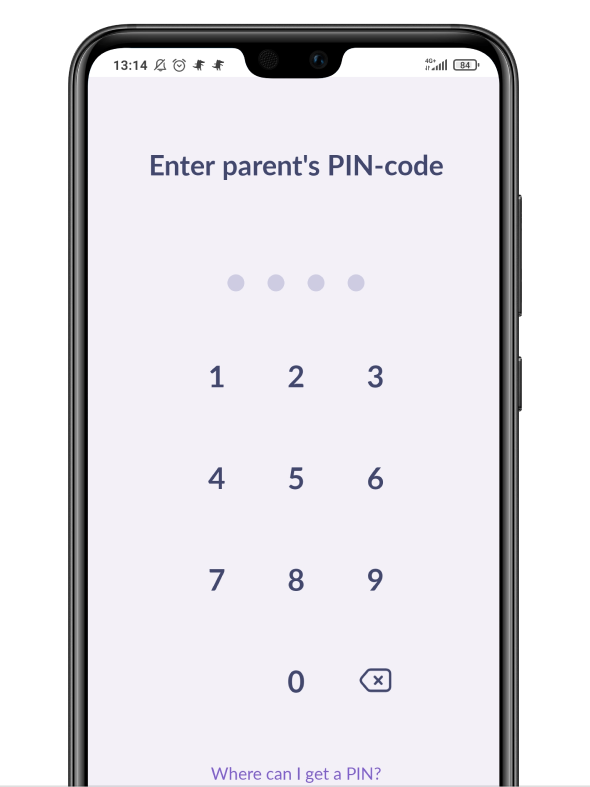
Enter the PIN code. Take a short survey when removing the app
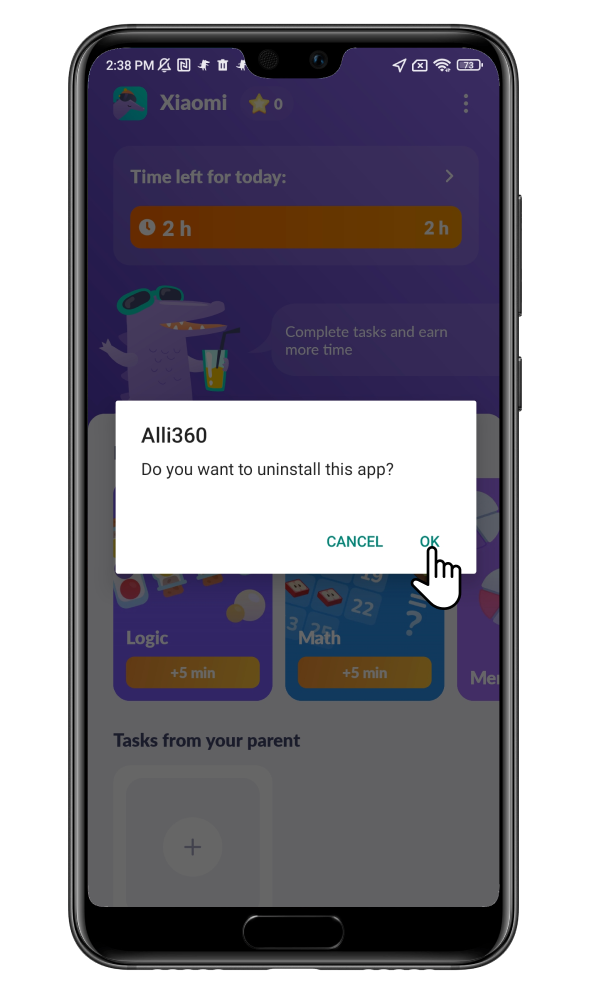
The settings will open. Tap OK
My device says it’s not possible to remove the app
The system does not have time to disable the administrator mode for the Alli360 app.
If a red button appears on the Home screen, then the administrator mode is disabled.
Try repeating the steps above. Wait 1-2 minutes for this screen to appear before confirming the removal:
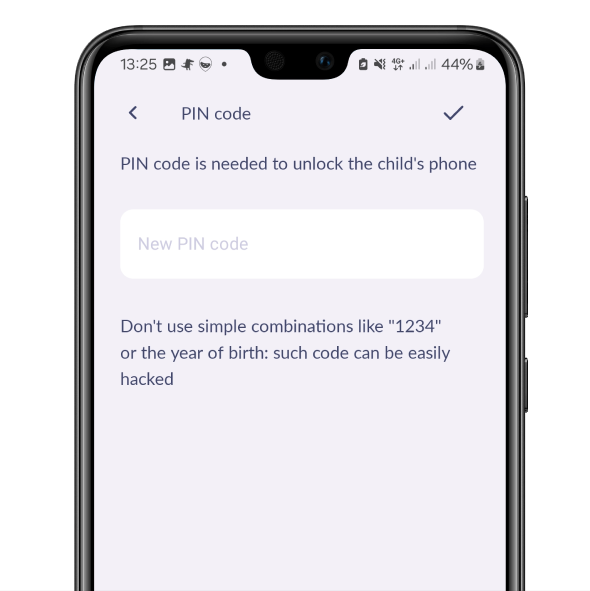
If you’ve forgotten your PIN code
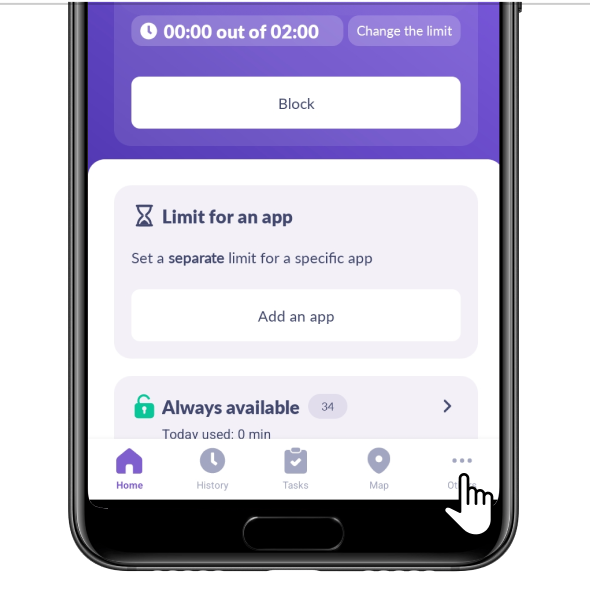
Open Kids360. Tap in the lower right corner Others
Choose PIN Code
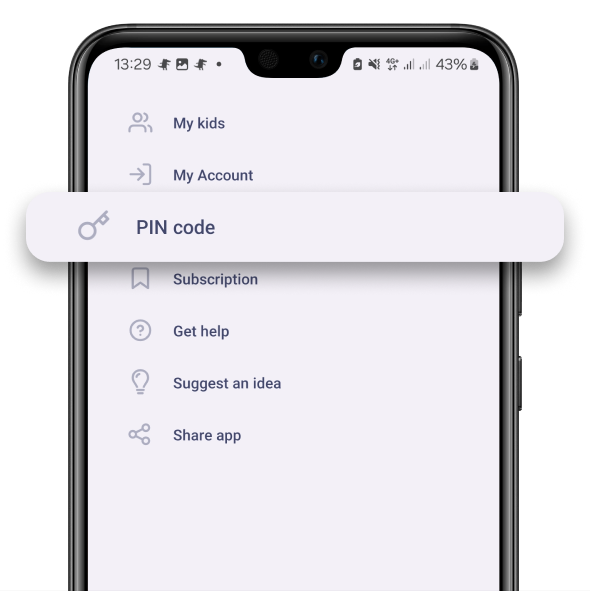
Set a new PIN code
If nothing helped, or the parent’s app has already been removed, contact us in the chat support.
Was it helpful?
Chat is unavailable right now. Please try again later.




