
Follow the steps below:
Restart your child’s phone and check their network connection.
Turn off VPN apps on your child’s phone
Open the Alli360 app
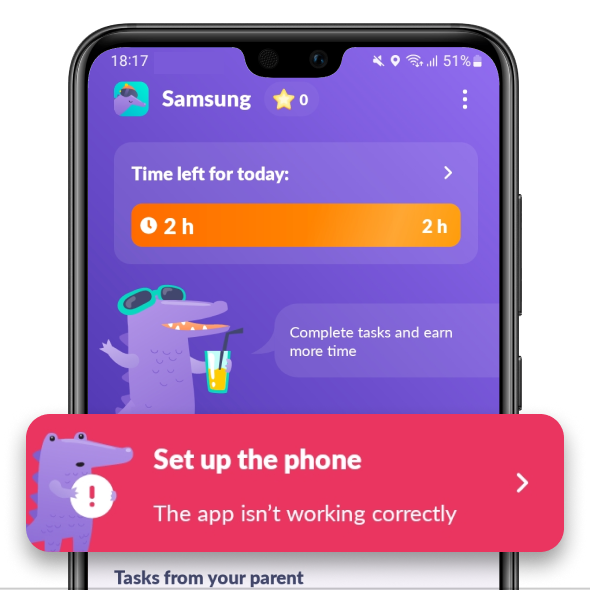
Make sure that there’s no red Set Up the Phone button in Alli360.
If you can see the button, tap it and follow the app’s tips
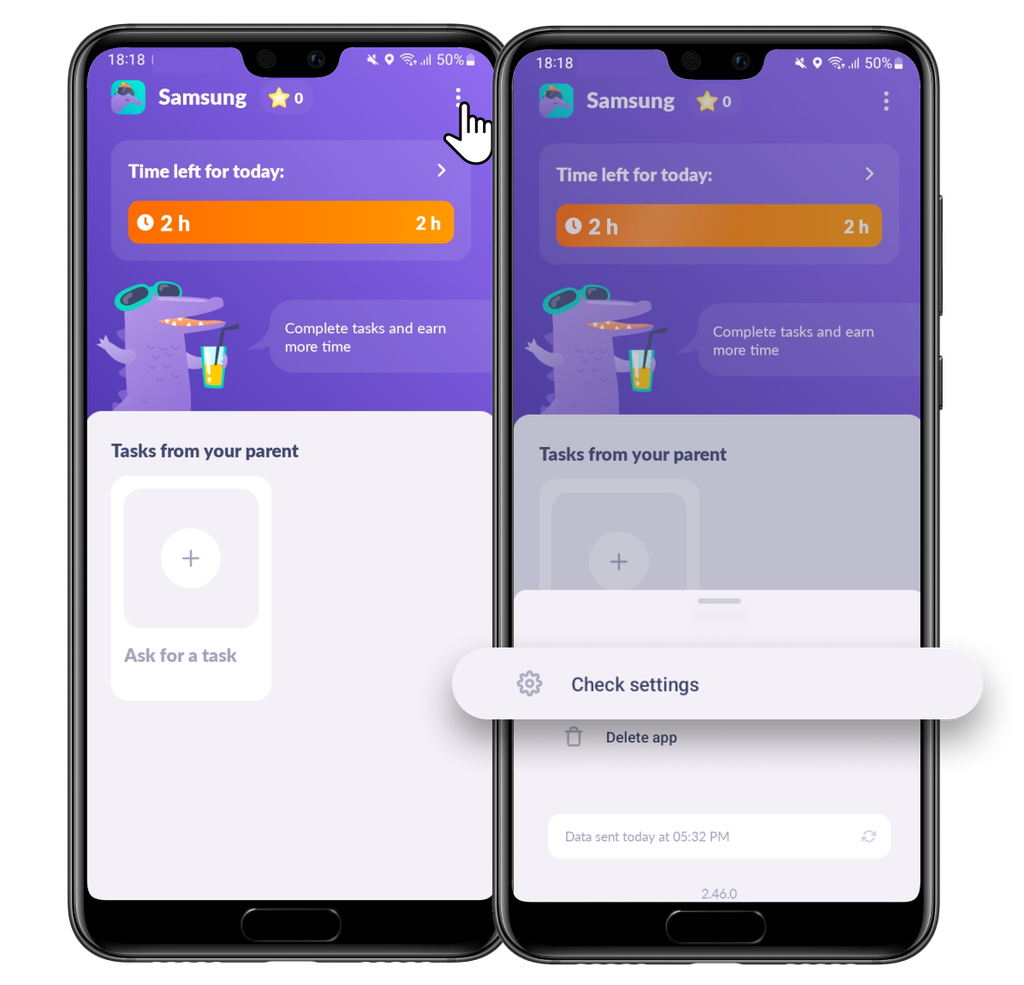
Check your kid’s phone settings.
To do that, tap three dots in the right lower corner and choose Check Settings
If you’re having trouble with permissions, contact us in the support chat at the bottom of the screen.
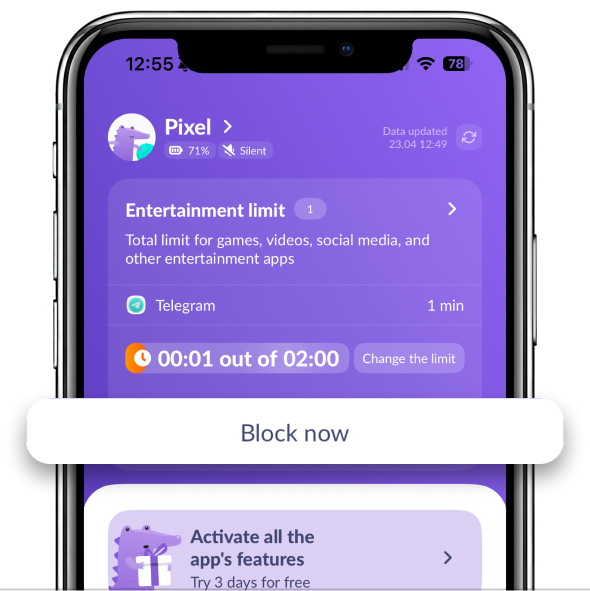
Apps will not be automatically blocked over time if you don’t have a subscription.
Tap the Block Now button to turn on restrictions if you don’t have a subscription
If you can see the Unlock button in Kids360, it means that restrictions are on.
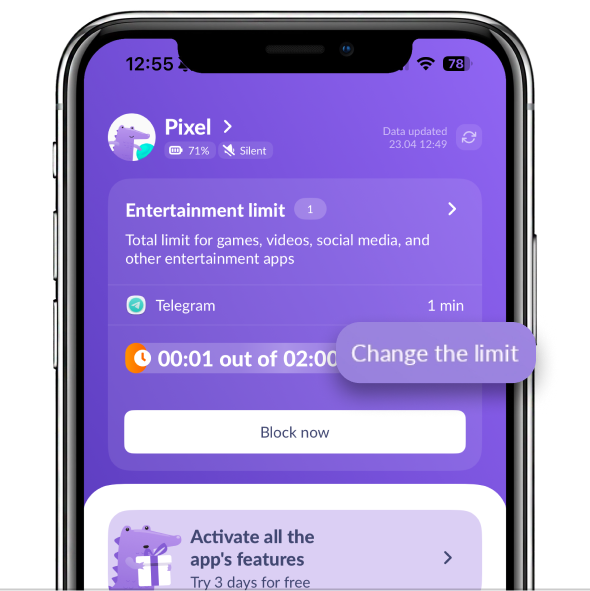
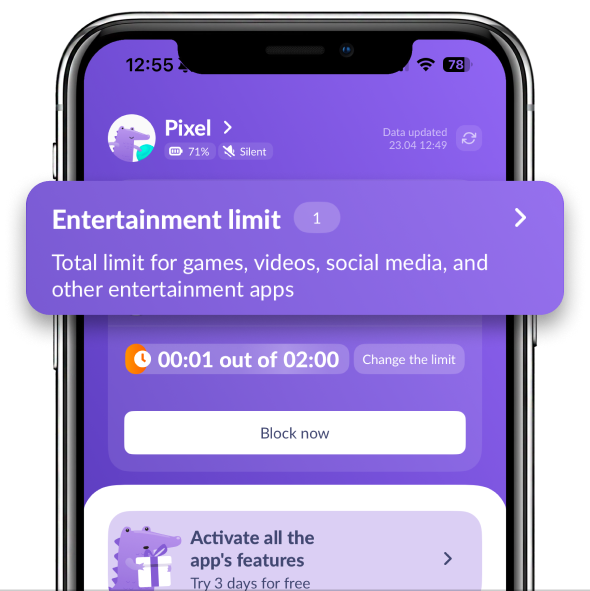
Check if the app you’d like to block is in the Entertainment Limit section
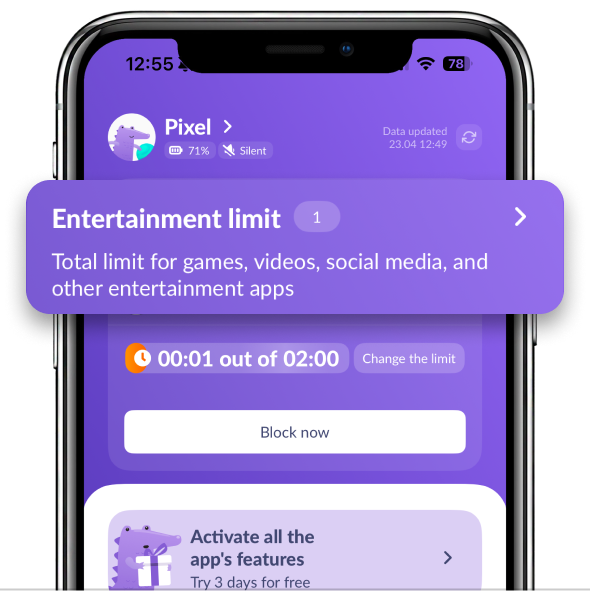
If you can’t see it on the list, tap the Always Available section:
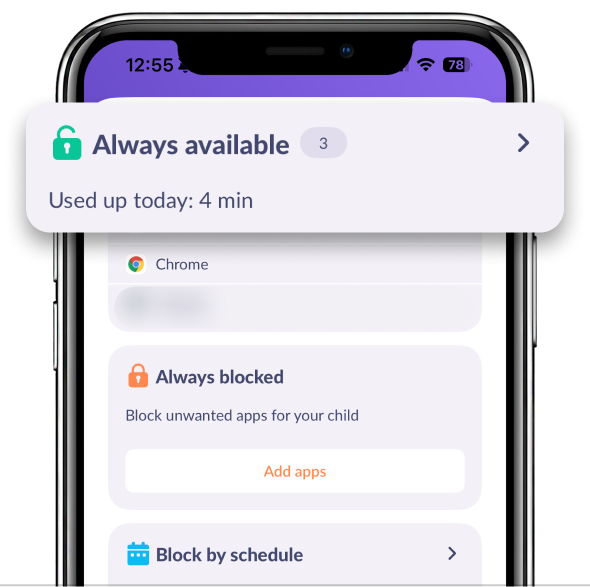
Find the app you need:
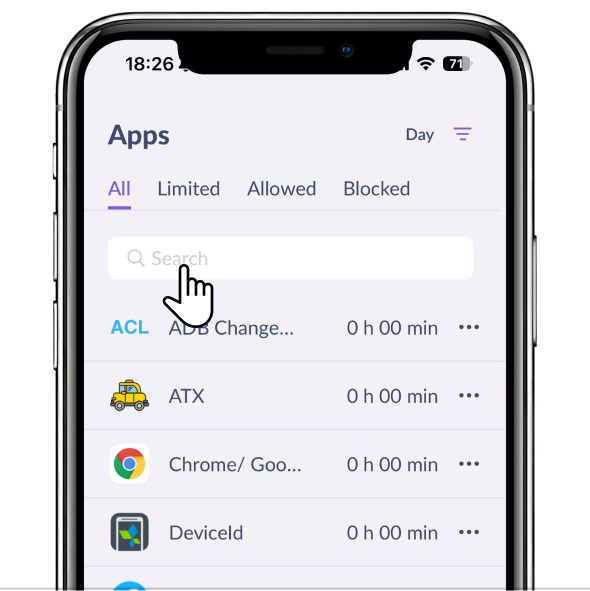
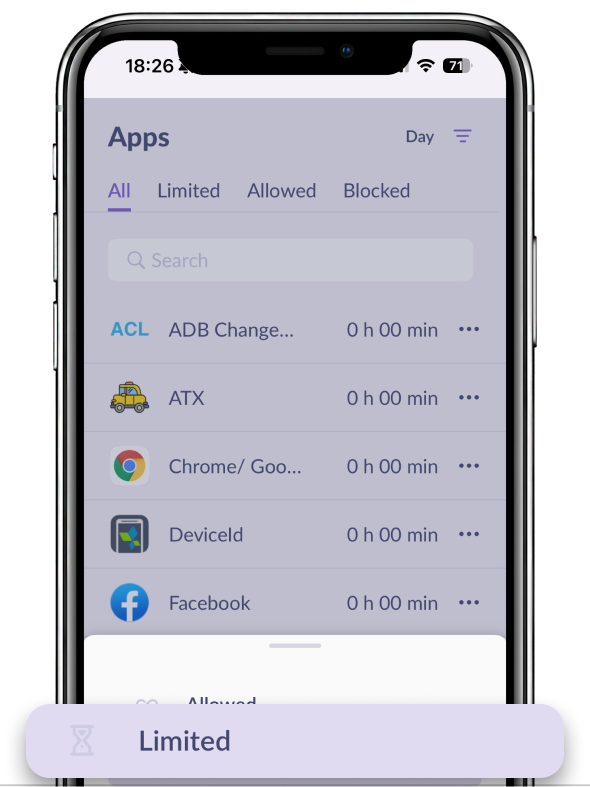
Tap the app and move it to Limited:
Go back to the main screen. Tap Change the Limit
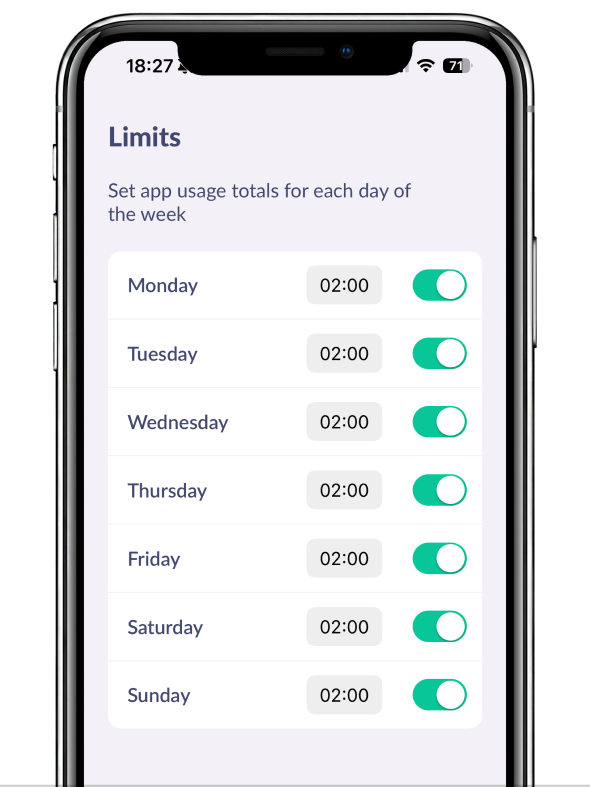
Check if the time limits are on:
Go back to the main screen. Tap Block by Schedule
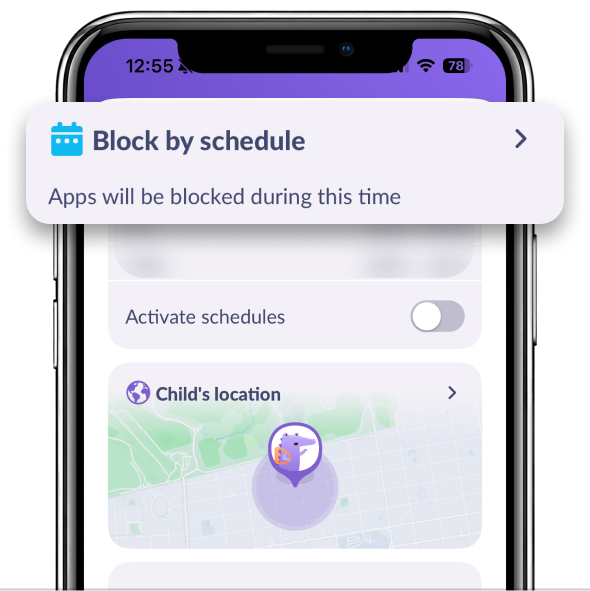
Check if the schedule is on.
Schedules work only for the apps in the Limited list.
Tap the schedule if you’d like to change days of limits.
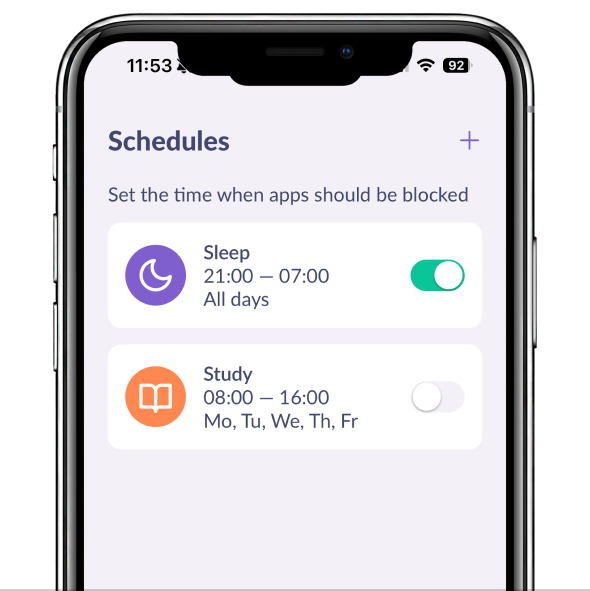
If you have a subscription, schedules will work automatically.
Check if the data update time matches in both the child and parent apps.
In the kid’s app, tap the dots in the upper right corner to check that
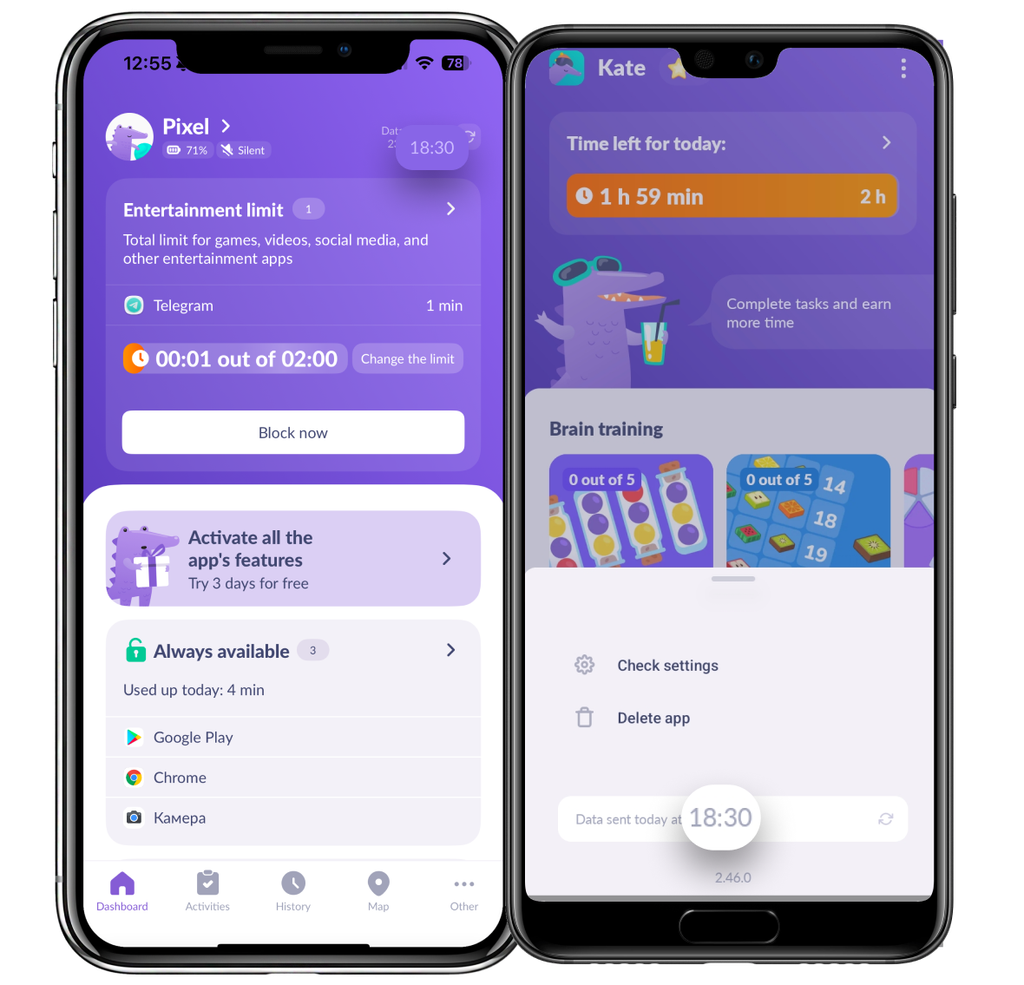
Make sure that apps lists are the same in the child and parent apps.
Open Entertainment Limit on a parent’s phone
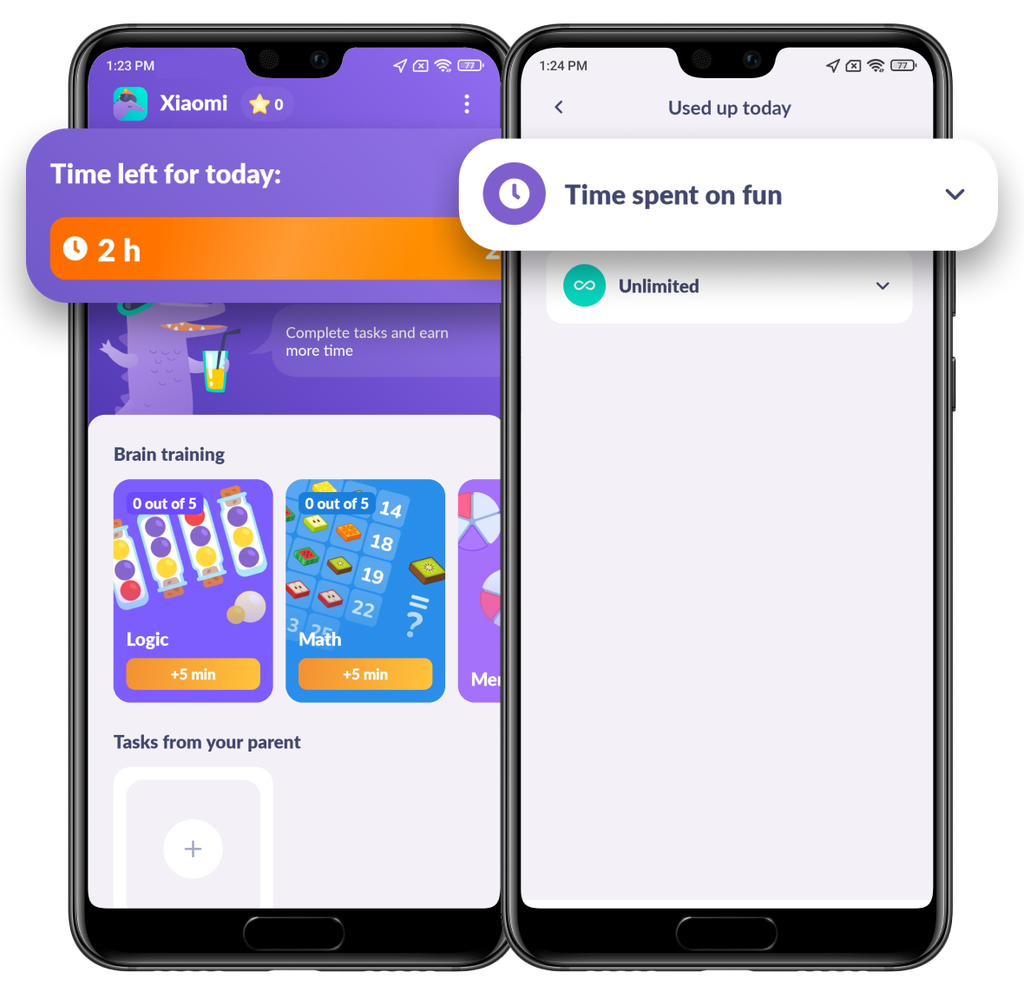
On your child’s phone choose Time Left for Today, and then Time Spent on Fun:
If the lists are different, open Entertainment Limit on a parent’s phone
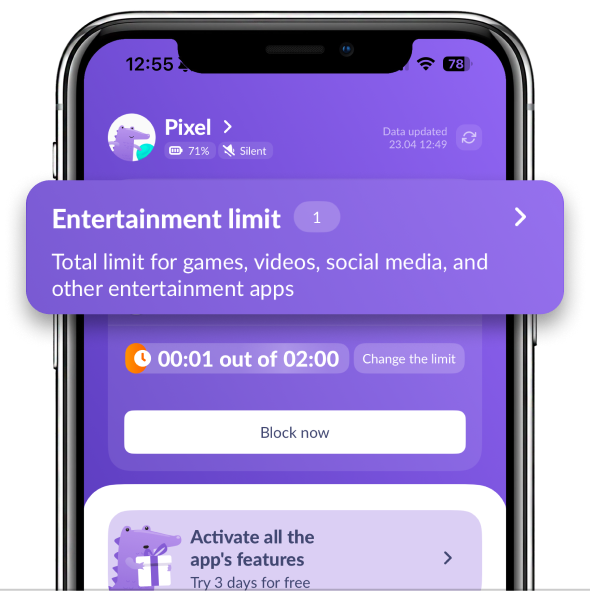
Add the app you need to the Limited list:
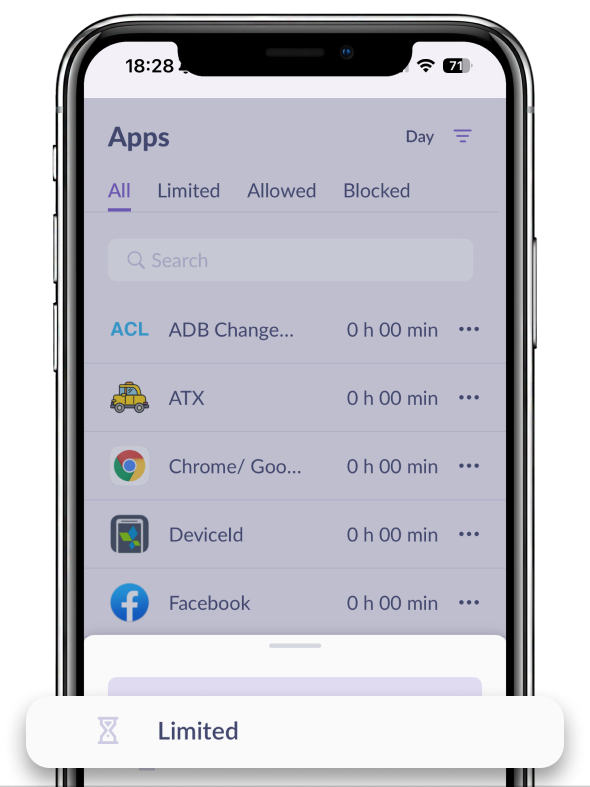
Go back to the main screen. Choose Always Available:
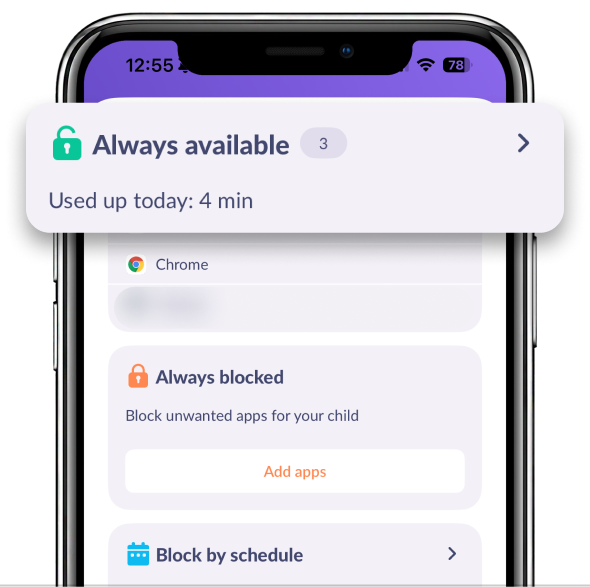
Find the app you need and move it back to Limited:
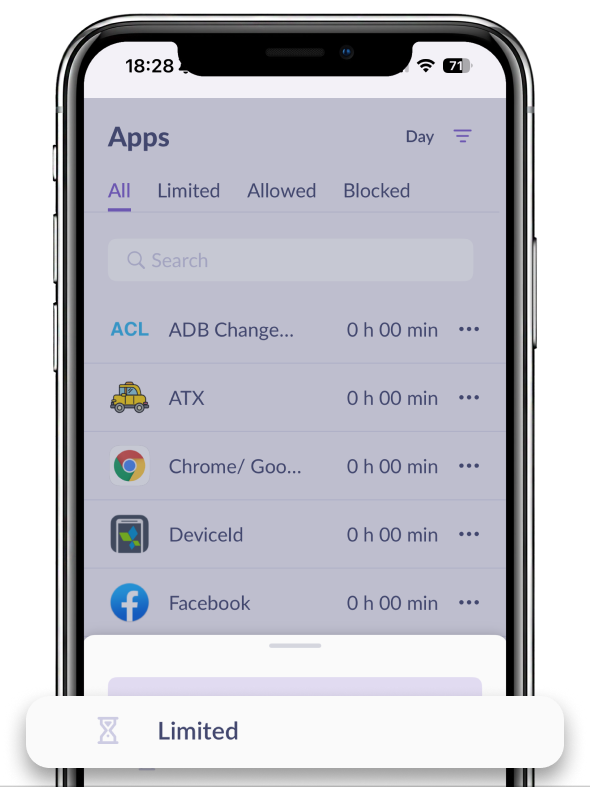
If the app hasn’t appeared in the Alli360 list, then, most likely, it has been already removed from the child’s app.
If the problem still persists, or your child bypasses restrictions, contact us in the chat support.
Was it helpful?
Chat is unavailable right now. Please try again later.




