
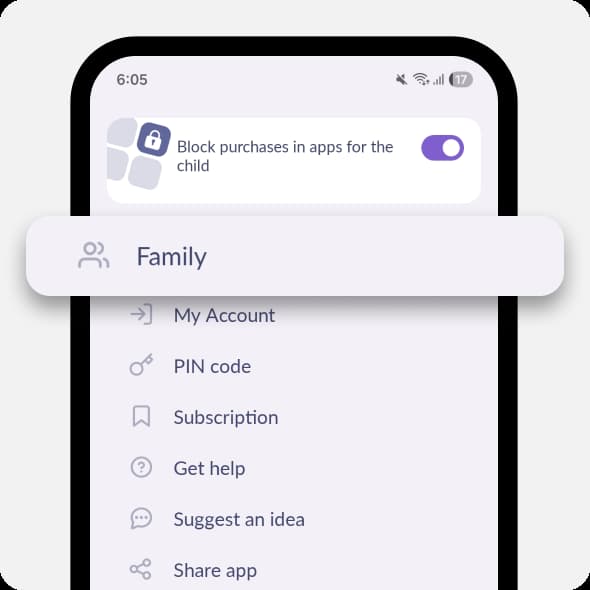
Check Others → Family.
If you can see one more account with the same name or another child’s account, choose it and turn on app blocking.
If after that apps on you child’s phone are blocked, remove their old account in the Family tab.
Set a new name for your child’s new account so it’s different from the old one. For example, if your child’s name was “Daughter”, set the new name as “My daughter”.
Remove your child’s account where you see the error:
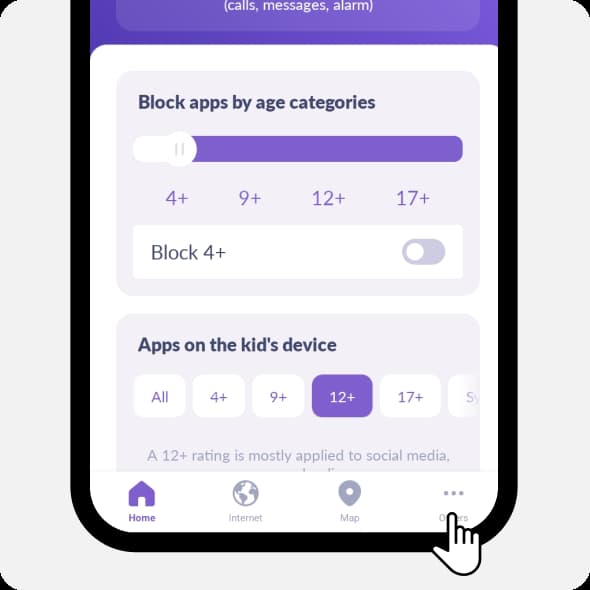
Open Kids360. Tap in the lower right corner Others
Tap Family
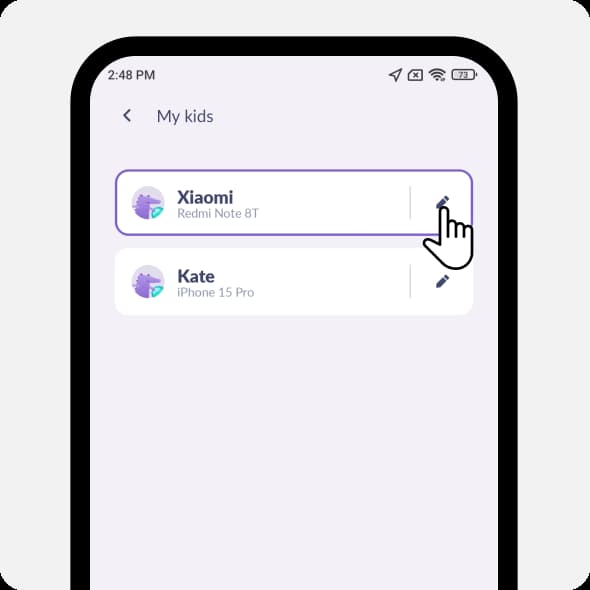
Tap the pencil icon next to the child’s account you need to remove
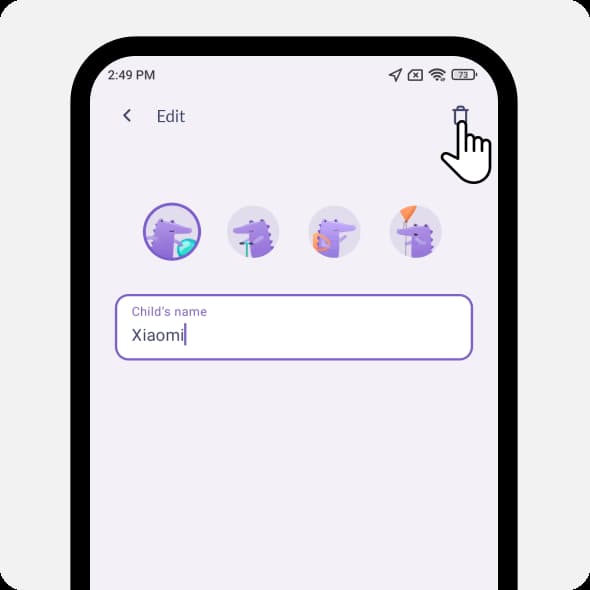
Tap the trash icon
Tap Yes, Unpair
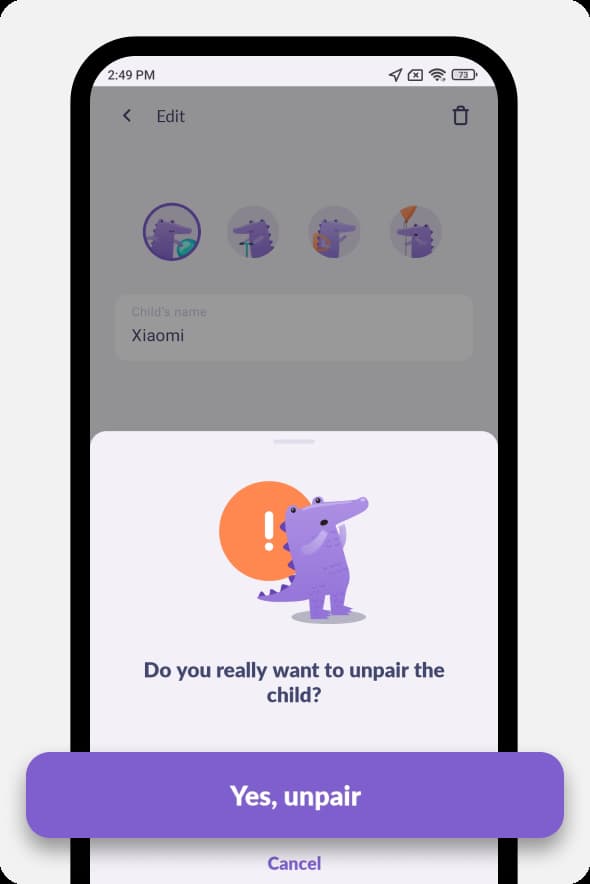
Your child’s account will be removed.
Was it helpful?
Chat is unavailable right now. Please try again later.




