







Screen Time
How to Check Your Child’s Screen Time on Android with Kids360

Limits, safe internet, and phone time earned through useful tasks
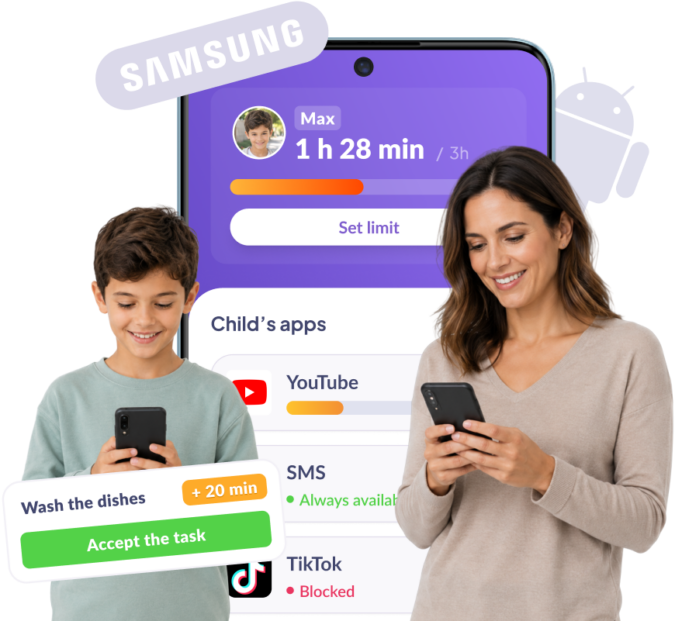







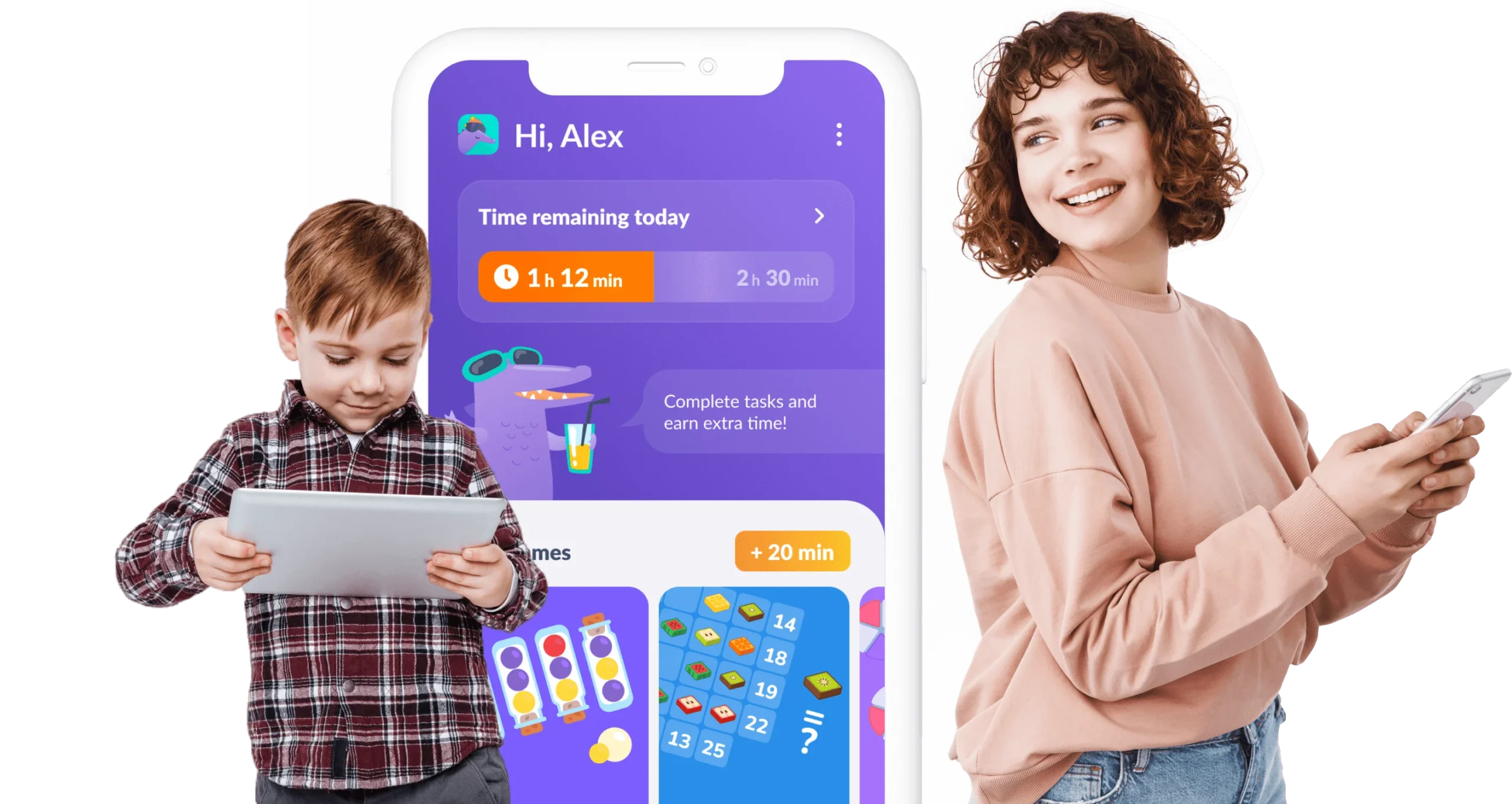
Your child doesn’t beg for screen time — they earn it by completing simple, useful tasks every day
Your child earns phone time by completing our learning exercises
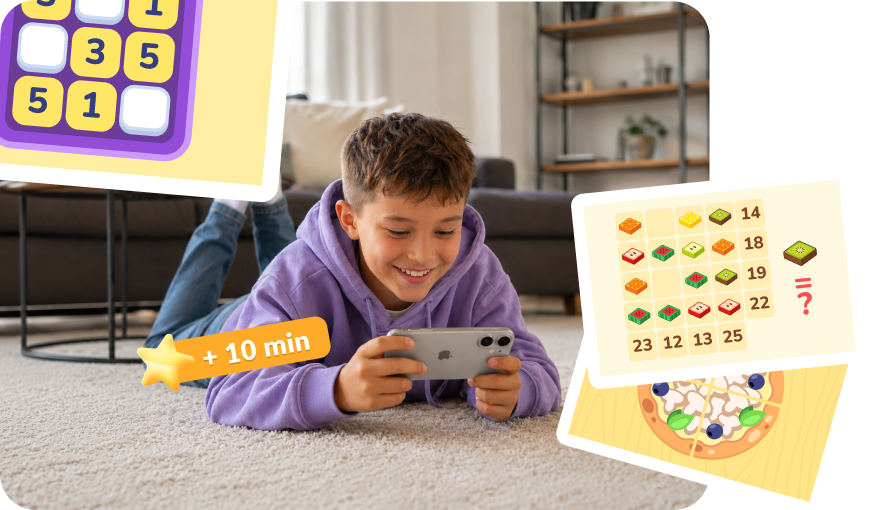
Set a task — homework, chores around the house. Done, and extra time is earned
Try now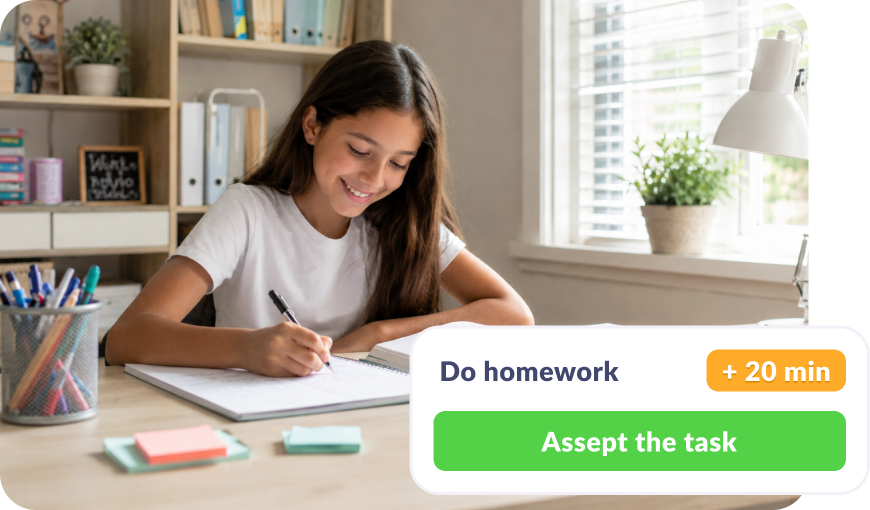
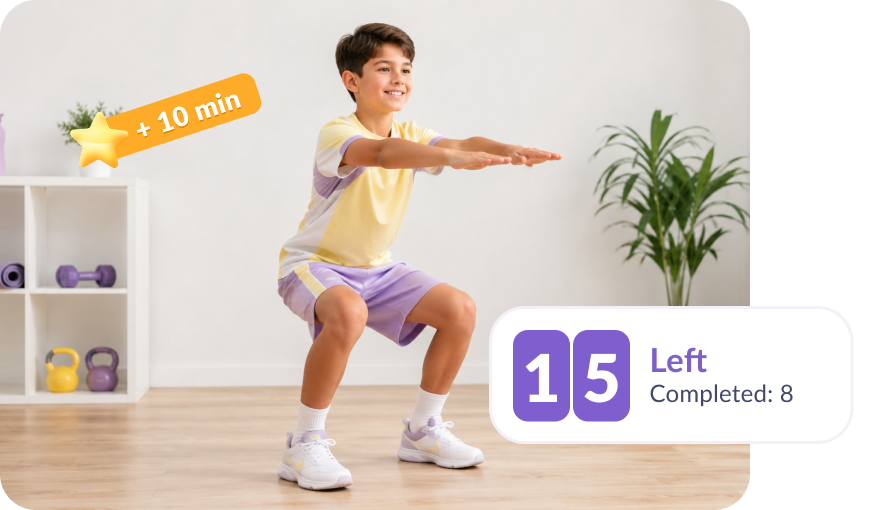
Did a workout or hit a step goal and earned time
All features work even if you have different phones
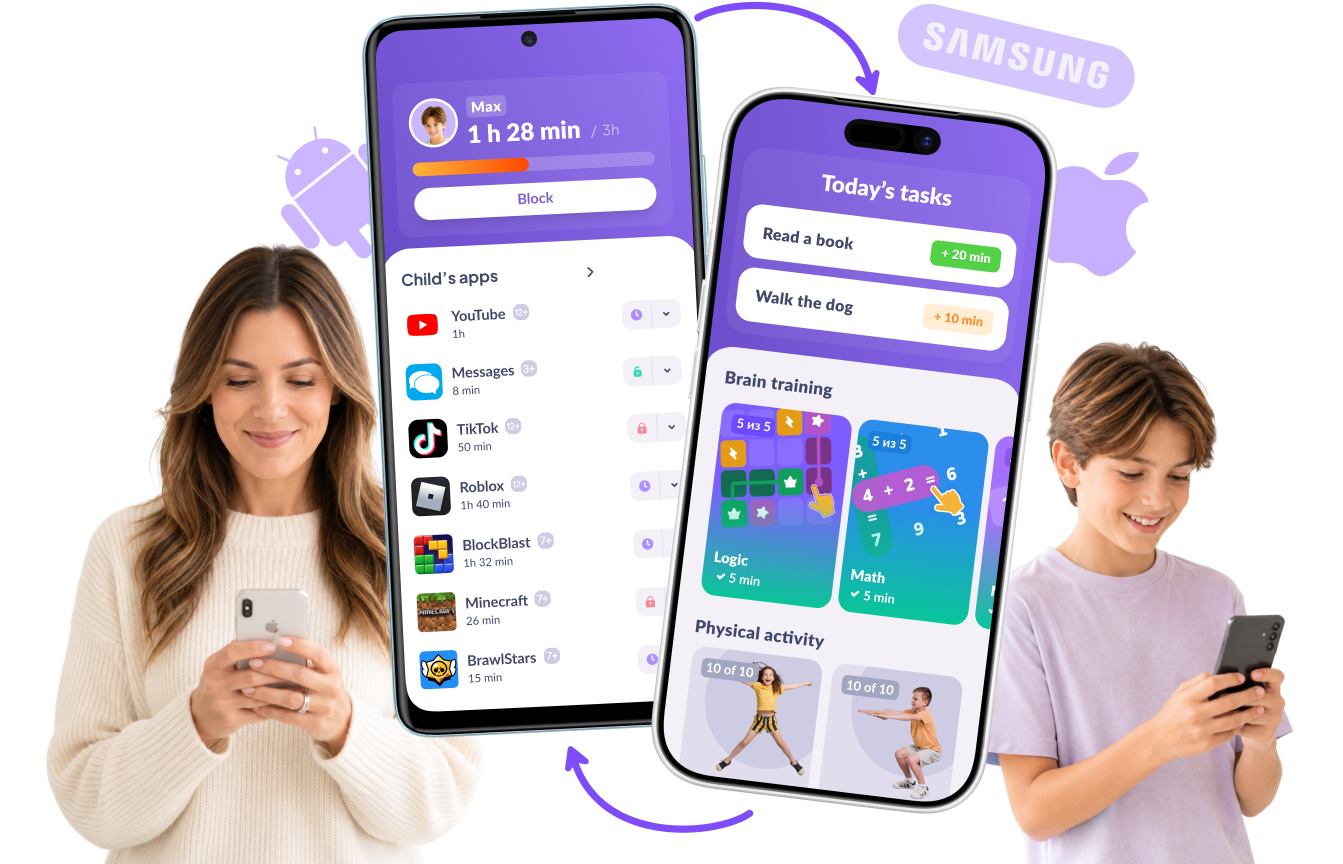

Download the Kids360 app on your phone


Install the Alli360 app on your child’s phone
Surround your child with care




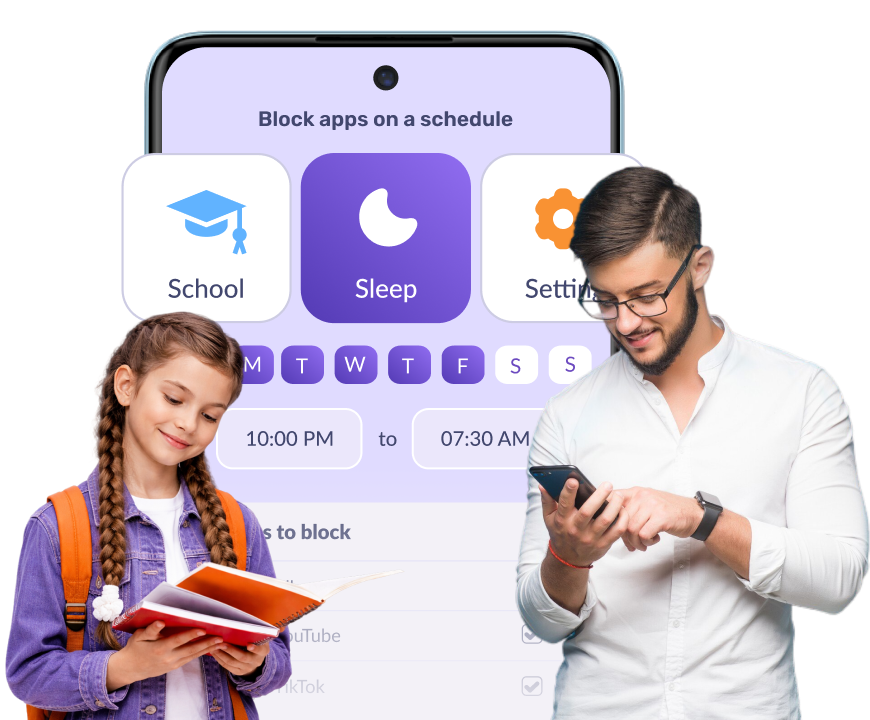
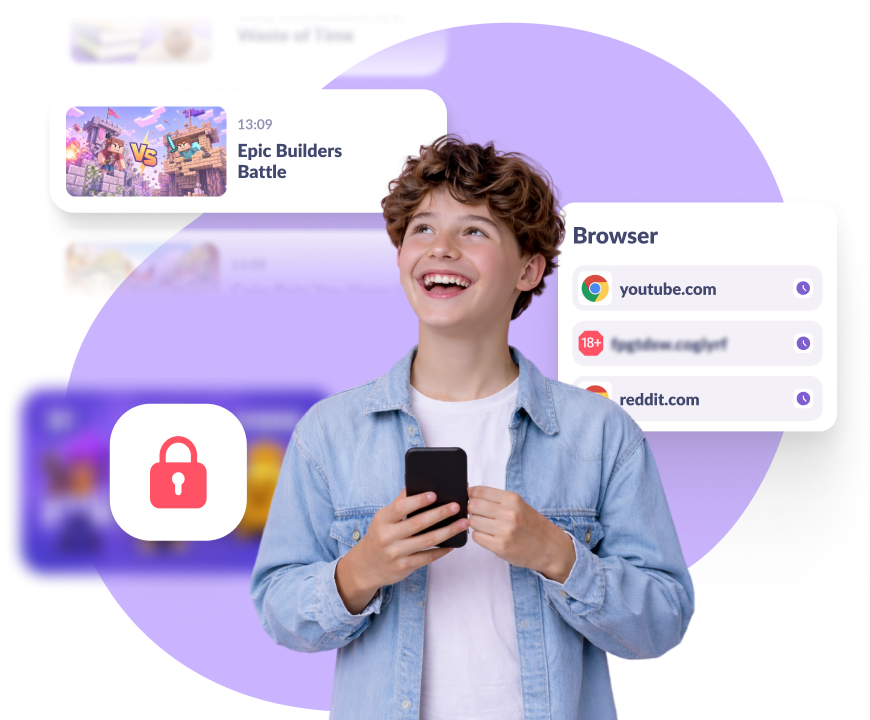
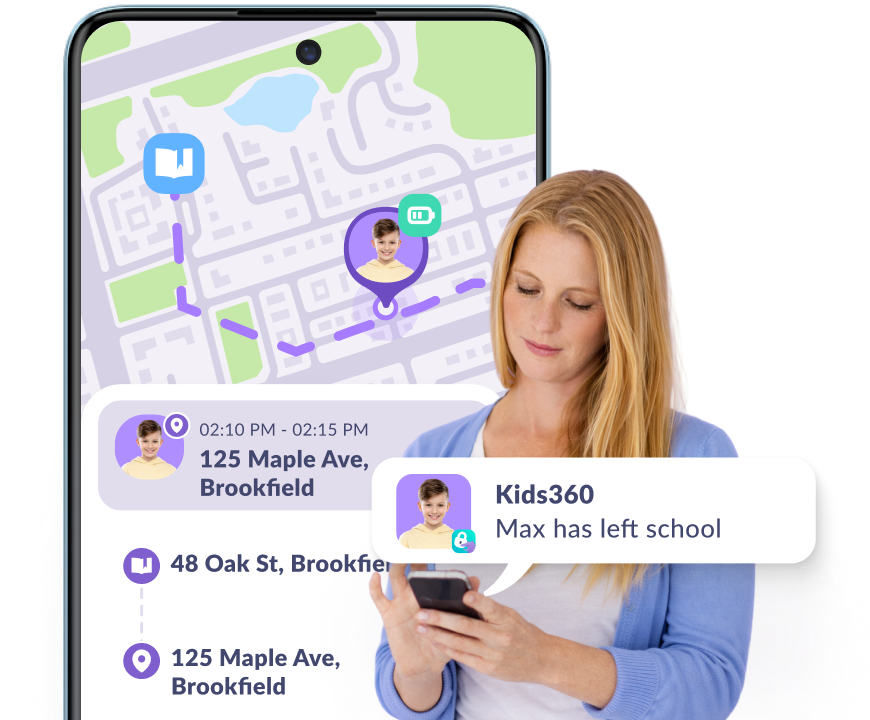
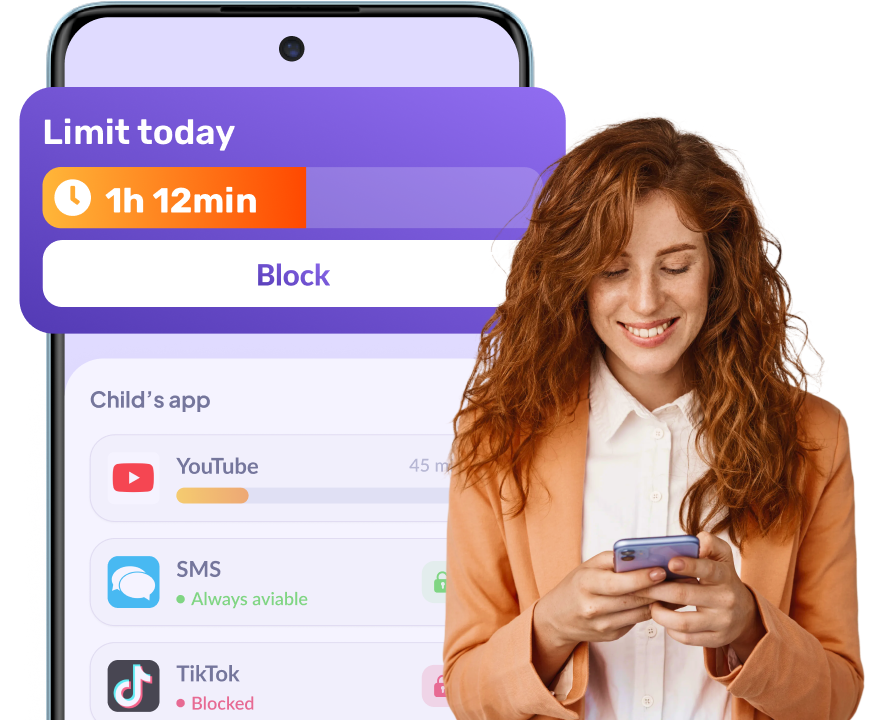
Kids360 gives you a clear view of how your child uses their Samsung phone. You can see which apps they opened and for how long, what they searched for, what they watched on YouTube, where they are, and how much battery their phone has left. If you have more than one child, you can manage all of them from a single app.
Samsung Kids works well for younger children, typically up to around age seven. It runs as a separate child-friendly mode with its own home screen, so its restrictions only apply while your child is using that environment. It doesn’t include features like real-time location tracking or per-app screen time limits, and most older children quickly outgrow it.
If your child already uses a regular Samsung phone, a dedicated parental control app like Kids360 provides supervision without requiring a separate kids mode.
No, Alli360, the pairing app installed on your child’s phone, is protected from being disabled or uninstalled on their Galaxy, so the rules and screen time limits you set stay active.
Yes. Add your child’s phone and tablet to the same profile, and the screen time limits apply to both devices, even on the free plan.