
Statistics show how much time your kid spent in each app. Here’s how to find it:
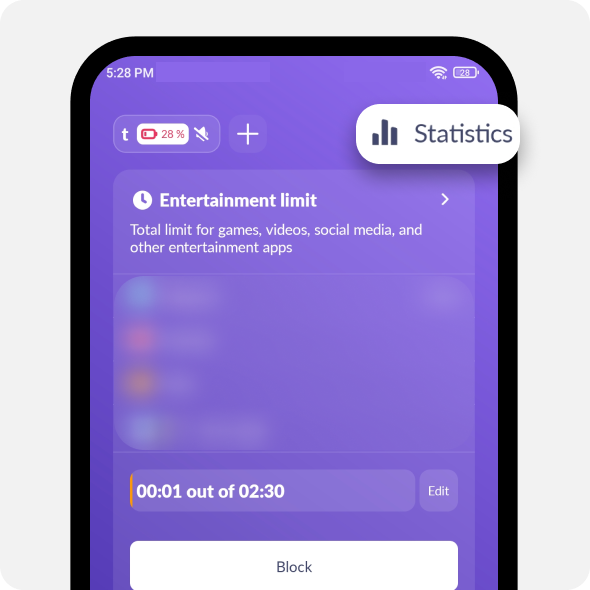
Open Kids360. Tap Statistics
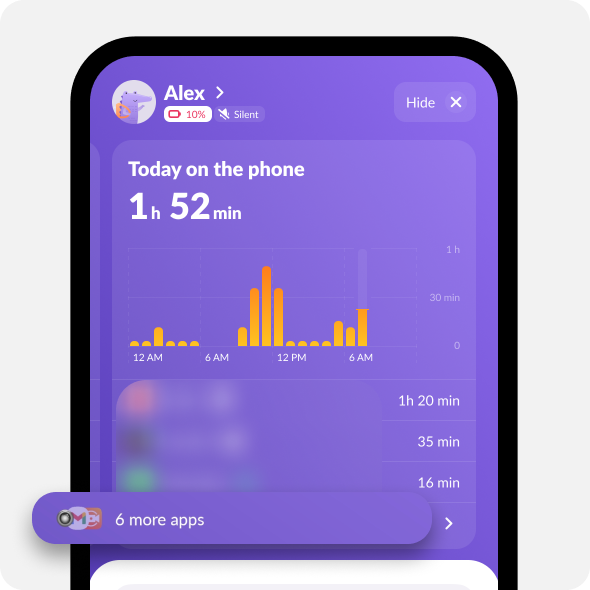
You’ll see a list of apps used today. Tap “…more apps” to see more details
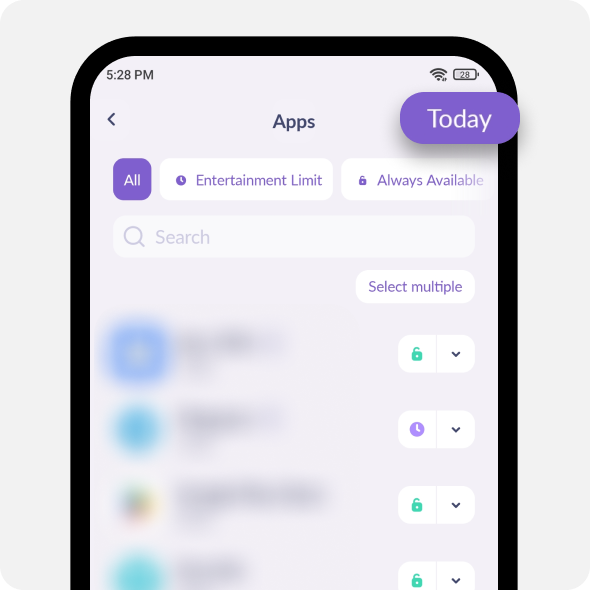
To view data for other days, tap Today
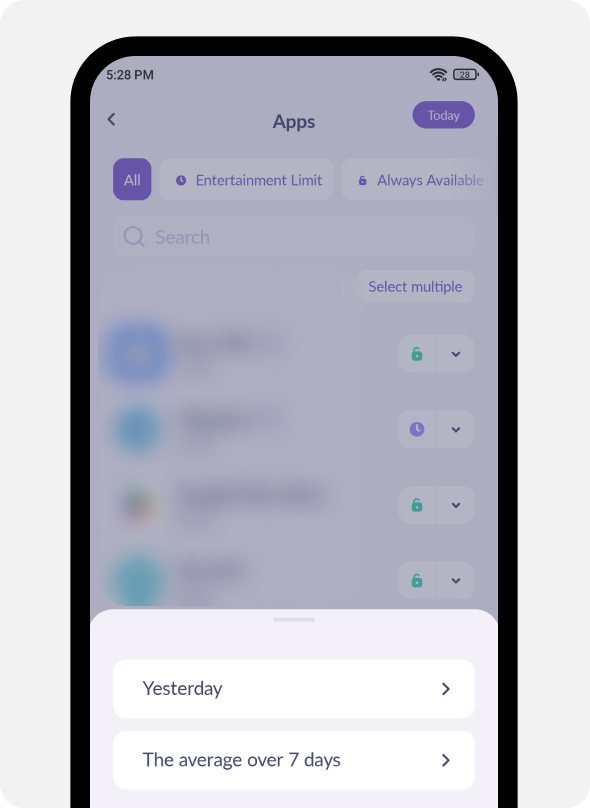
Here, you can check app usage for both yesterday and today
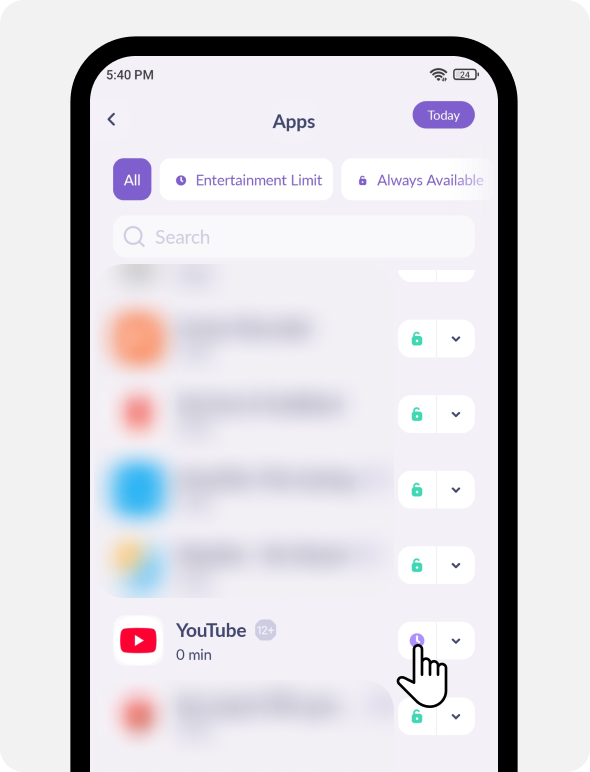
You can also change an app’s category in the Statistics tab.
Tap the icon next to the app name:
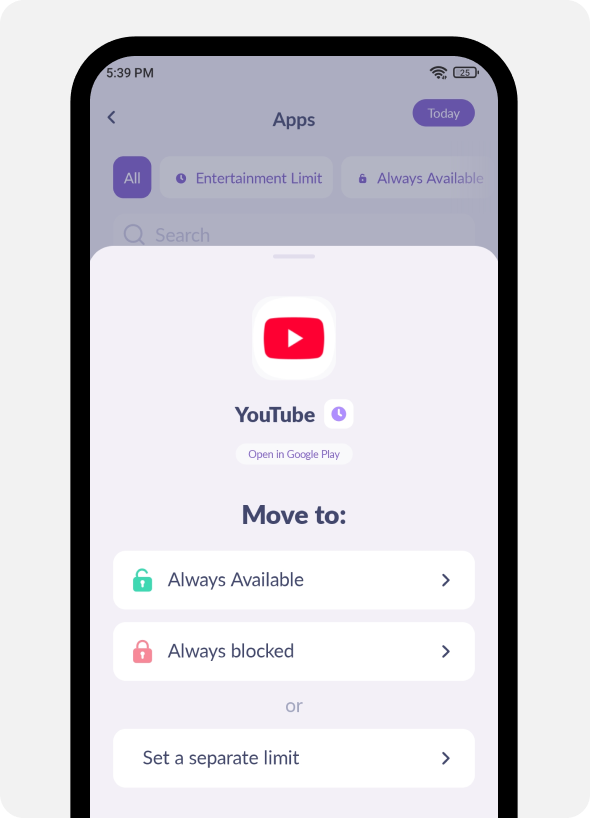
From here, you can move the app to the any category:
Was it helpful?
Chat is unavailable right now. Please try again later.




