
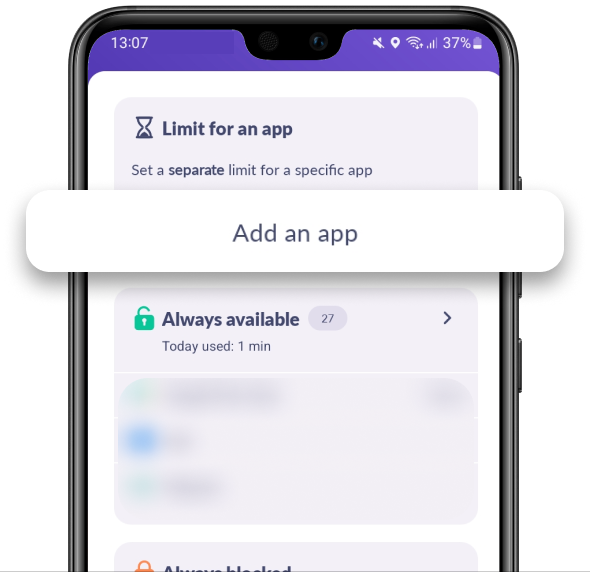
In Kids360 choose Add an App in Limit for an App
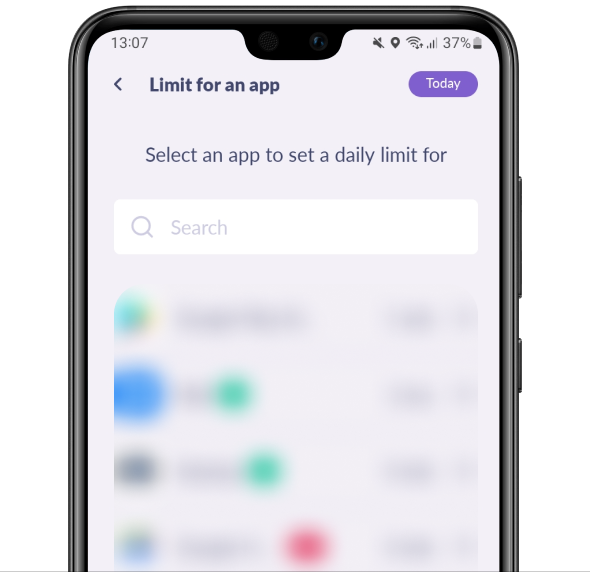
Choose the app you need to block
Choose how much time your child can use the app. Tap Set the Limit
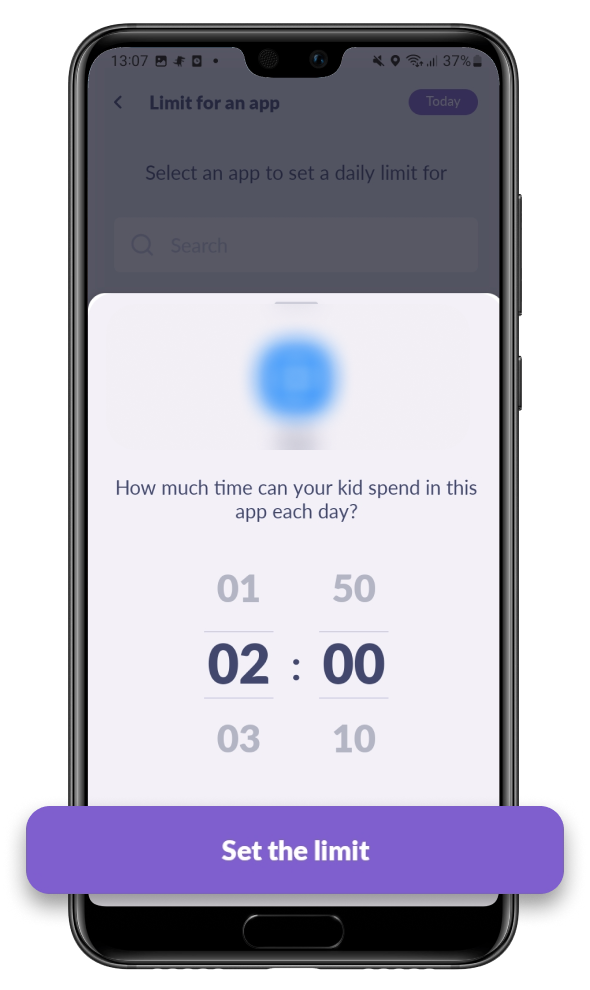
Limit for an app will save.
Apps with separate limits are also included in the general Entertainment Limit.
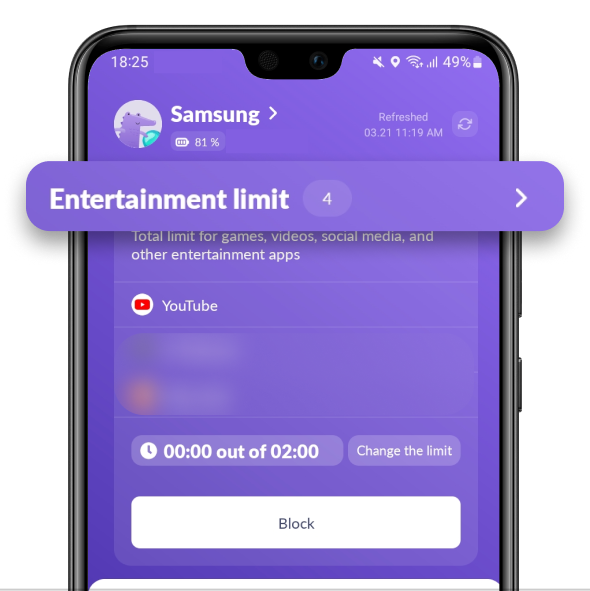
Here is how it works:
Example 1. Your kid has a 2 hr general limit and a 1 hr limit for Subway Surfers. They can play Subway Surfers for 1 hour, and then they’ll have 1 hour left for other entertainment apps.
Example 2. Your kid has a 1 hr general limit and a 2 hr limit for Subway Surfers. They can only play Subway Surfers for 1 hour. After that, the Entertainment Limit will start working and block all entertainment apps.
Was it helpful?
Chat is unavailable right now. Please try again later.




