
Check if there are available updates on Google Play or App Gallery
Check if the data update time matches in both child’s and parent’s apps
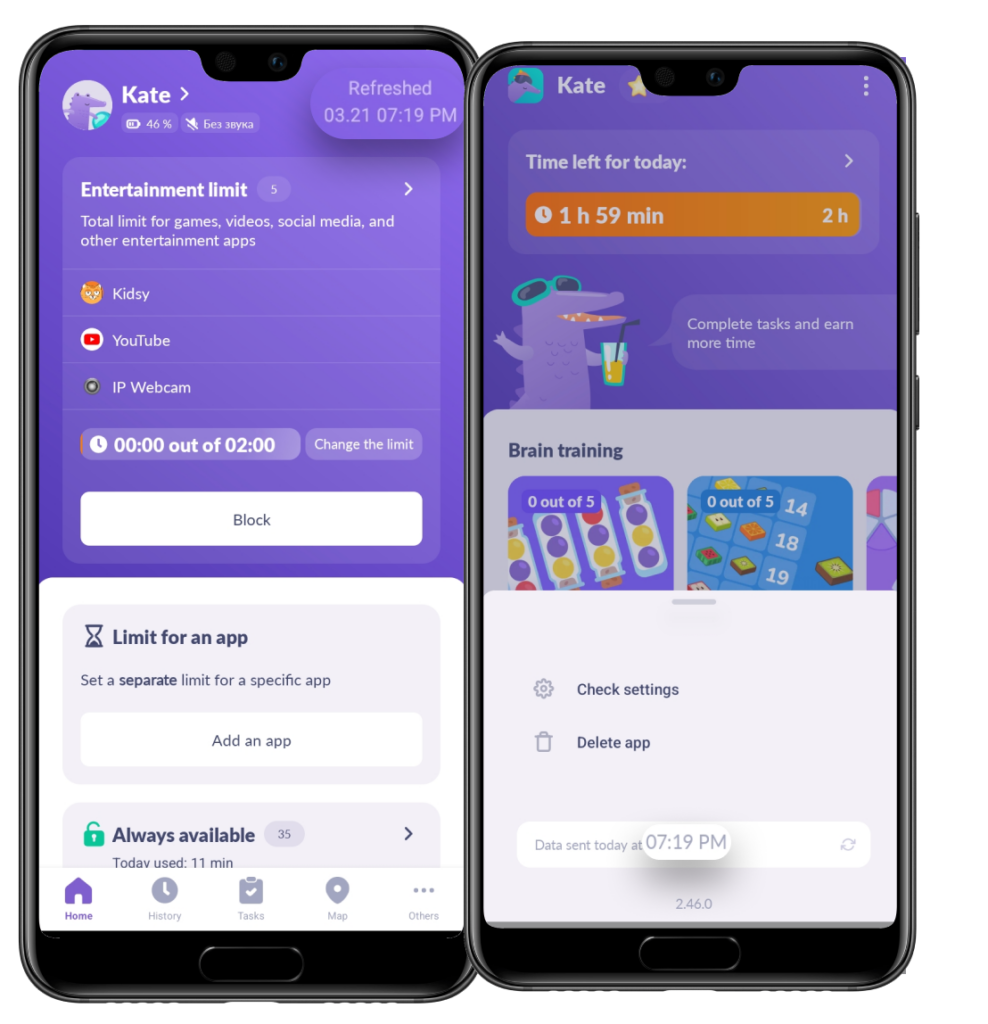
Make sure that the app is on the list you need: Entertainment Limit or Always Blocked
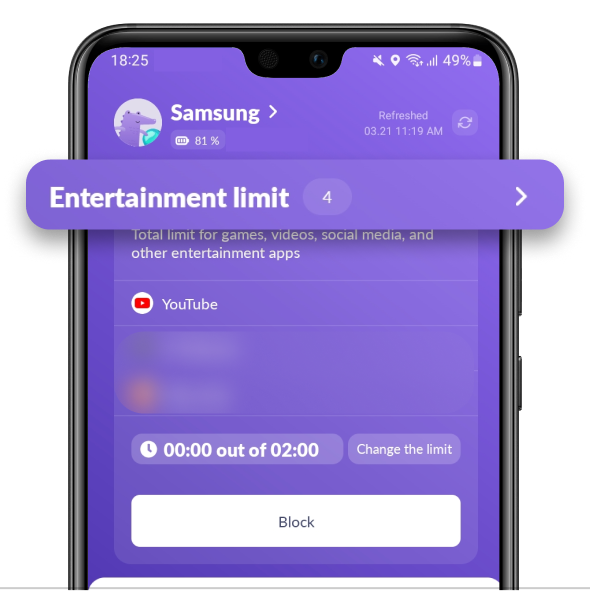
If you can’t see it in the list, tap the Always Available section
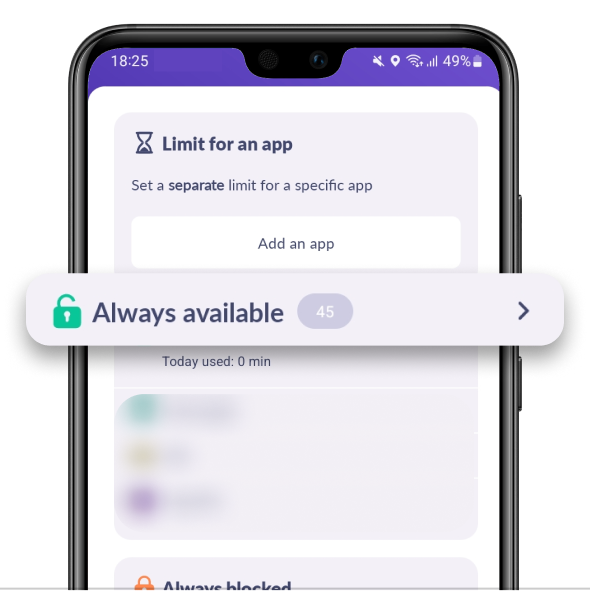
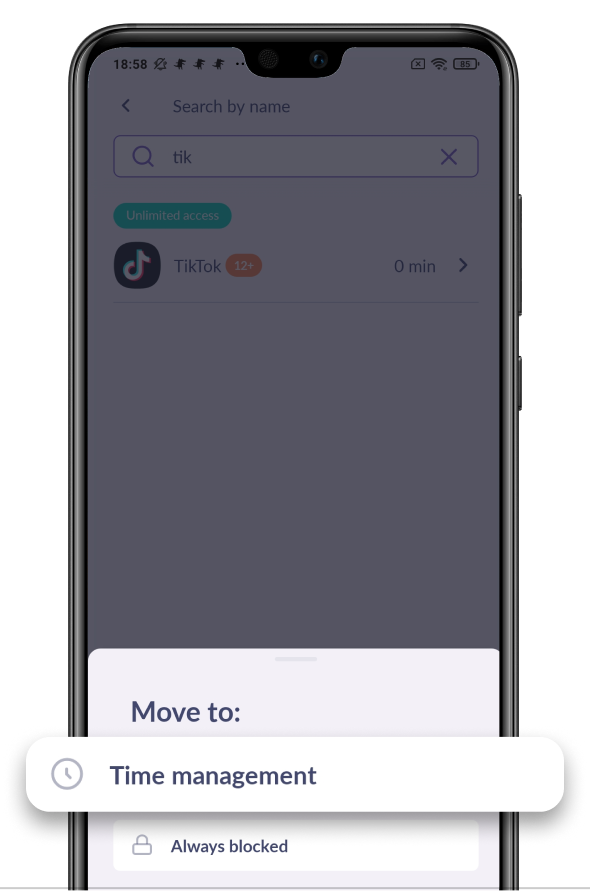
Find the app you need:
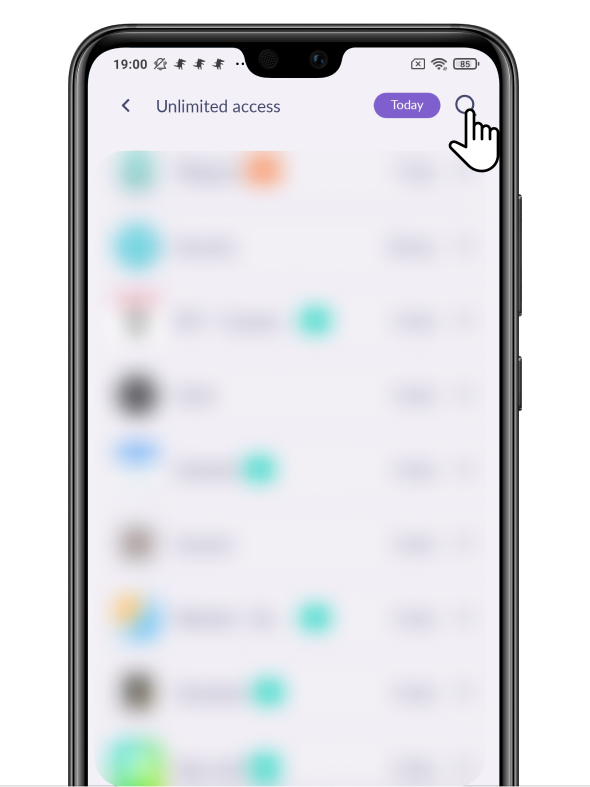
Tap the app and move it to Time Management:
Open the Alli360 app
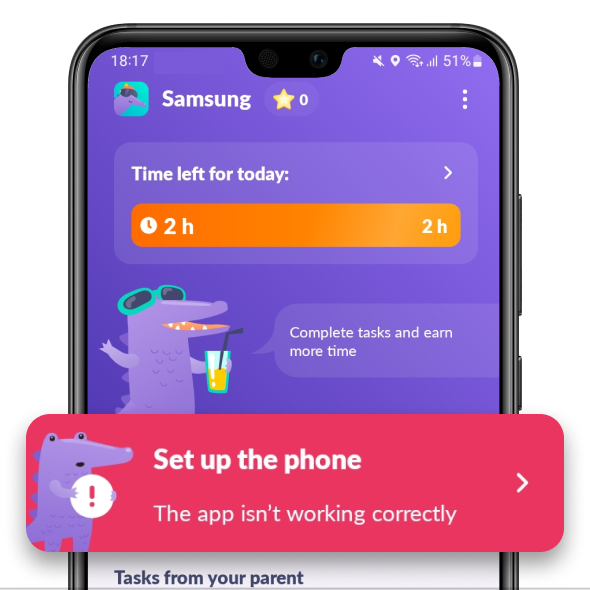
Make sure that there’s no red Set Up the Phone button in Alli360.
If you can see the button, tap it and follow the app’s tips
The problem usually disappears in the next 24 hours.
If the problem still persists, contact us in the chat support.
Was it helpful?
Chat is unavailable right now. Please try again later.




