
A schedule is a time period when the apps from the Under the Limit list are restricted.
Your child won’t be able to use them when the schedule is on.
You can create a schedule in Kids360 for multiple apps at once. With a subscription, they’ll be restricted in the time period that you choose.
In Kids360 swipe down.
Choose Block by Schedule:
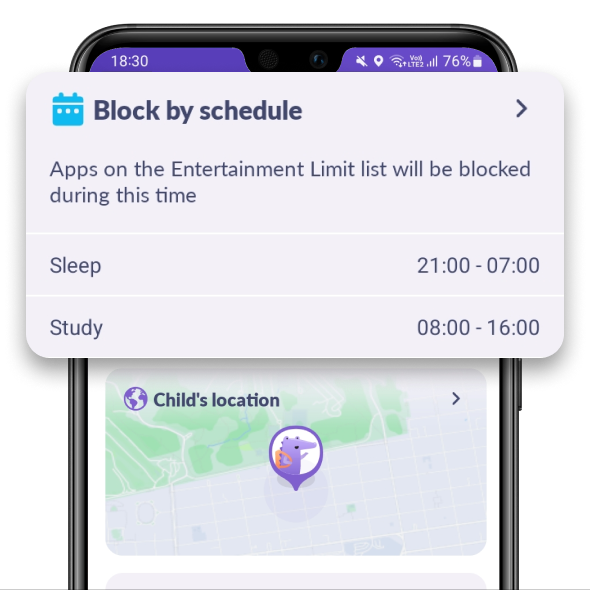
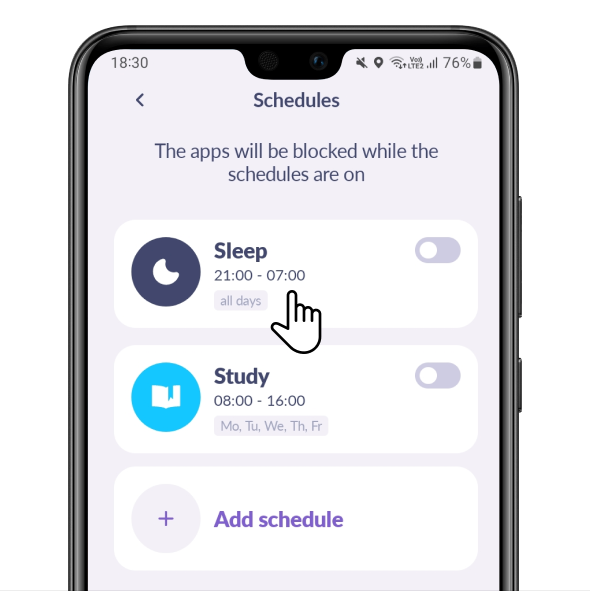
Here you can use a schedule or create your own one.
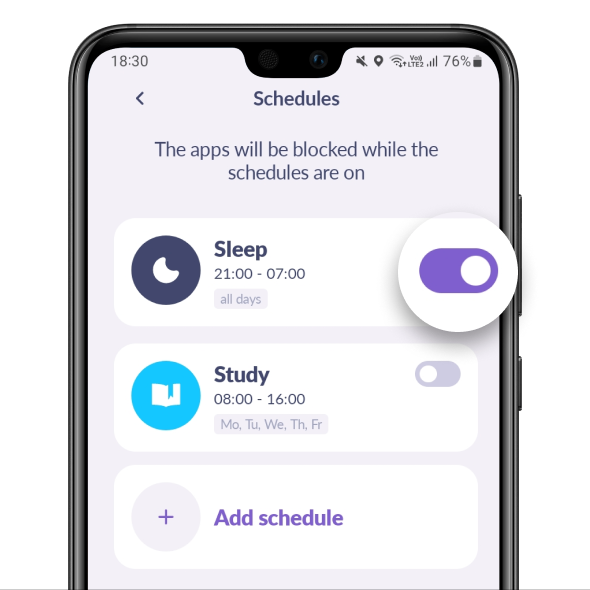
Tap the slider to turn on the schedule:
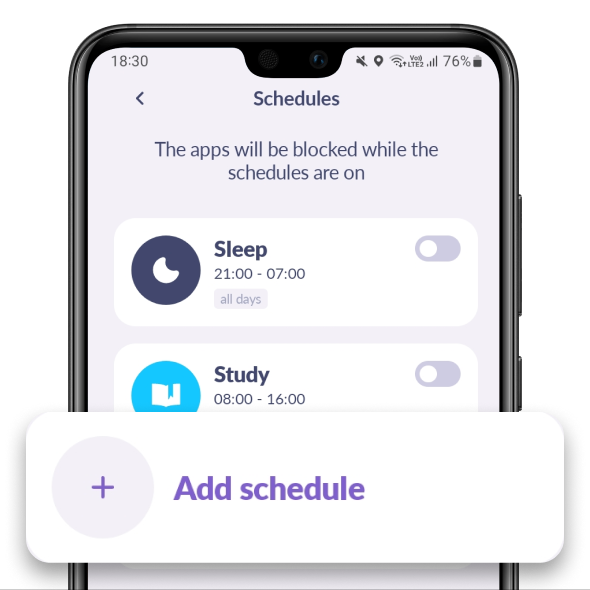
Tap Add Schedule to create your own one:
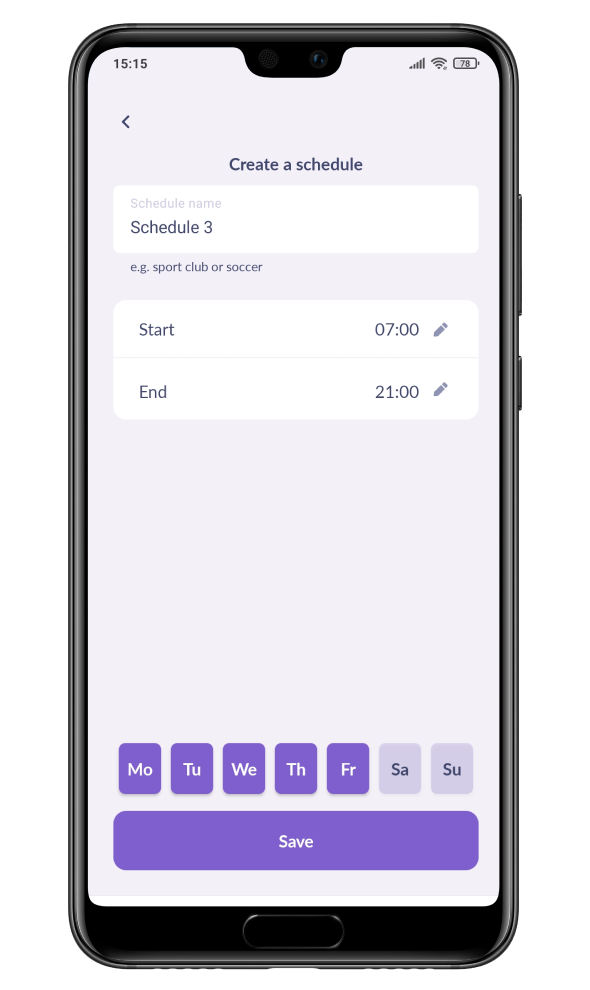
Enter the schedule’s name, choose a time limit and day. Tap Save and the schedule will start working.
To change a schedule, just tap it:
Was it helpful?
Chat is unavailable right now. Please try again later.




