
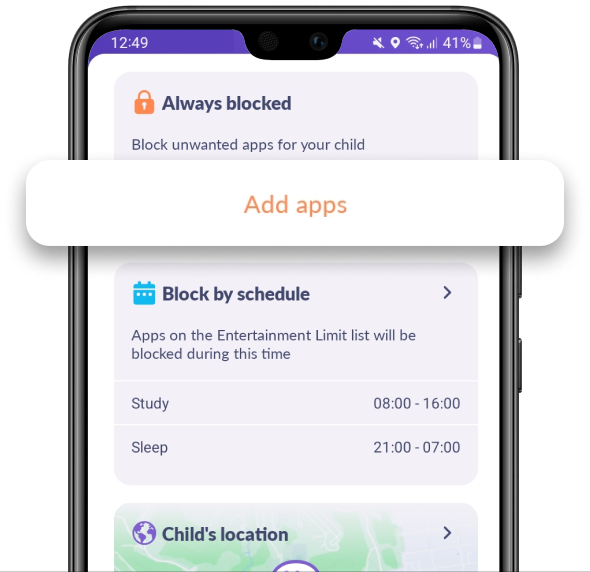
In Kids360 choose Add apps in Always Blocked
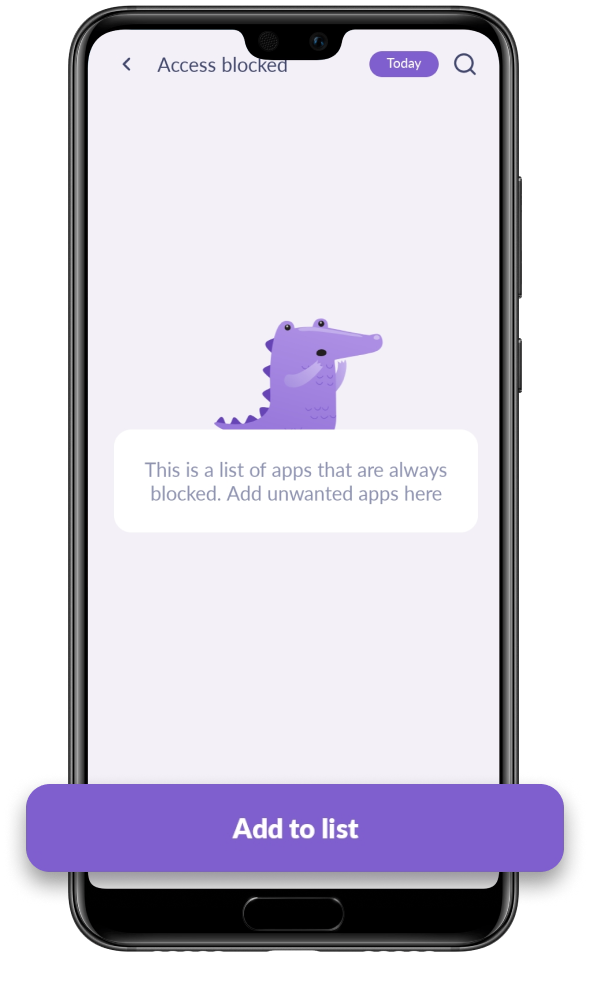
Tap Add to List
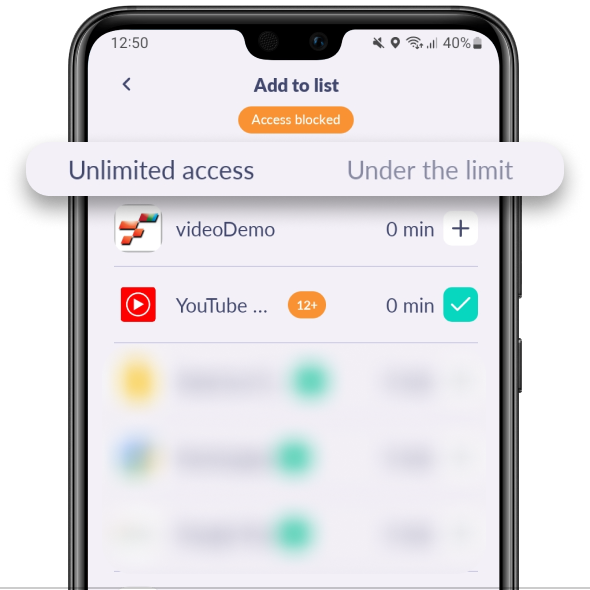
Choose the apps that you’d like to block forever in the lists Unlimited Access and Under the Limit
Tap Add to List
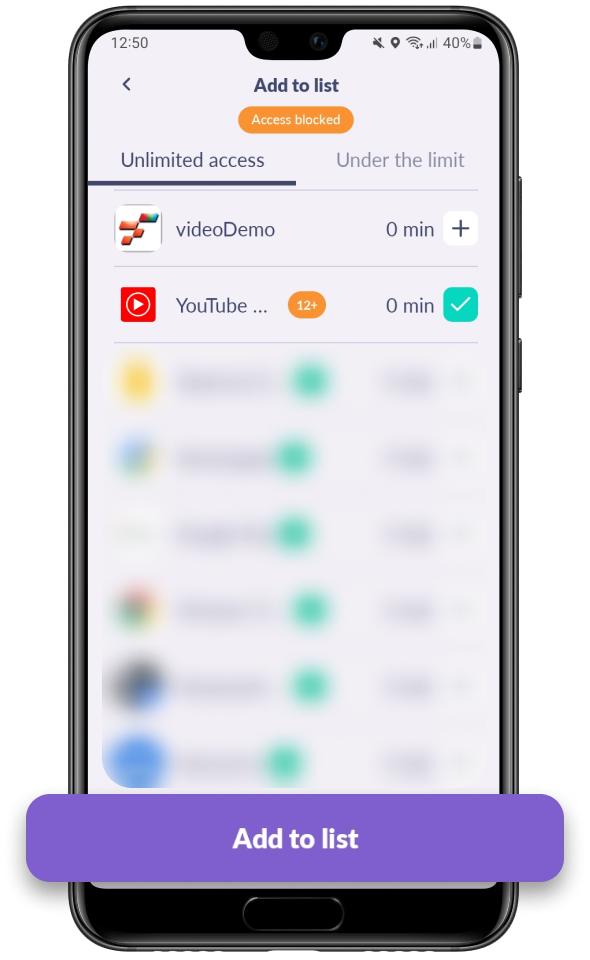
All done! Your child won’t be able to open this app anymore.
Was it helpful?
Chat is unavailable right now. Please try again later.




