
Take your child’s phone and follow the steps below:
Open Alli360 on your child’s phone
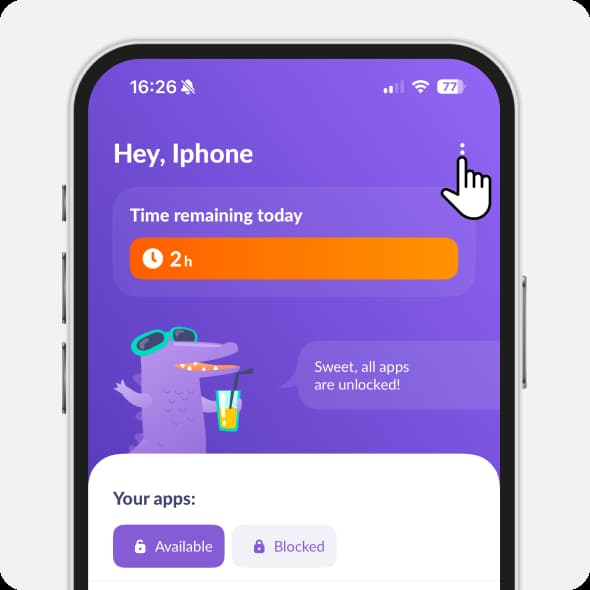
Tap three dots in the upper right corner
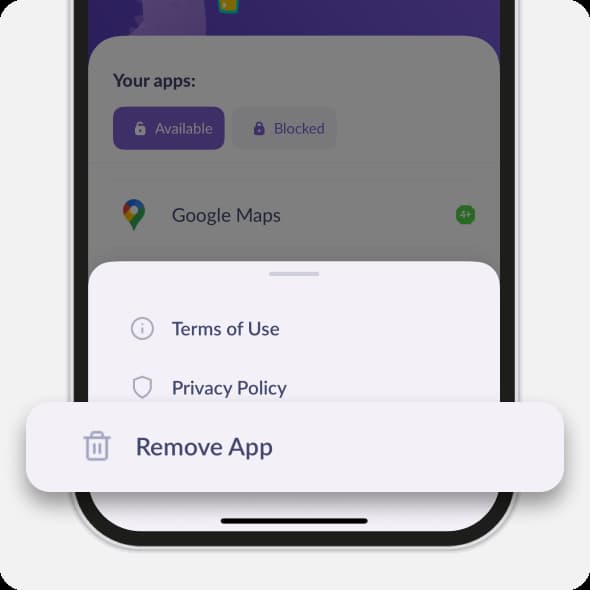
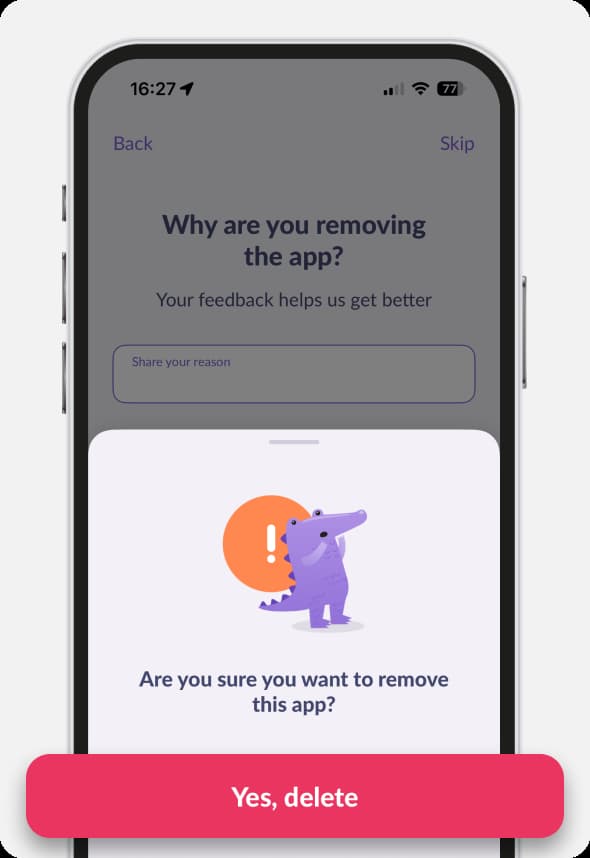
Choose Remove App
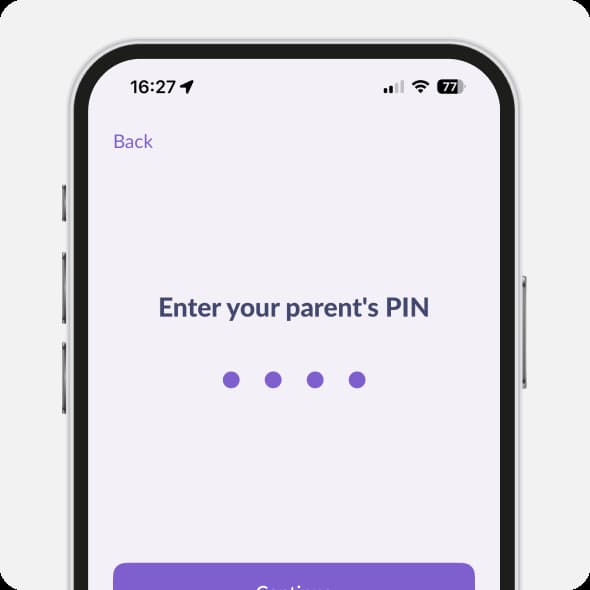
Enter the PIN code. Take a short survey when removing the app
The settings will open. Tap Yes, Delete
If you’ve forgotten your PIN code
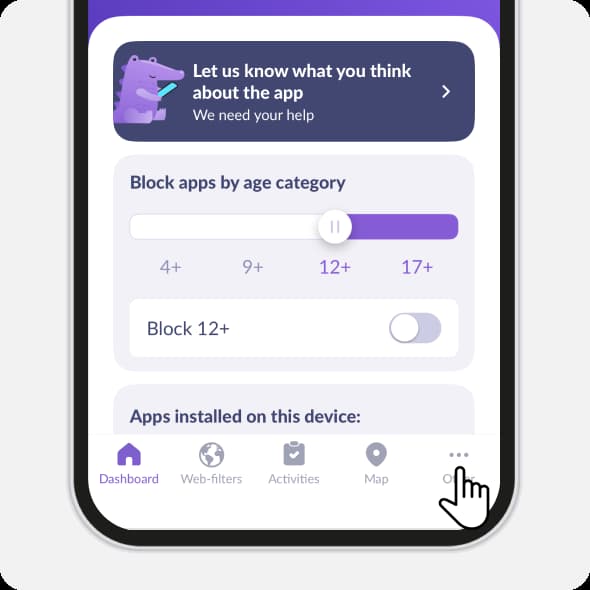
Open Kids360. Tap in the lower right corner Others
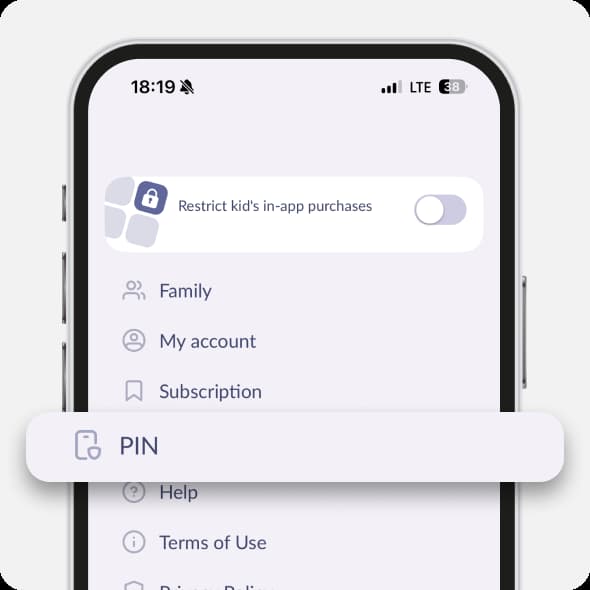
Choose PIN
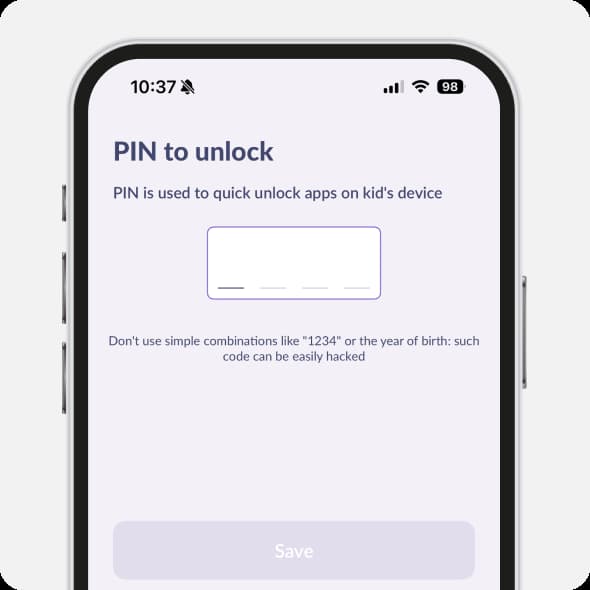
Set a new PIN code
If that didn’t help, remove the Kids360 MDM profile from your child’s phone:
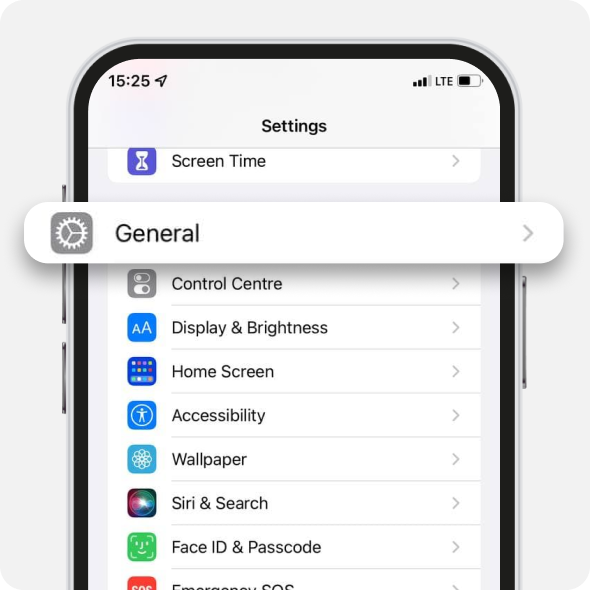
Open Settings on your child’s iPhone or iPad

Choose General
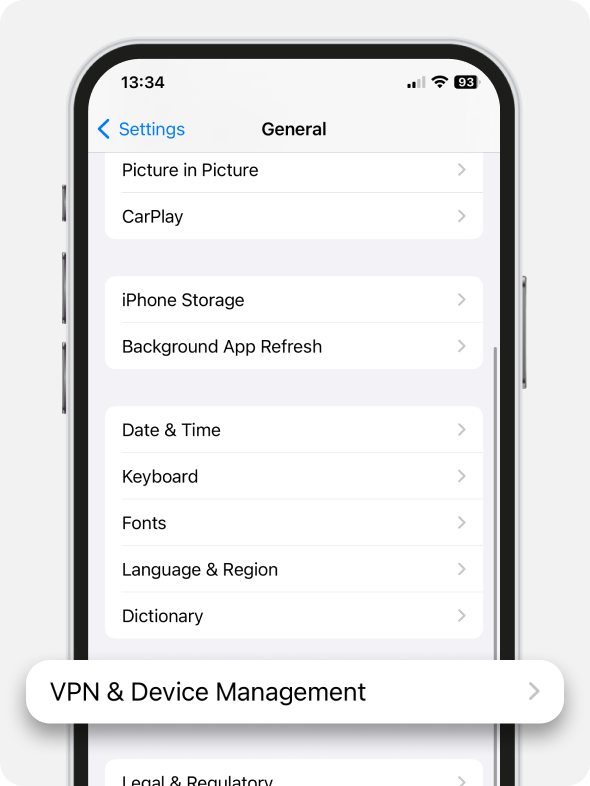
Open VPN & Device Management
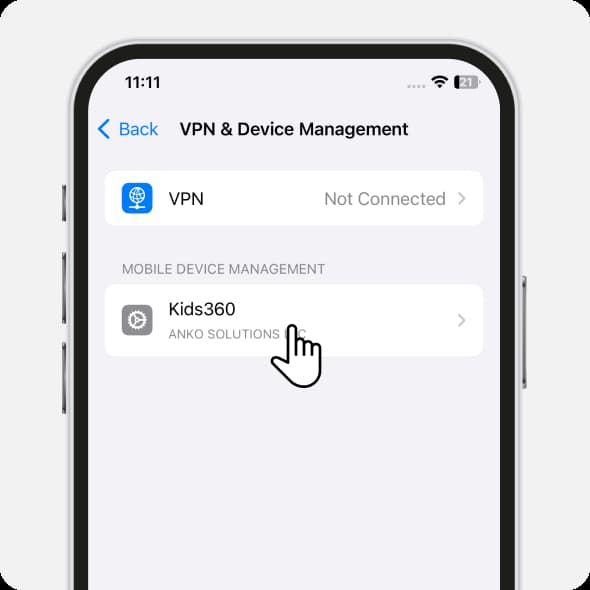
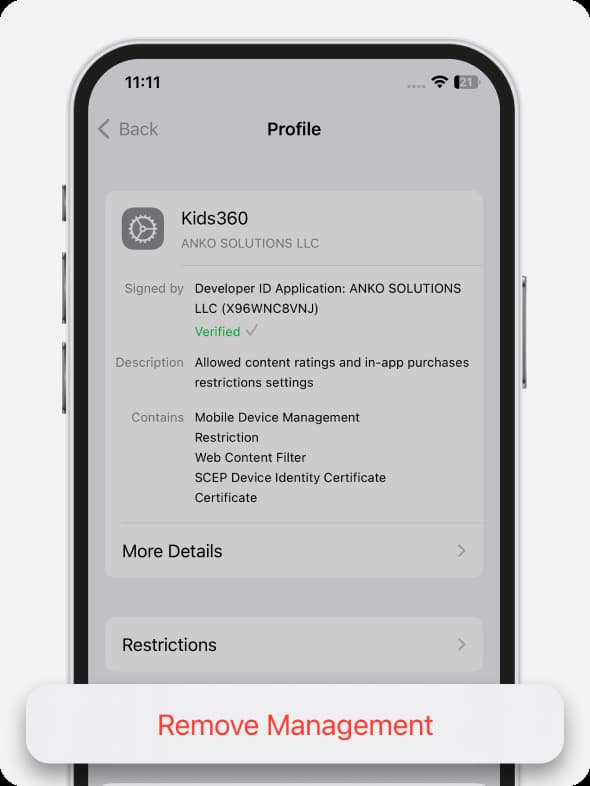
If you can see the Kids360 MDM profile in the Mobile Device Management, tap it
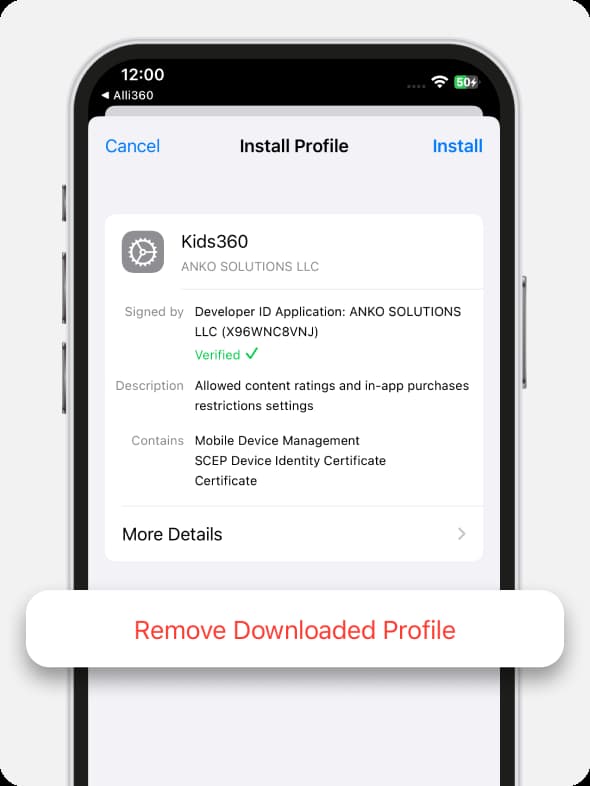
Tap Remove Downloaded Profile
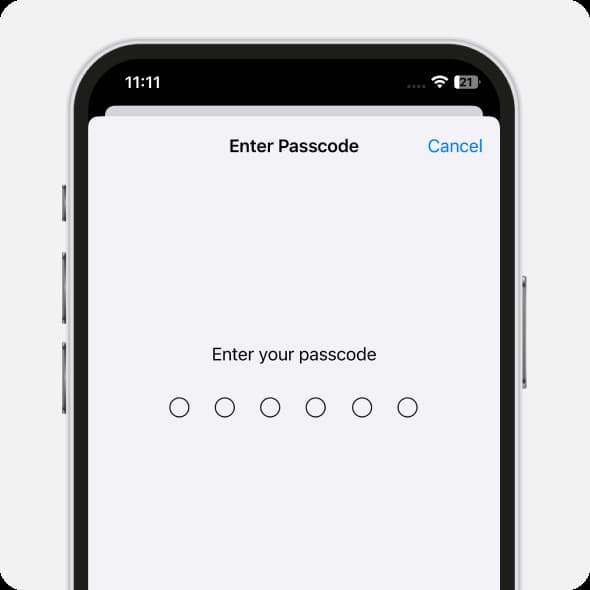
Enter your child’s phone passcode
Tap Remove Management
If nothing helped, contact us in the chat support.
Was it helpful?
Chat is unavailable right now. Please try again later.




