
Save a place to know when your kid leaves or arrives home, at school, or anywhere else. The free version includes notifications for one saved place only.
Here is how to find this feature:
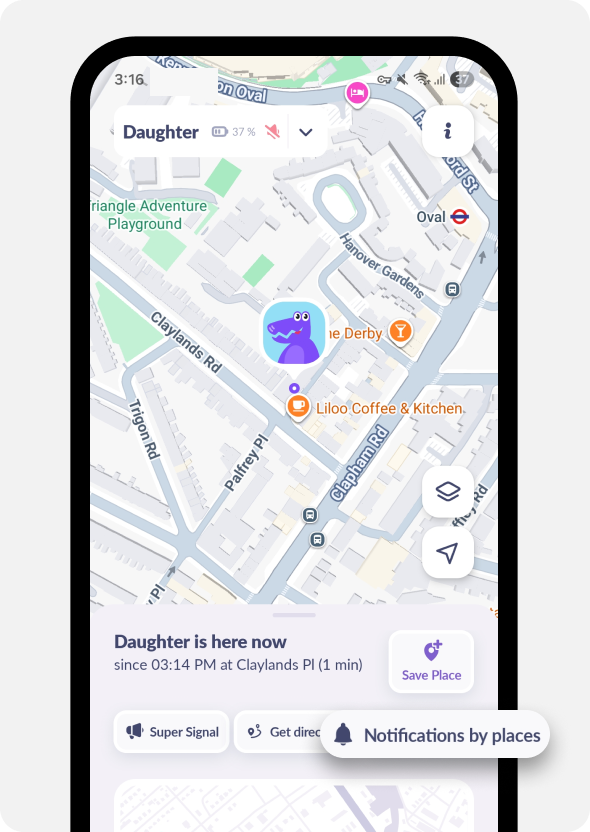
In the Map section tap Notifications by Places
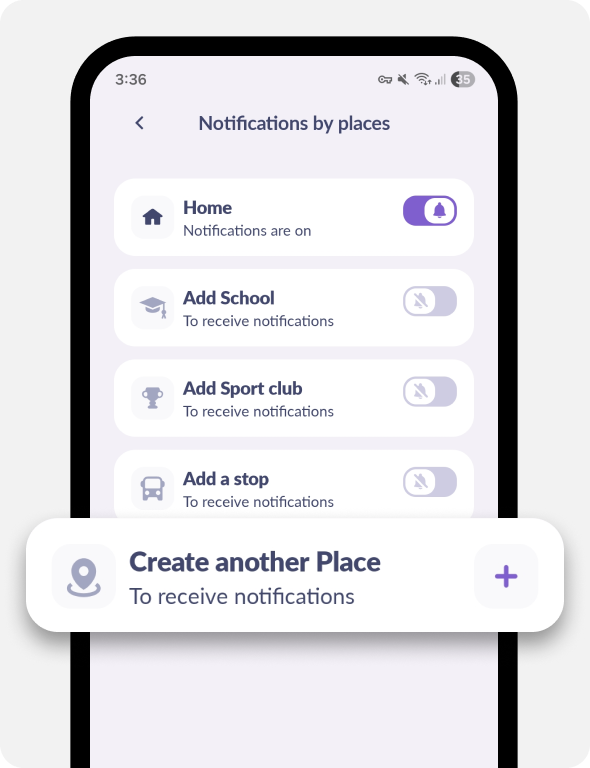
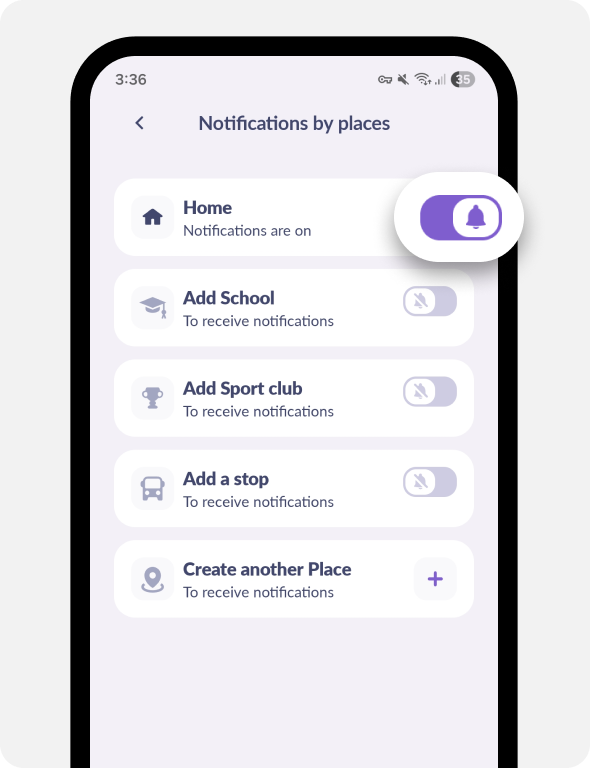
Select a place from the list or save your own by tapping the Create Another Place button
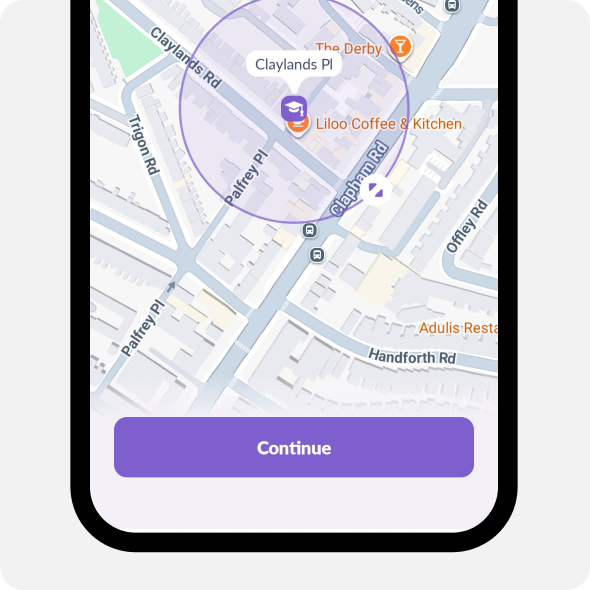
Set the place to the address you need.
Pull the circle to change the radius.
Then tap Continue
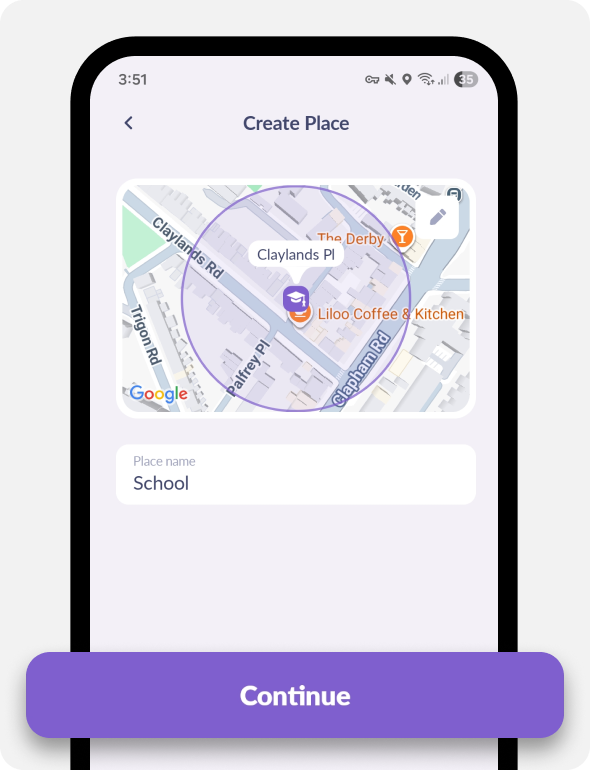
Enter the place’s name and tap Save
The place will be saved. You can turn on notifications to know when your kid arrives there and leaves:
Was it helpful?
Chat is unavailable right now. Please try again later.




