
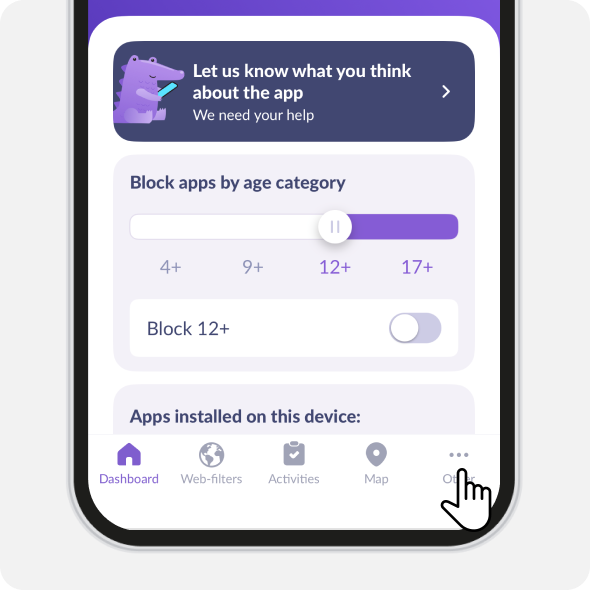
Open Kids360. Tap in the lower right corner Other
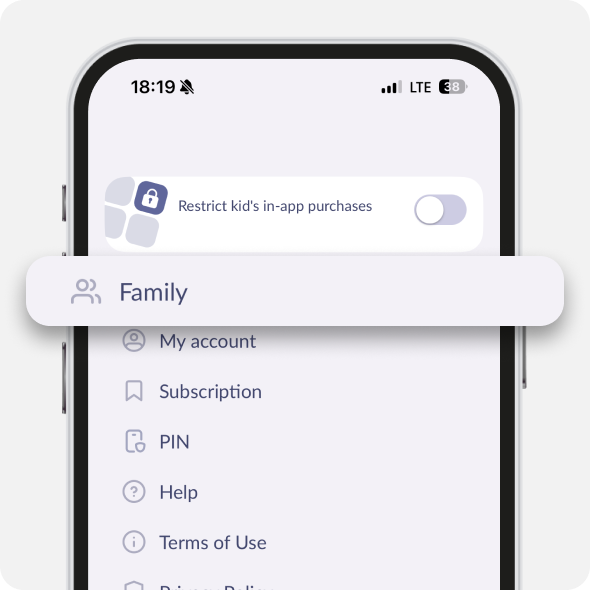
Tap Family
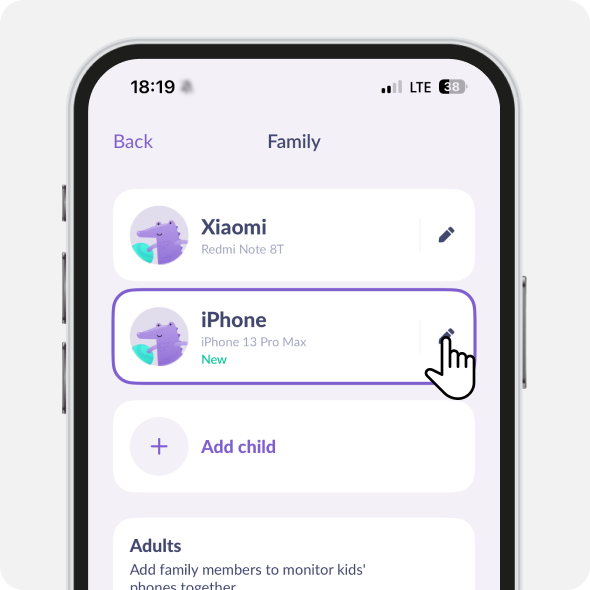
Tap the pencil icon next to the child’s account you need to remove
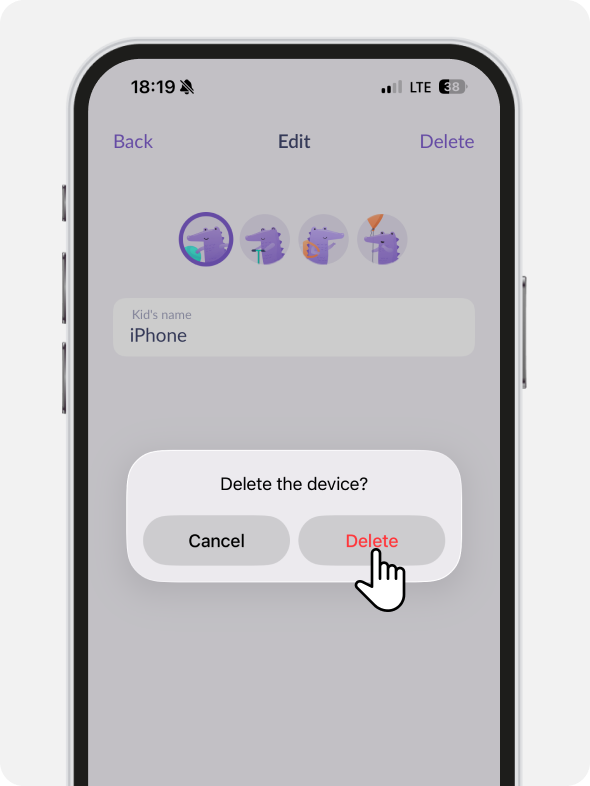
Tap Delete
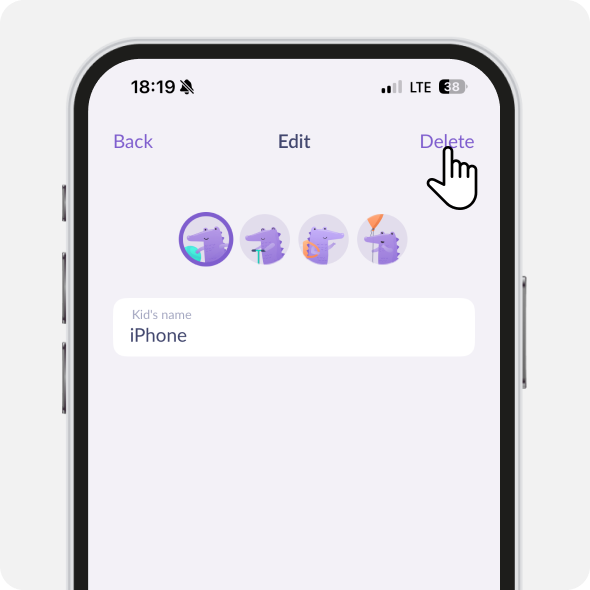
Tap Delete one more time
📌 If you have only one child’s account in the app, it’s not possible to remove it.
Was it helpful?
Chat is unavailable right now. Please try again later.




