
Most likely, a new keyboard is installed on your child’s phone and you’ve added it to the Limited list.
To fix the problem, move the downloaded keyboard from the Limited list to Always Available:
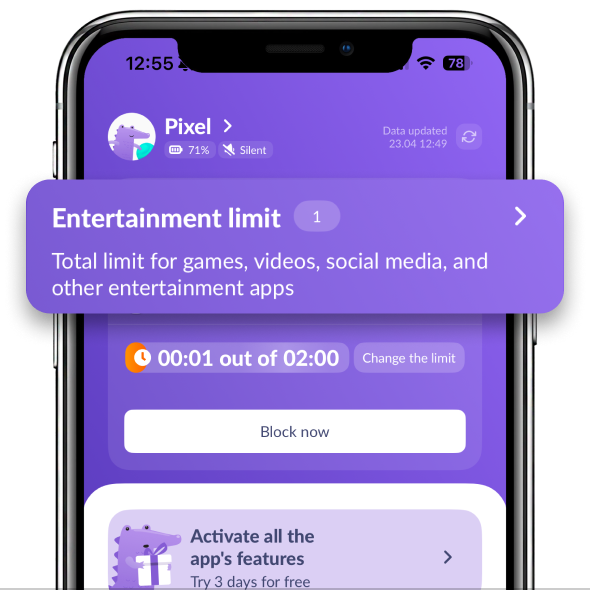
In Kids360 open Entertainment Limit
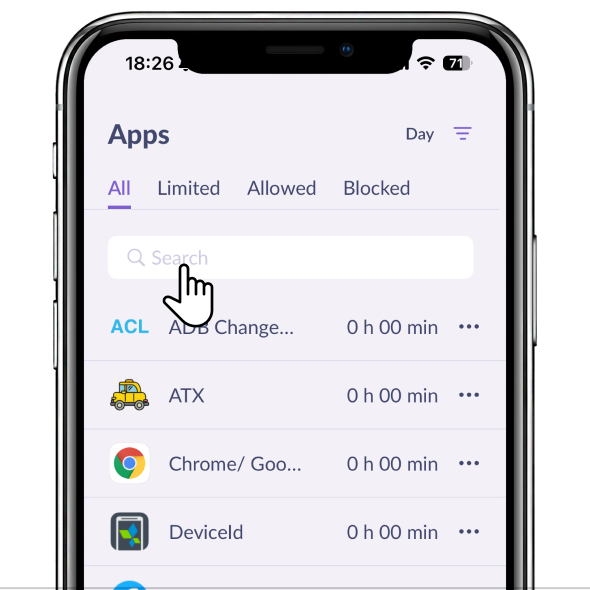
Find in the list the keyboard app
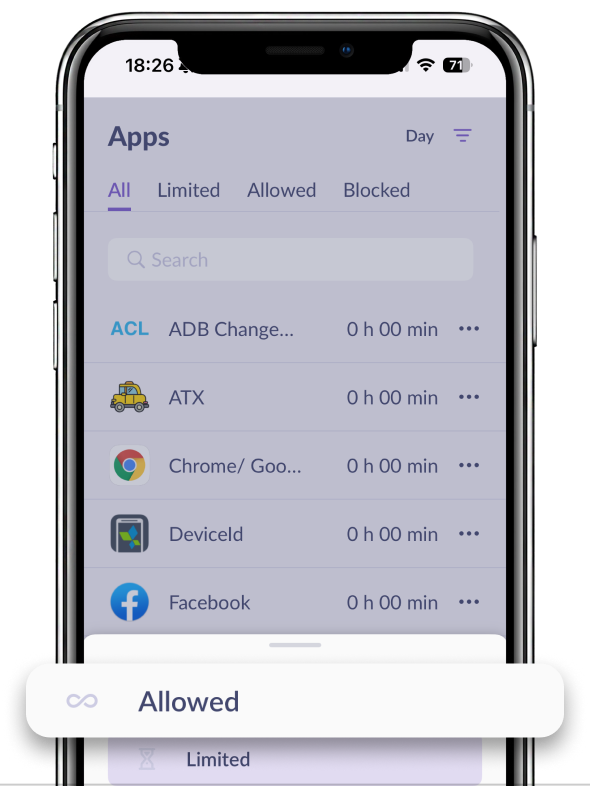
Tap the keyboard app and move it to Allowed
You can also ask your child to remove the downloaded keyboard and use the phone’s standard one.
Was it helpful?
Chat is unavailable right now. Please try again later.




