
Kids360 automatically adds new apps of video, social media and games categories into the Limited list.
Some apps may not appear automatically in the Limited. Such apps will appear in the Allowed group.
You can move them manually into the Time Management tab.
Open the Always Available tab
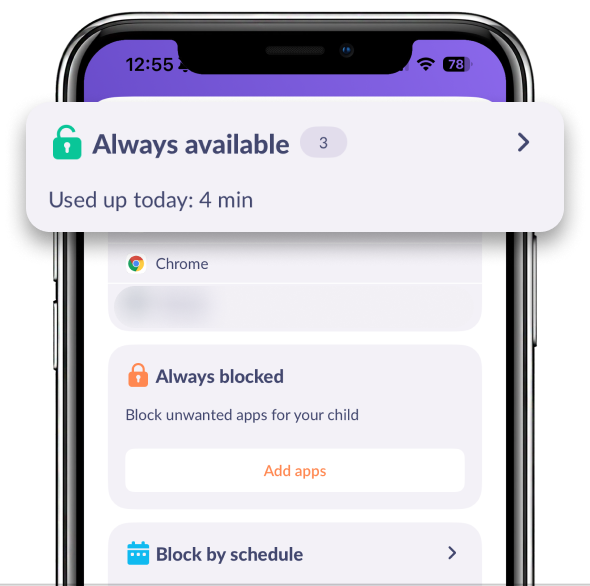
Find the app you need:
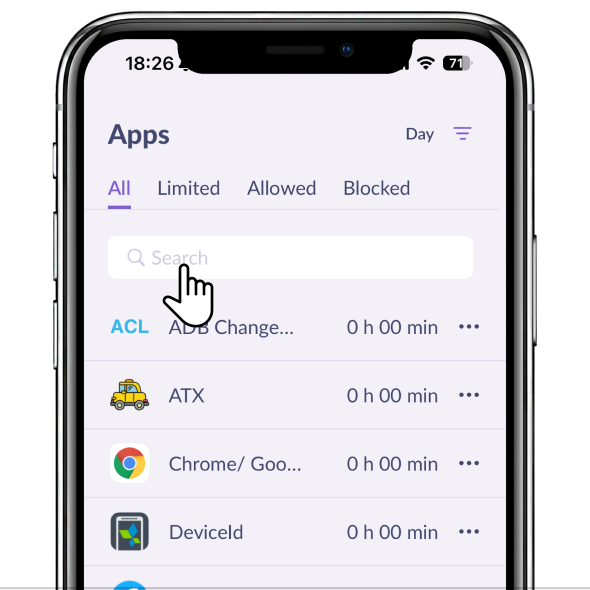
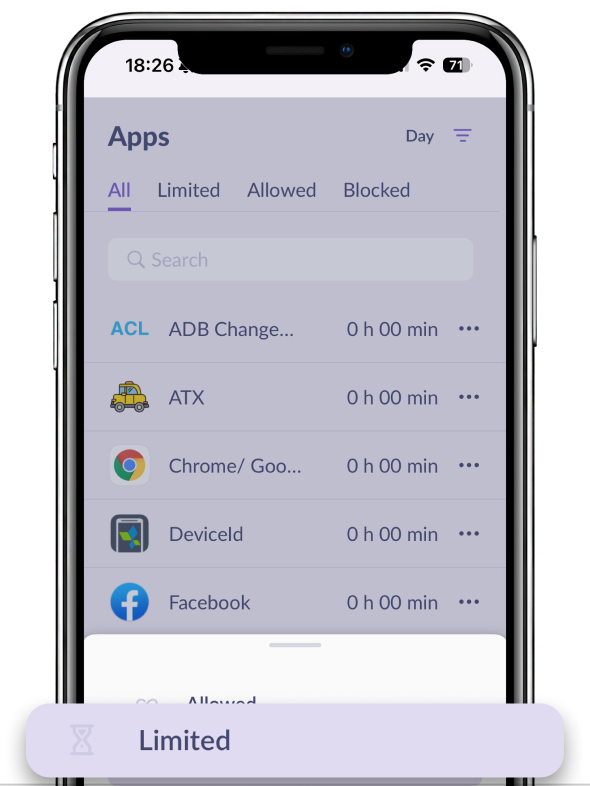
Tap the app and move it to Limited:
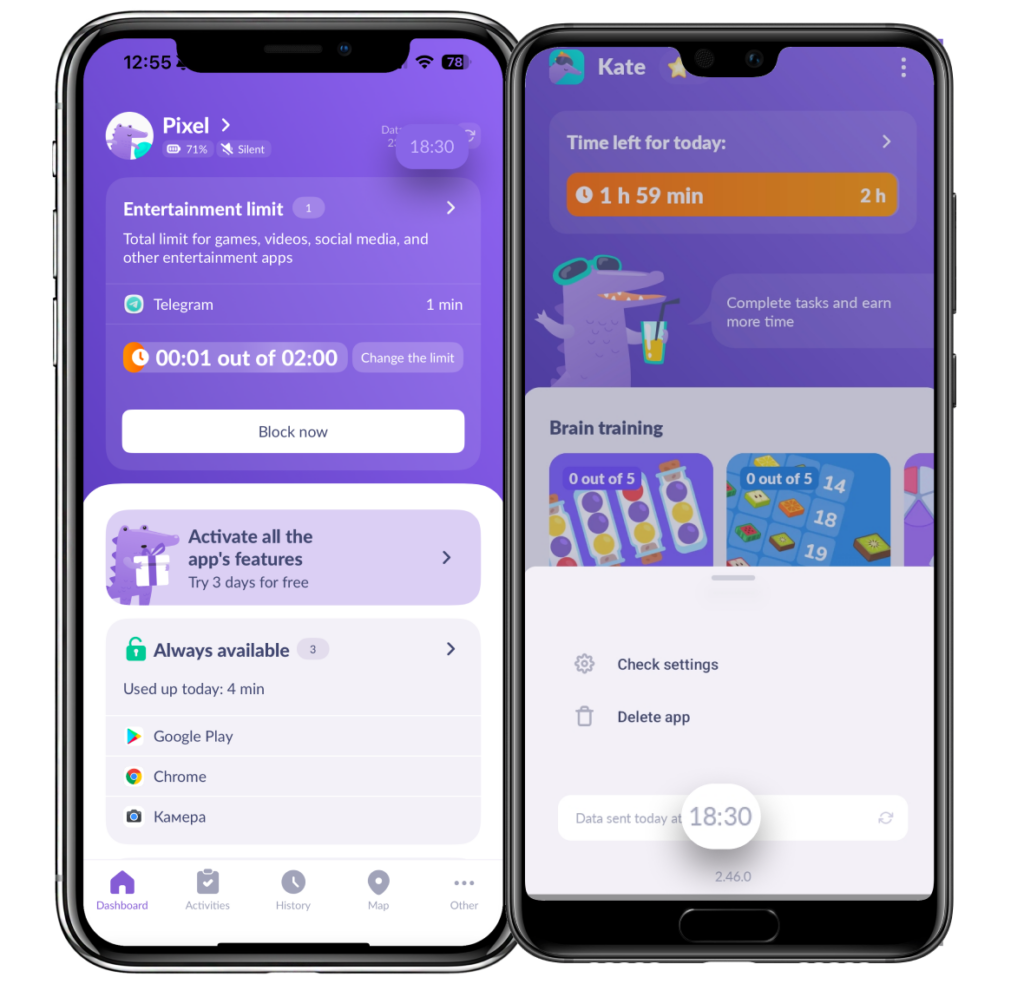
Check if the data update time matches in both the child and parent apps.
In the kid’s app, tap the dots in the upper right corner to check that
If the app doesn’t appear in any list but your child still uses it, contact us in the chat support.
Was it helpful?
Chat is unavailable right now. Please try again later.




