
Tonsignal
Ihr Kind hört sein Handy, auch wenn es auf lautlos gestellt ist. Bleiben Sie jederzeit in Verbindung
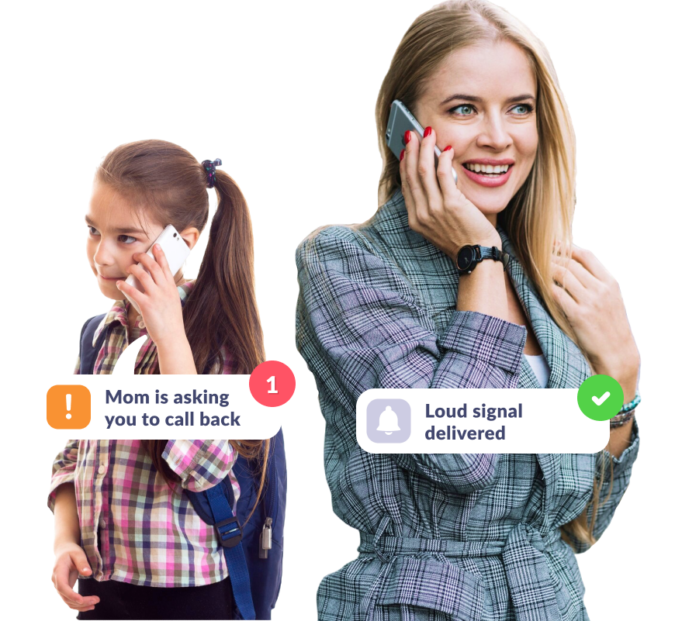
Stellen Sie sicher, dass Ihr Kind das Handy hört
Wenn sie den Lautlos-Modus vergessen haben
Das von Ihnen gesendete laute Tonignal erreicht Ihr Kind, selbst wenn das Handy auf lautlos gestellt ist
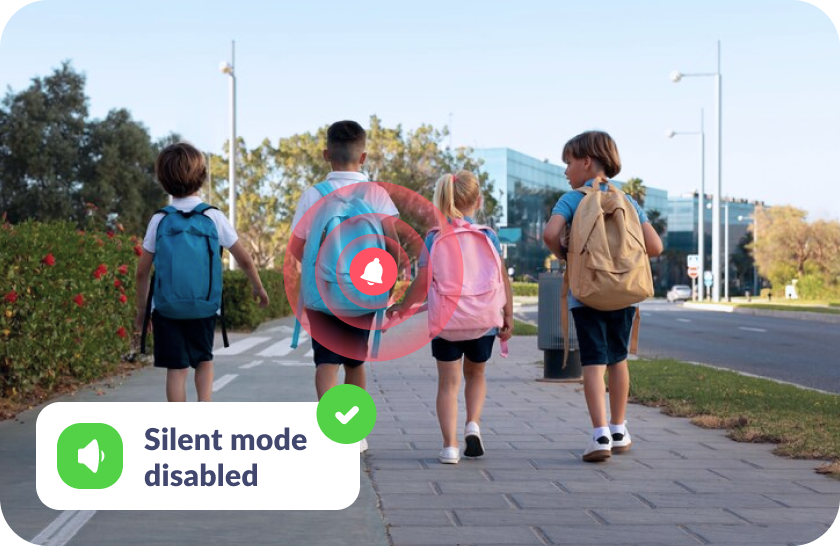
Wenn sie das Handy verlegt haben
Finden Sie das Handy ganz einfach mit dem lauten Tonsignal — zu Hause, in der Schule oder draußen
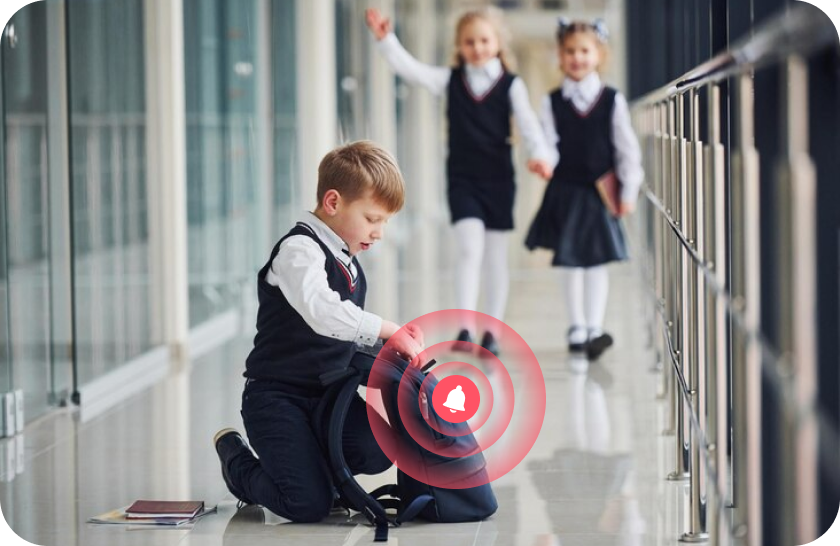
Wenn sie Ihren Anruf nicht hören
Machen Sie auf sch aufmerksam, indem der Klingelton allmählich auf maximale Lautstärke ansteigt

Kein Stress für Ihr Kind
Das Tonignal wird langsam lauter, klingt wie ein normaler Klingelton und kann einfach deaktiviert werden, wenn es beim Lernen stört
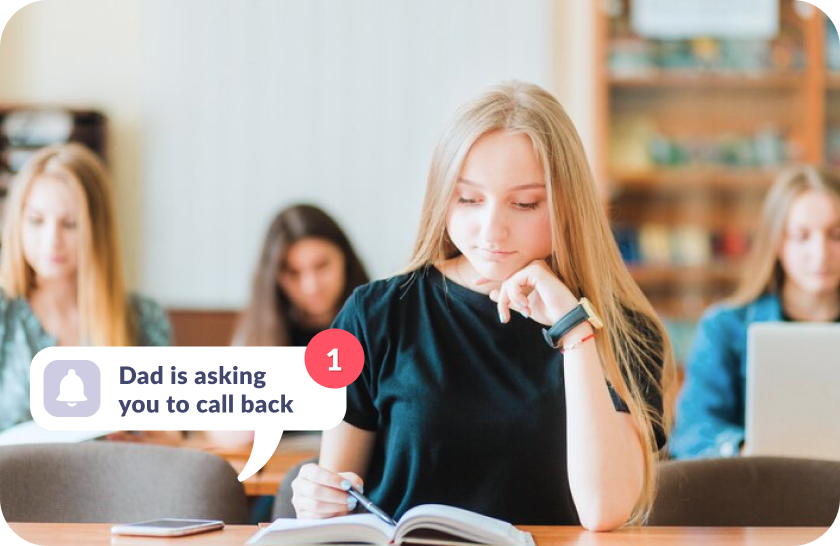
Richten Sie das Tonsignal in nur 5 Minuten ein
Einfache Einrichtung und benutzerfreundliche Oberfläche. Zugriff auf alle App-Funktionen mit nur einem Fingertipp!

Laden Sie die Kids360-App auf Ihr Handy herunter


Installieren Sie die Alli360-App auf dem Handy Ihres Kindes
Sorgen Sie für die bestmögliche Betreuung Ihres Kindes

Das sagen Eltern







6 849 832Eltern haben Kids360 bereits heruntergeladen
Häufig gestellte Fragen

With the Kids360 app, you can use the „Loud Signal“ feature to make your child’s phone ring loudly, even if it’s set to silent. This feature is ideal when you need to reach your child urgently or want to ensure they hear the notification. Simply open Kids360, select the „Loud Signal“ option, and their phone will play a loud sound to grab their attention.
Kids360 offers a convenient solution with its „Loud Signal“ feature, which allows you to make your child’s phone ring loudly even when it’s on silent mode. This feature is especially useful if your child has missed your calls or if you need to contact them in a situation where they might not hear their phone otherwise. Just activate the „Loud Signal“ in Kids360, and the phone will sound, overriding the silent mode.
The frequency of calls is a personal choice and may depend on each family’s needs. Kids360, however, provides helpful features that allow you to check your child’s activity and ensure their safety without frequent calls. Features like location tracking and app usage monitoring mean that parents can stay informed without needing to call constantly. For urgent situations, you can always use the „Loud Signal“ feature to reach your child immediately.
With Kids360, you can „ping“ your child’s phone using the „Loud Signal“ feature. This sends a loud sound to their device, even if it’s on silent, helping you get their attention when needed. Open the Kids360 app, select the „Loud Signal,“ and the phone will emit a loud tone, ensuring your child notices the alert.
Kids360’s „Loud Signal“ feature is designed to send a loud alert to your child’s phone when you need to reach them urgently. By activating this feature in Kids360, you can make their phone ring loudly, even if it’s on silent mode. This is particularly useful in scenarios where a regular call might go unnoticed.



