
Señal acústica fuerte
Tu hijo podrá oír sonar su móvil aunque esté en silencio. Manteneos conectados en todo momento
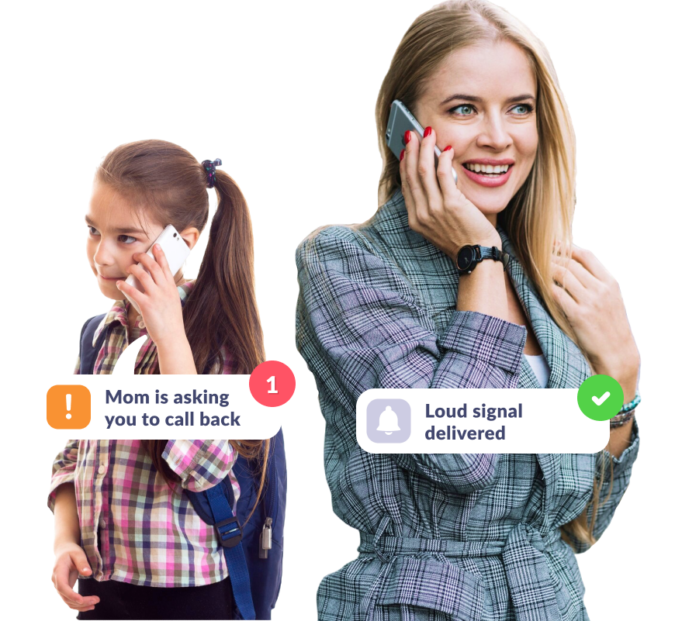
Asegúrate de que tu hijo oye el móvil
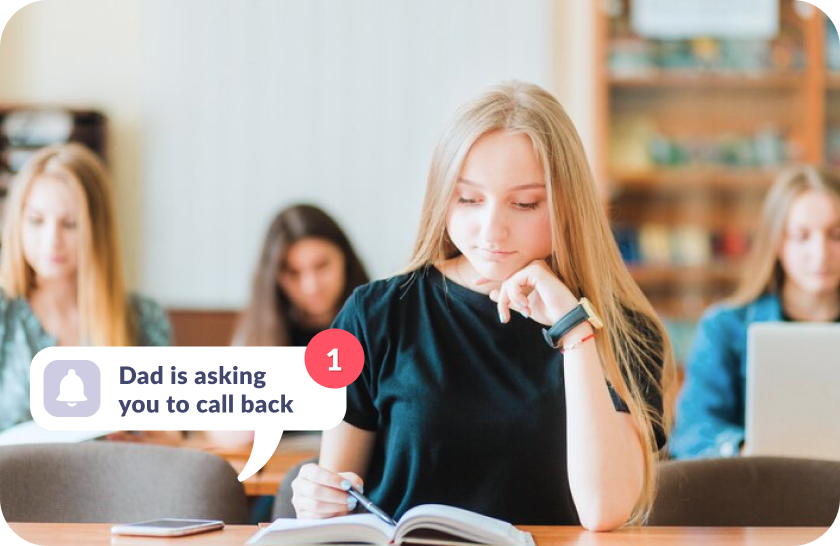
Si se olvida de desactivar el modo silencioso
La señal acústica fuerte que envíes llegará a tu hijo aunque tenga el teléfono en silencio
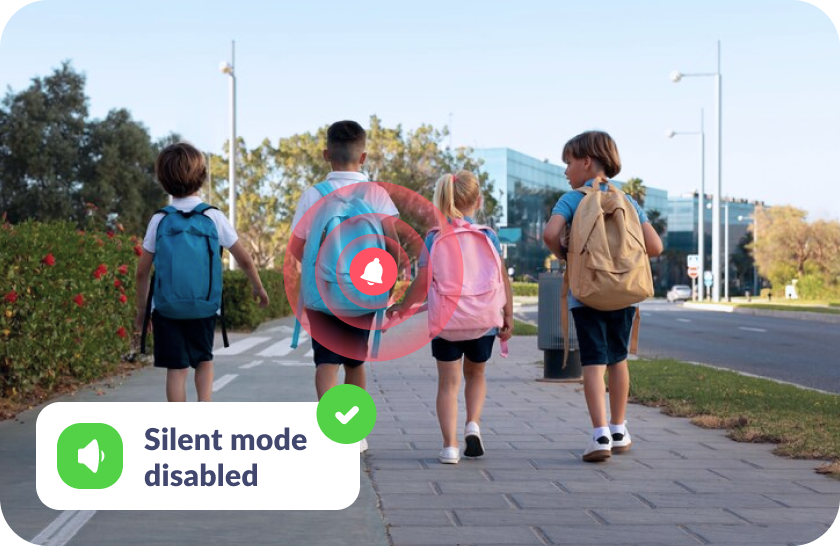
Si ha extraviado el móvil
Localiza fácilmente su móvil con un sonido fuerte, ya sea en casa, en el colegio o en el exterior
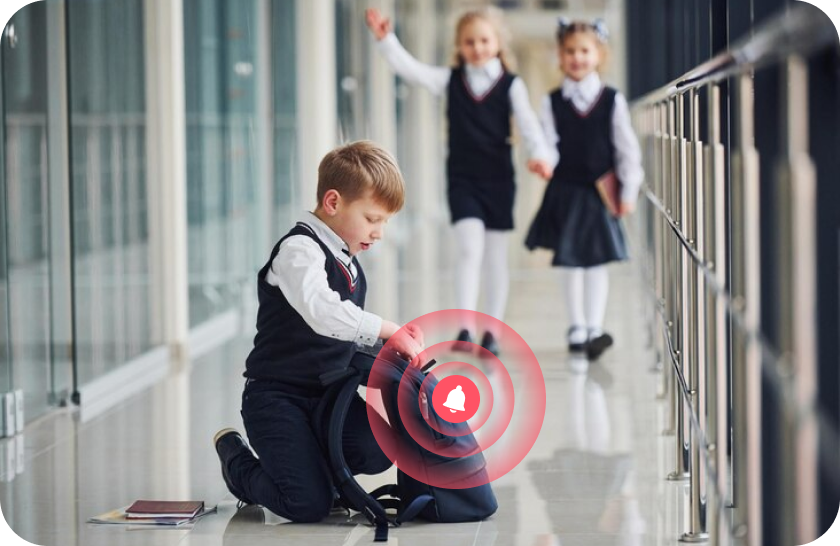
Si no oye tu llamada
Capta su atención mientras el tono de llamada aumenta gradualmente hasta alcanzar el volumen máximo
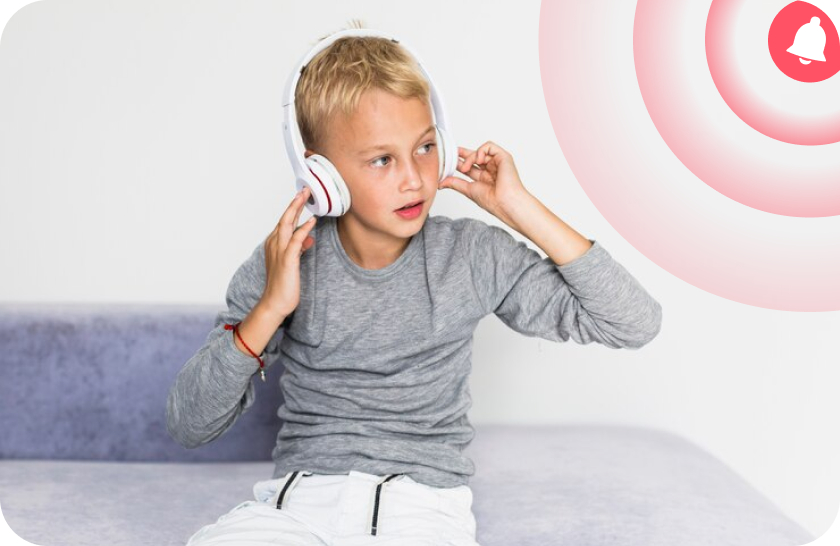
Sin estrés para tu hijo
La señal aumenta suavemente, sonando como un tono de llamada normal, y se puede desactivar fácilmente si está en clase
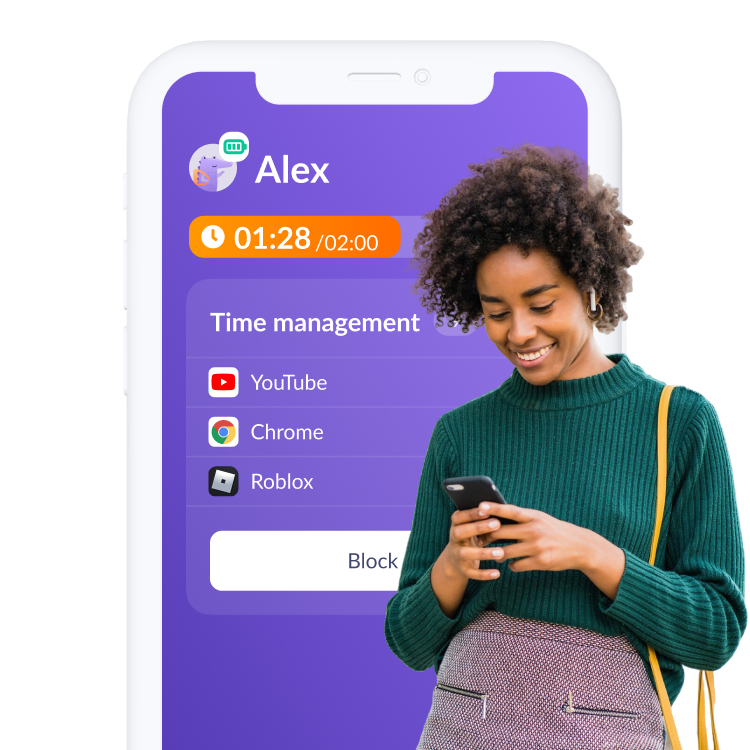
Configura las estadísticas de uso de aplicaciones en solo 5 minutos
Configuración sencilla e interfaz fácil de usar. ¡Accede a cualquier función de la aplicación con solo 1 toque!

Descarga la aplicación Kids360 en tu móvil


Instala la aplicación Alli360 en el móvil de tu hijo
Rodea a tu hijo de cuidados

Lo que dicen los padres y madres







6 770 774padres y madres ya han descargado
Preguntas Frecuentes

With the Kids360 app, you can use the «Loud Signal» feature to make your child’s phone ring loudly, even if it’s set to silent. This feature is ideal when you need to reach your child urgently or want to ensure they hear the notification. Simply open Kids360, select the «Loud Signal» option, and their phone will play a loud sound to grab their attention.
Kids360 offers a convenient solution with its «Loud Signal» feature, which allows you to make your child’s phone ring loudly even when it’s on silent mode. This feature is especially useful if your child has missed your calls or if you need to contact them in a situation where they might not hear their phone otherwise. Just activate the «Loud Signal» in Kids360, and the phone will sound, overriding the silent mode.
The frequency of calls is a personal choice and may depend on each family’s needs. Kids360, however, provides helpful features that allow you to check your child’s activity and ensure their safety without frequent calls. Features like location tracking and app usage monitoring mean that parents can stay informed without needing to call constantly. For urgent situations, you can always use the «Loud Signal» feature to reach your child immediately.
With Kids360, you can «ping» your child’s phone using the «Loud Signal» feature. This sends a loud sound to their device, even if it’s on silent, helping you get their attention when needed. Open the Kids360 app, select the «Loud Signal,» and the phone will emit a loud tone, ensuring your child notices the alert.
Kids360’s «Loud Signal» feature is designed to send a loud alert to your child’s phone when you need to reach them urgently. By activating this feature in Kids360, you can make their phone ring loudly, even if it’s on silent mode. This is particularly useful in scenarios where a regular call might go unnoticed.



